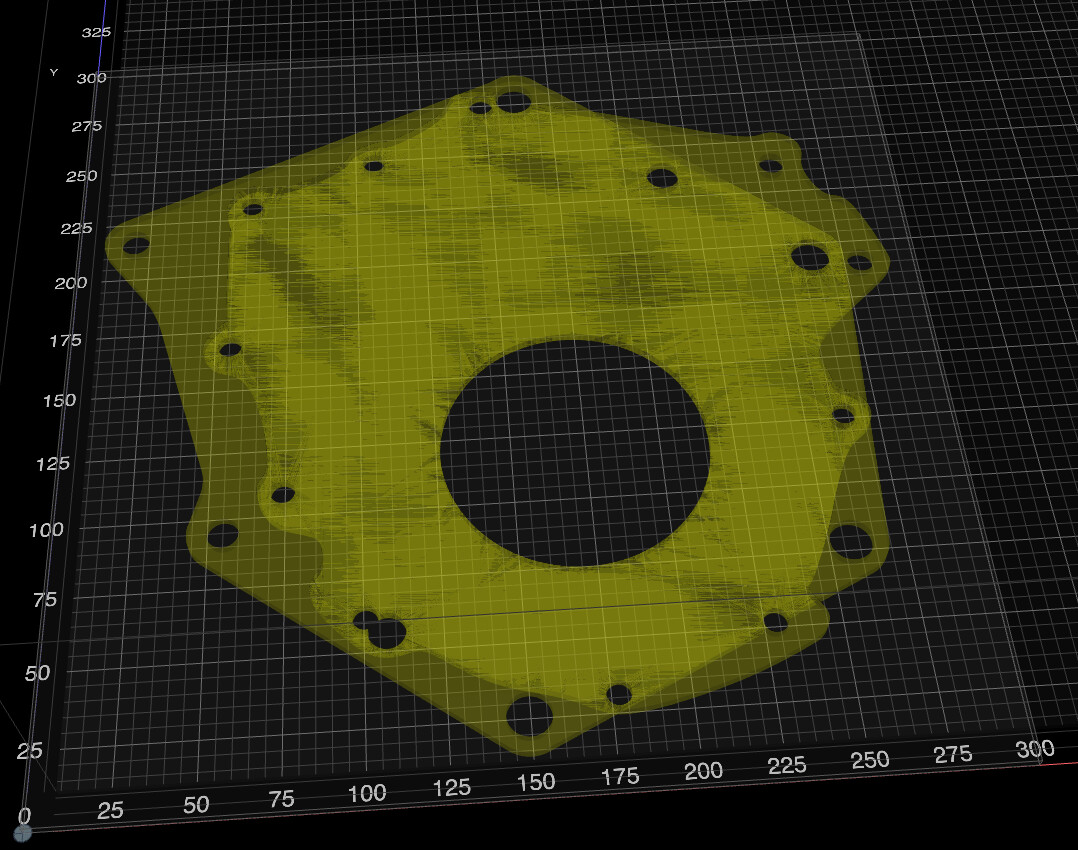
I click on my assembly to import to Kiri:Moto and it churns for a few seconds and then shows me a blank workspace. My stock size is greater than the size of the part in question.
I have previously successfully sliced/cut other parts using this workflow so I feel like there’s something specifically wrong with my assembly.
I’d appreciate any thoughts people might have.
Here’s a link to the OnShape model (such as it is). Onshape
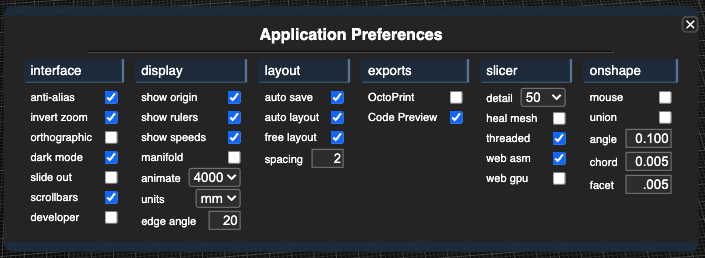
this is probably bad error reporting. I do not have permissions to open that onshape doc, but with the very small chord and facet #s it’s probably producing a huge mesh (over 75M which is the limit). and when that happens, it returns null data.
oh I think because when I generated the link I was in the Kiri:Moto tab. If you click on the “Adapter” tab at the bottom it should work. Sorry. I just tried it in an incognito window and that worked.
Alternatively, here’s another one that should ‘just work’. Onshape
I had larger values in those fields earlier but when I found the other thread, I set them to the numbers recommended in that thread and when it still didn’t work, I posted my question.
I’ve just tried a few different values but I still can’t get the assembly to import.
On a lark, I exported an STL file of the assembly from Onshape and imported it to Kiri:Moto in a browser tab. In that case, I can see my assembly though it’s shaded, when I slice it, it flashes red briefly, when I preview, it becomes greyed out, and then when I Animate, I just see a blue block the size of my Stock.
I feel like there’s something wrong with my assembly and not Kiri:Moto. Since I’m a new user it won’t let me upload an Attachment.
the bug that prevented loading assemblies has been fixed in production. the remaining issue is that your assembly has two overlapping parts that are not booleaned properly (that’s the ghosting you see). unless you do that, it’s hit or miss if Kiri will process them properly.
fixing this in Onshape requires your to create a “derived” part studio from the assembly where you perform the boolean and create a clean, manifold part.