I just joined group, thanks.
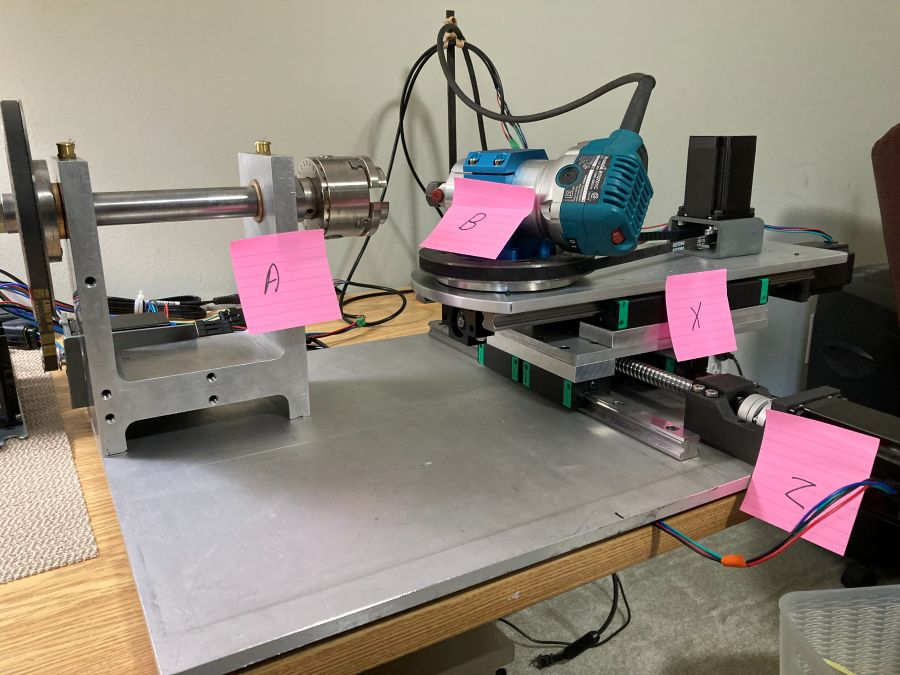
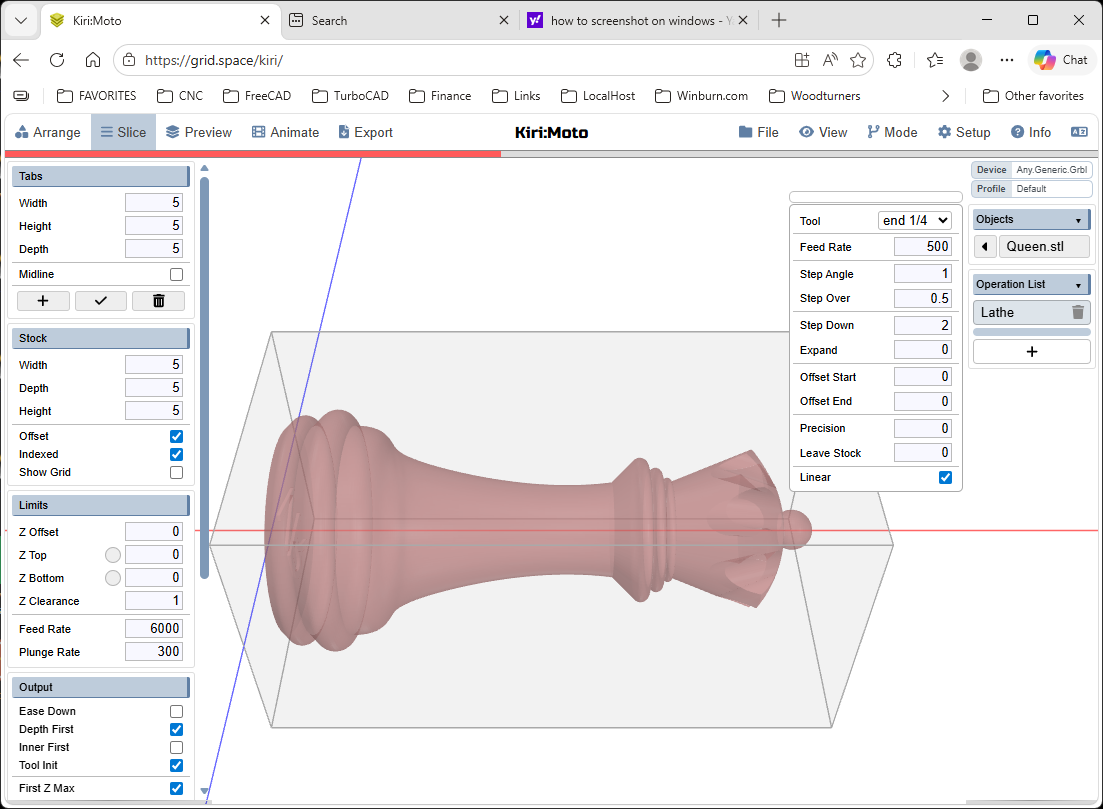
I have a new home built 4 axis machine, X, Z, A, B. I’m trying to create gcode to rotate A axis as Z (router) cuts the piece as X moves across, (lathe operation?). Something like a chess piece, B will not be use in this operation.
Not sure what steps and what order for roughing then finishing.
Thanks,
Dale Winburn
I have a 4 axis machine I use a lot, but I stil use the Y axis for details in the lathe…
I have X, Y, Z and A for the lathe, I don’t know what the B would be (normally I guess for the 5th axis).
You should start with indexing on, then you get a center origin in your stock and you can rotate your stock.
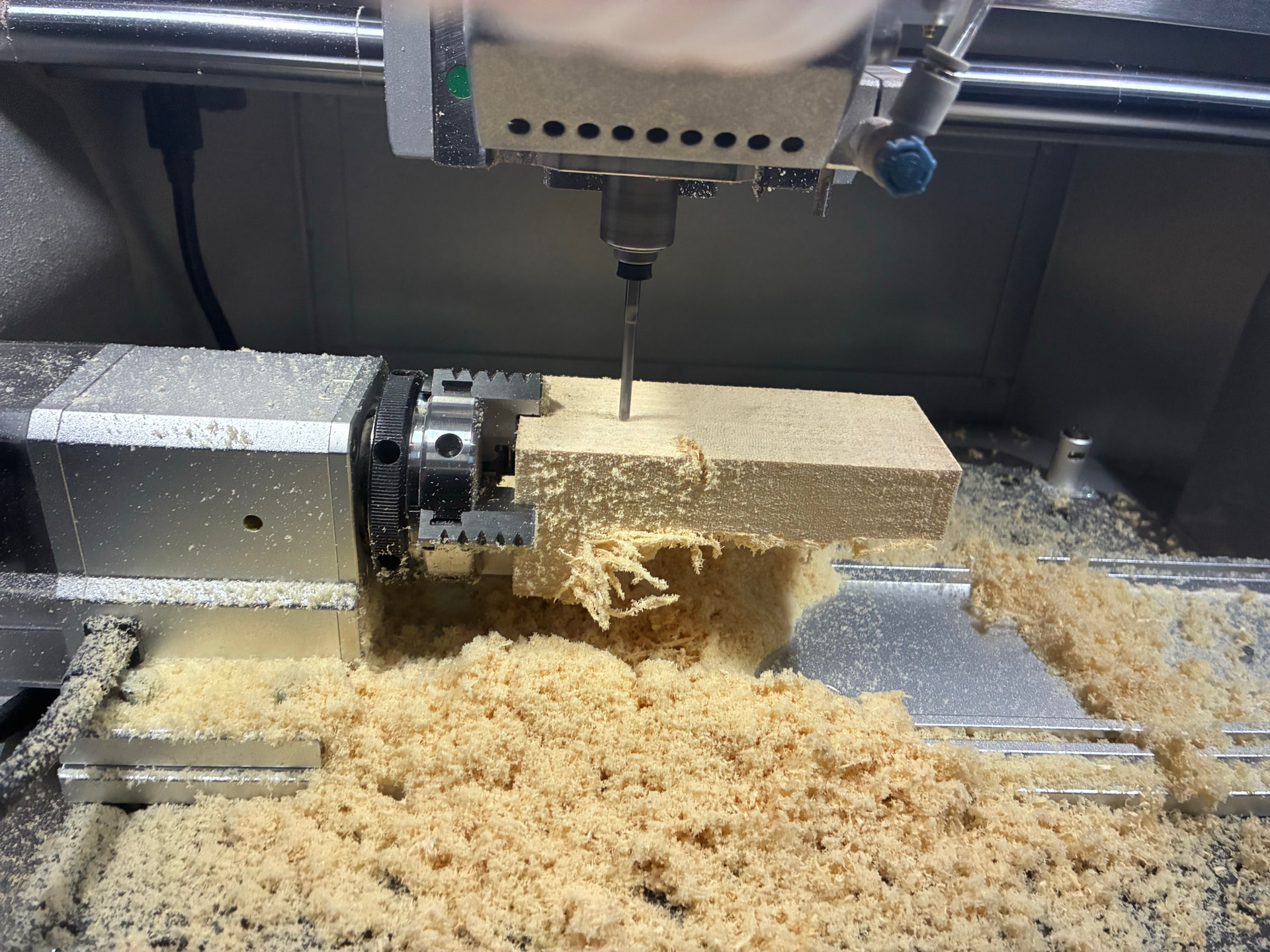
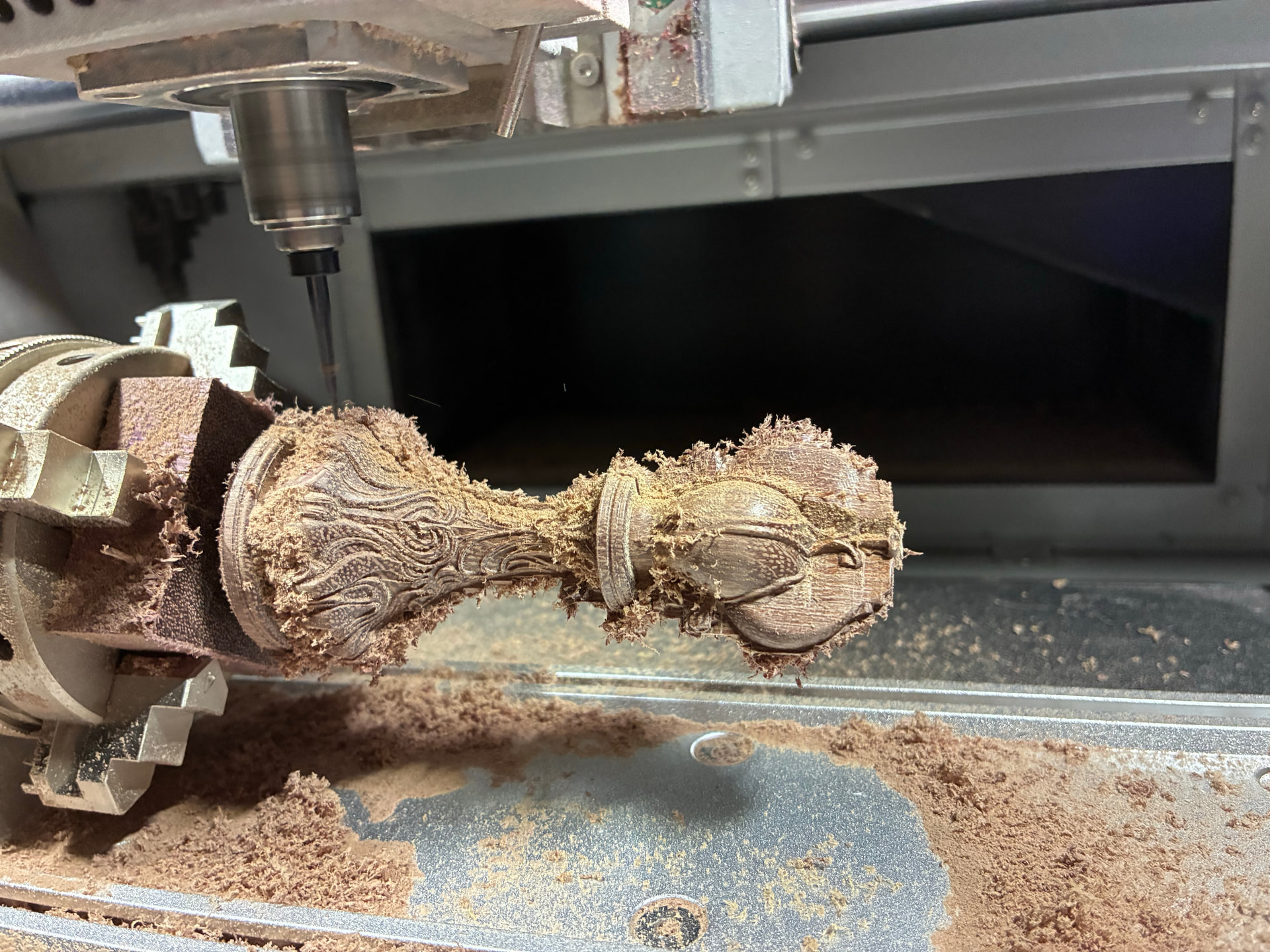
start with 2 roughing passes on the 0 and 180 degree roation, then choose a small bit and do your detail with the lathe operation, that fixes the Y and uses X and Z to move, A to rotate (I think that is wat you mean). You should use your cutting direction with the grain of the wood.
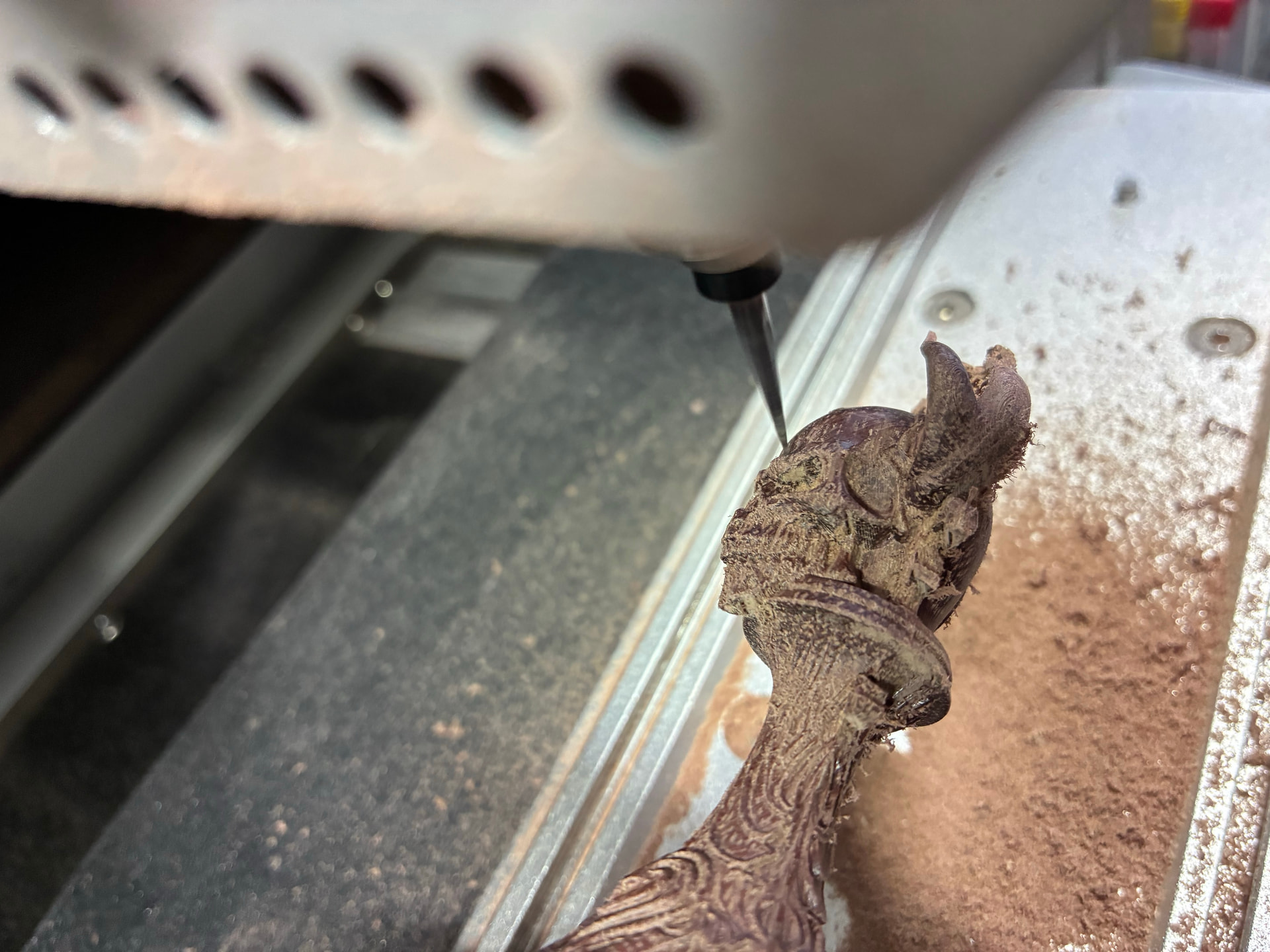
After that I used the Area operation at every 20 degrees to make the pockets more detailed I do a X-Y pass at every 20 degrees of rotating to get underneith some stock that was impossible to reach with the lathe operation. I used the Area - Surface operation for that.
example of roughing phase.
Example of lathe phase
Example of area - surface phase
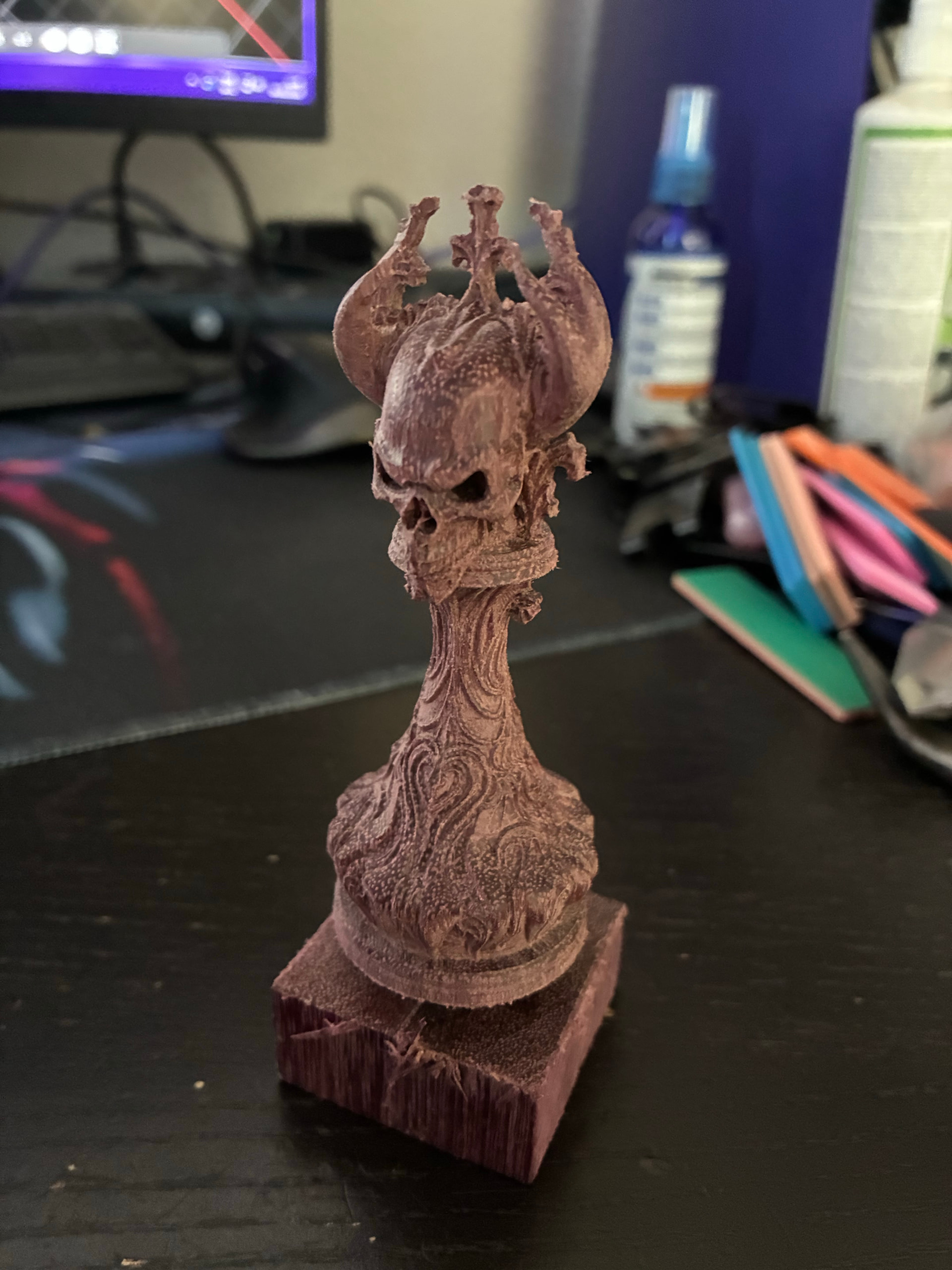
End result
Wow, that’s beautiful. Thanks for the reply.
My system is based on Paul Paukstelis Lathe Engraver, LatheEngraver – Transpiration Turning everything works well with his software.
Now I’m trying to turn something like a chess piece, like your piece. Because I have no Y axis I can’t do your roughing step, I think I can only do the Lathe mode, but I can’t get just the lathe mode to work.
Just got the system working this week so still playing with it, setup in my office now, haven’t cut any wood yet.
Thanks,
Dale
Hmmm, that looks more like a conventional lathe…
yours is just put flat compared with mine… your A, X and Z are the same as mine, bu tyou have an extra B rotating the tool, but missing a Y.
With the Makera CAM software you can do lathe operation with 2 bits doing about what you want to do, the Y was disabled then but gives a lot less opertunaties for detail.Just like you want… so you want a lathe based roughing pass and lathe based detail pass.
That would also be nice with round stock, but Kiri:Moto hast round stock not implemented yet, I think.
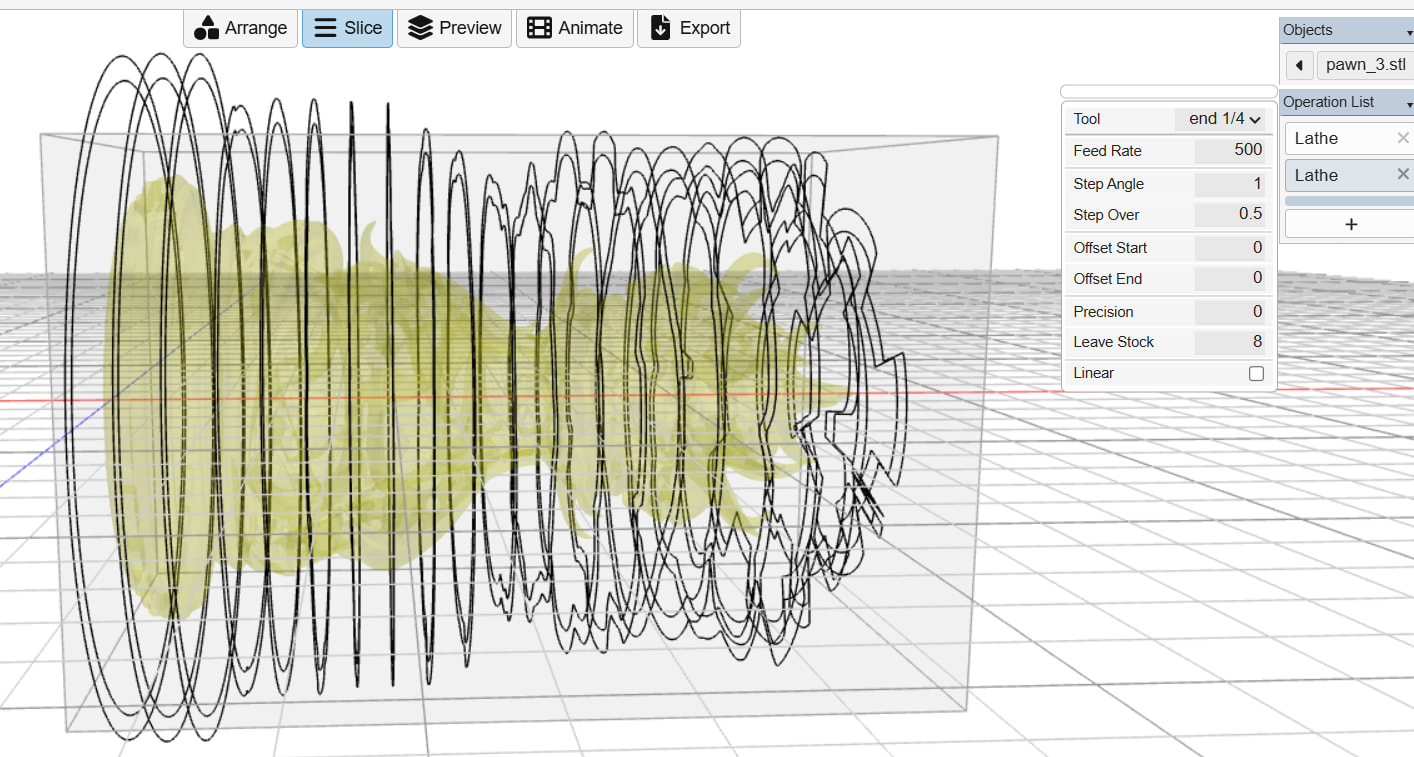
Kiri:Moto does not have a lathe-roughing option, but I think you can work around it with a few lathe processes, leaving stock for the step down you want to do… it’s a bit more work, but could work:
I made 2 lathe ops, 1 leaving 10mm stock, other leaving 8mm stock effectively that’s a 2mm step down…
you can do that until you are at like 0.2 mm stock left and then you change bit for a 0mm left stock detail pass with a small bit.
Be carefull you start wide enough… for me the top would be too deep.. my stock is 40 mm block, so I would start with half of that - safe step down… so I would start with something like 19 or 18 mm to be safe.
Also, at my work I have access to polyuritane blocks called Sikablock, it’s pretty expensive, I collect de waste parts to do some tests first, I would recommend starting with something like Sikablock, a homogenius stock that is pretty soft that when you go in too deep you are not breaking things… it does give a lot of small static chips I suspect that could be hell to clean with your setup 
Kiri 4.6.3 has a step down option in lathe which might allow you to skip roughing. The default is 0 which is the default behavior of a finishing pass
Thanks, I’ll keep working with it and see how it goes.
Hi Dale,
If you come to the LatheEngraver Zoom meeting on Friday I can run through the steps that I’ve used. It does look like Stewart has done some updating since I last used it so I will have a look at how things have changed in 4.6.3.
Hi Paul, I plan on attending, I have my system running with the Lathe Engraver/Rose Engine software. See you Friday.
Oh nice, then we can start using round stock 
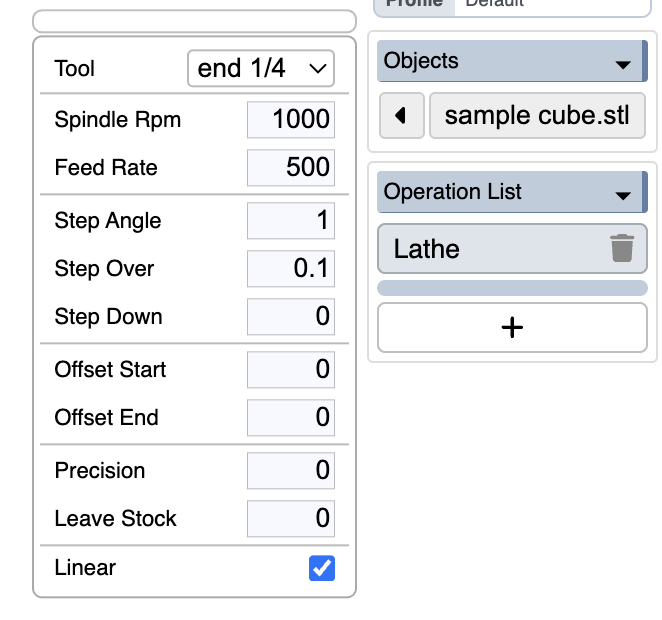
@stewart , is the Spindle RPM in your screenshot a developmental feature? I don’t see it in 4.6.3. The other question is which Spindle is that referring to. For more dedicated lathe machines, having movements in inverse time would be useful.
The other thing that I think I mentioned on the Discord is that the small Z-axis movements from STL resolution lead to long run times in non-linear mode because the controller has to to deal with those accelerations. I started looking at the source, but it is still pretty hard for me to follow. I was thinking that it might be possible to do a “check” if the Z moves more than some threshold (assignable?) over the full 360 degrees, then you would split the moves up. Otherwise it would save a lot of lines in the gcode to just do a G94 G1 Z-1.0 A360 FXXXX if the Z only varies 0.02 mm over those 360 dgrees.
if your device has a max spindle rpm set (instead of 0) then it activates spindle rpm for each operation
can you send a workspace that tickles the small z movements?
Thanks guys for your input, I can now create g-code with the Kiri:Moto Lathe operation, both linear and rotational. Runs ok on my system, still not cutting wood but it works. Still need to work on feed rates, step over and other settings.
Thanks again.
1 Like
@stewart I don’t see the Step Down option in my lathe operation, do I need to check some other option to get the Step Down option to show?
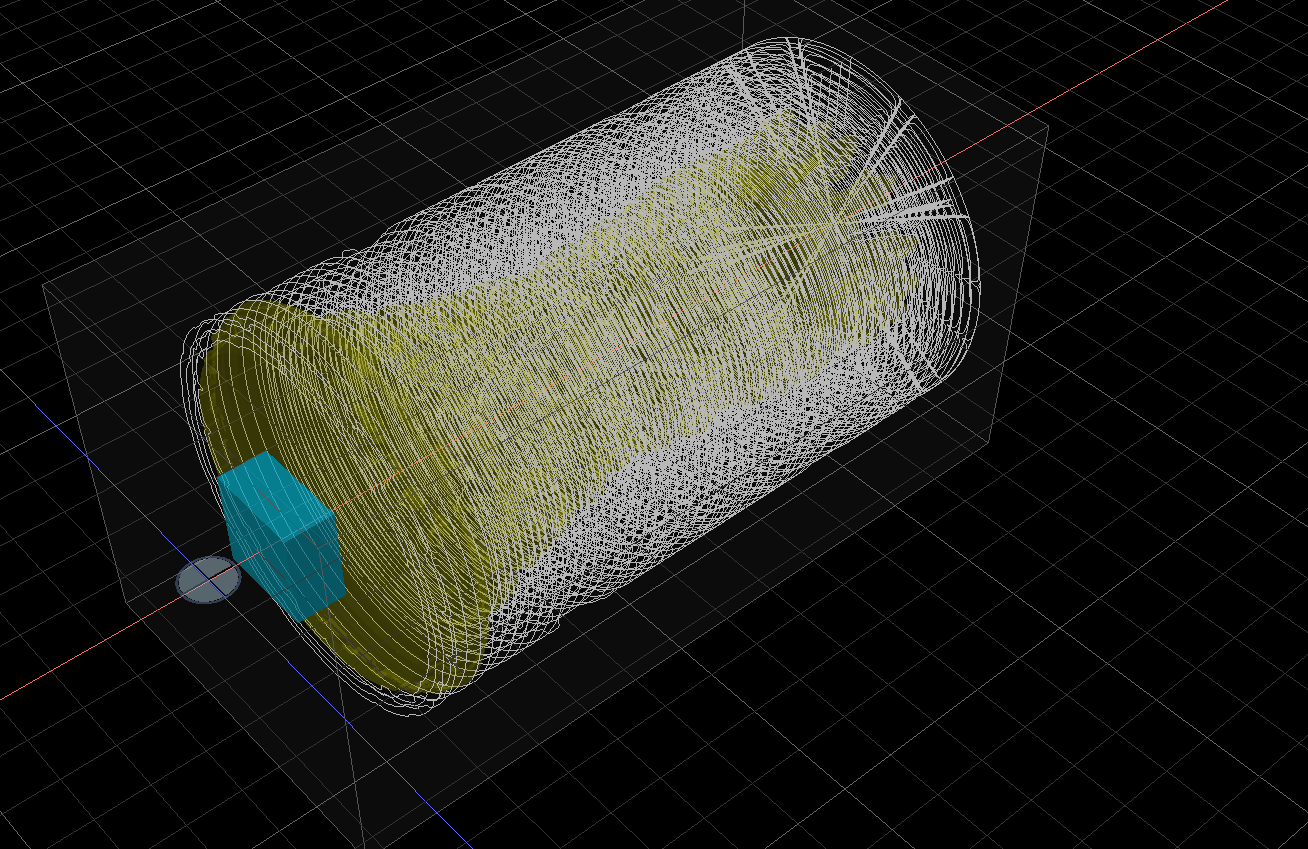
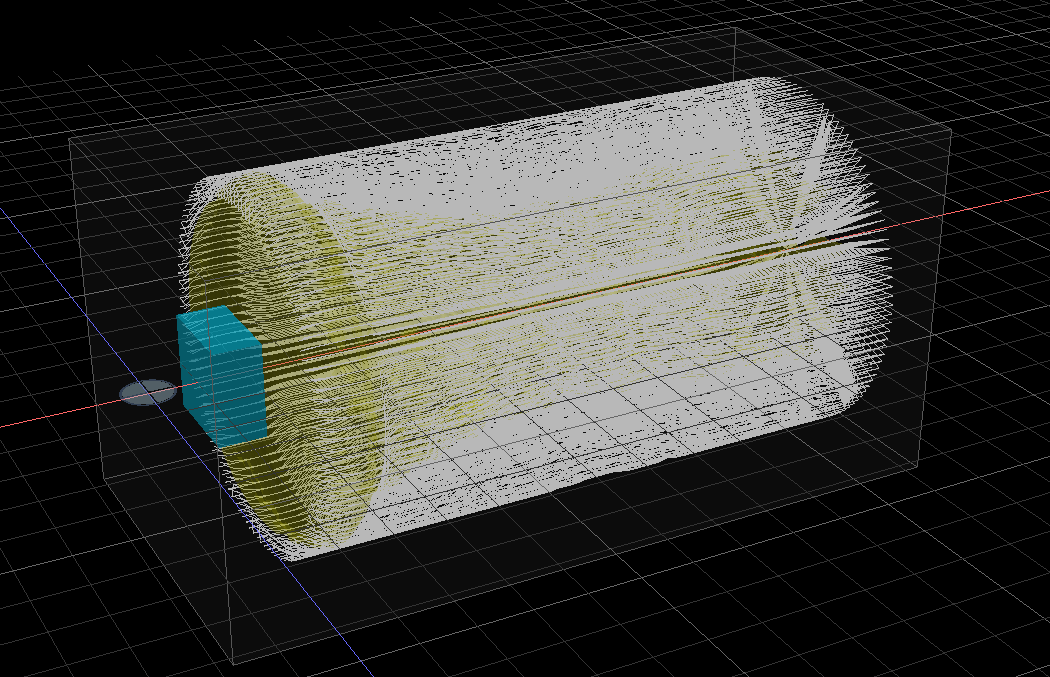
Also, when I setup two Lathe operations then slice the project, one set of slices are shown 90 degrees offset for the other set of slices.
My version does show 4.6.3.
Thanks
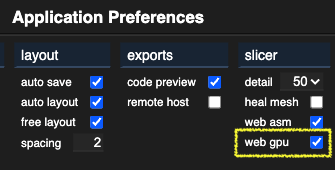
I forgot that it’s only available when web gpu is enabled. different code path.
I turned on web gpu, now when I slice, the red progress bar goes about 50% then hangs, left it maybe 30 minutes, nothing else happens. Same with Edge, Google Chrome and Firefox.
mine works fine, I didn’t do linear though, roughing on the lathe should be by turning I think.
I uses a 1/8" bit, 0.4 stepover, angle 1, step down 1. it was done in about 1 minute (my GPU was at 100% during that time). I’m using Brave browser.
I tried linear but that is way to detailed for a roughing pass, changed the angle to 3 degrees and then it looks better.
It looks to me that when you do linear the step-over isn’t used and when you do the non-linear the angle isn’t used.
@dwinburn running on linux?
I tried it both ways, same thing happens. I also tried three different browsers.
Just downloaded and tried brave browser, same thing happens, this time I tried the lathe rotary operation.
In one of your posts above, you show two consecutive lathe operations, sliced correctly. When I do two consecutive lathe operations and slice it one slice is upset 90° from the other slice.
I’ve got something possibly not set up correctly, not sure what.
Windows 11 on a fairly new Dell PC. Pretty fast Internet, no problems with YouTube, zoom or other Internet operations.