it was introduced in 4.5 when rough and outline operations became wrappers around the area operator.
Oh, then it’s very recent. I like hunting bugs 
I found a, for me little, but potentially huge bug in the area path:
I’ve exported it in parts, when I start a part that starts with an area operation it goes really fast, speed 1000 that’s the default of my CNC machine, and when it does it’s first Z-retract and plunge the speed changes to the settings I’ve set in Kiri:Moto (plunge 200, feed 500).
So the speeds are not set at the start of the area operation.
For me it’s good news, as the piece comes still out perfect I found out I can go faster and save some milling hours
I have another thing that may be by design, but it was strange for me and took me a while to figure out:
When I place a tab in indexed mode it follows the Z-Bottom setting and not the 0 line I would expect, I figured out that when I set Z-Bottom to 0 I can place the tab and it stays there when I change the Z-Bottom again.
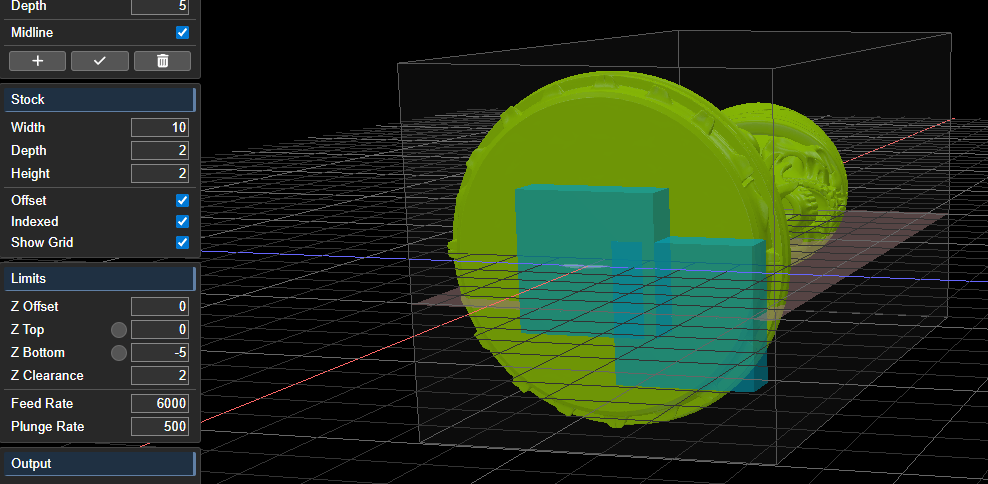
If that’s by design, it’s ok, but I could also be that it was not your initial intention…
another small thing:
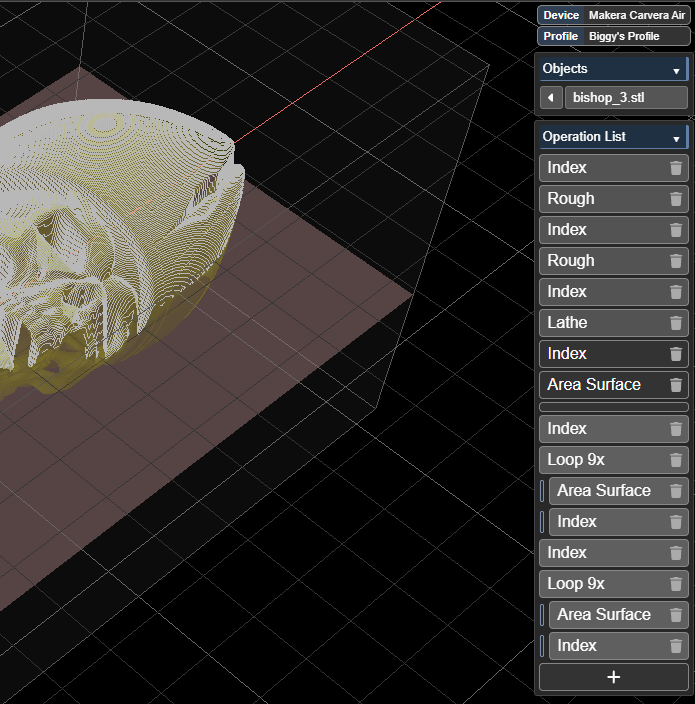
I’ve made a little tester for the area to check the path for every orientation serparate, but when I slice I see it’s ready (in the statusbar) but It’s not ending the slice, when I press ESC and aport the slice I get to see the toolpath.
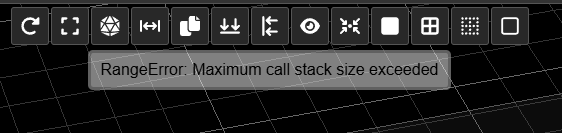
When I try to lathe I get an error on the dev 4.6 server:
RangeError: Maximum call stack size exceeded
the tab behavior is on purpose to give you more degrees of tab placement freedom without a new UI element. i can’t reproduce the other two bugs. please send a workspace to demonstrate. thanks
I sent you a workspace, the issue with the ESC is not anymore, maybe you solved it already
1 Like
cool model! this has been fixed on the dev server.
thanks and thanks
It’s processing now but in mind of my neighbours I can’t start roughing at this hour, I think I’ll start it tomorrow after work.
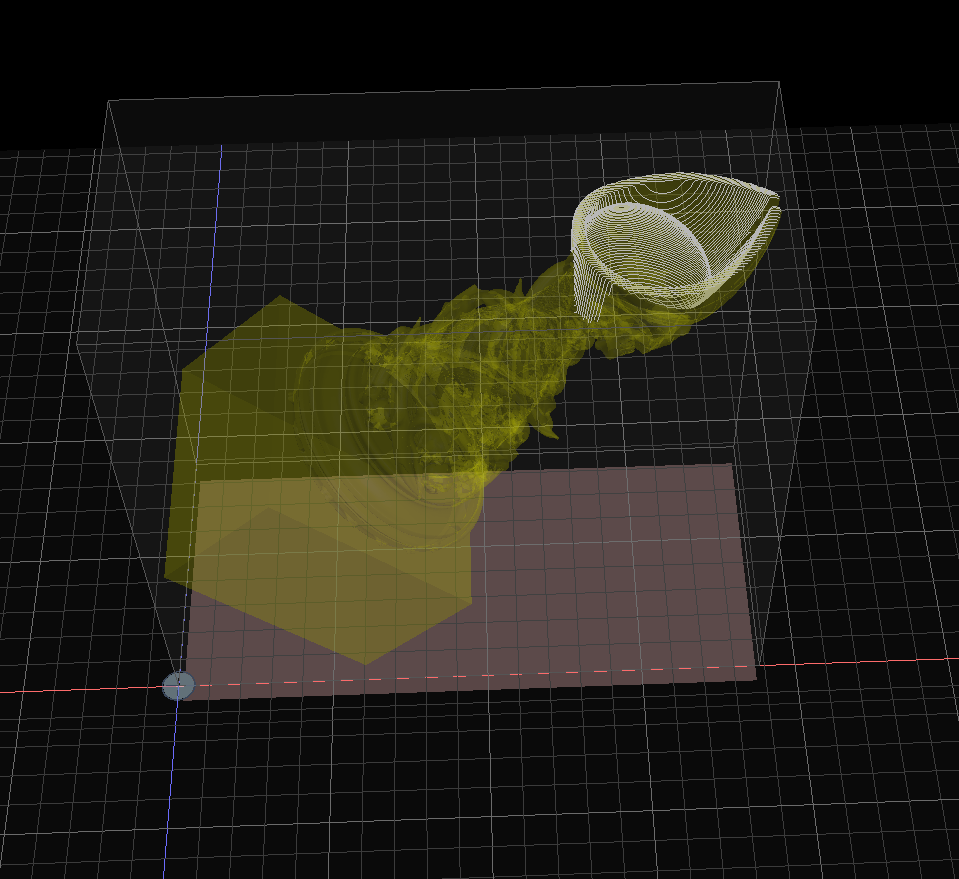
This model is a bit tricky on top, so I made a 45 degree rig to finish the head:
looks like this and mounts to anchor 2:
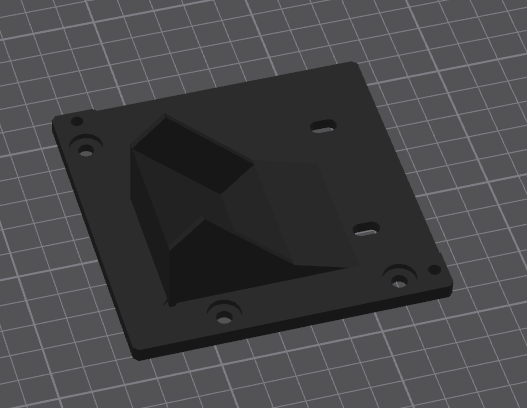
and the toolpath is this:
1 Like
I was imagining something like this. can’t wait to see the results!
I made an absolutely flawless horse with the new 4.6 toolpath. I baked it and finished it with oil.
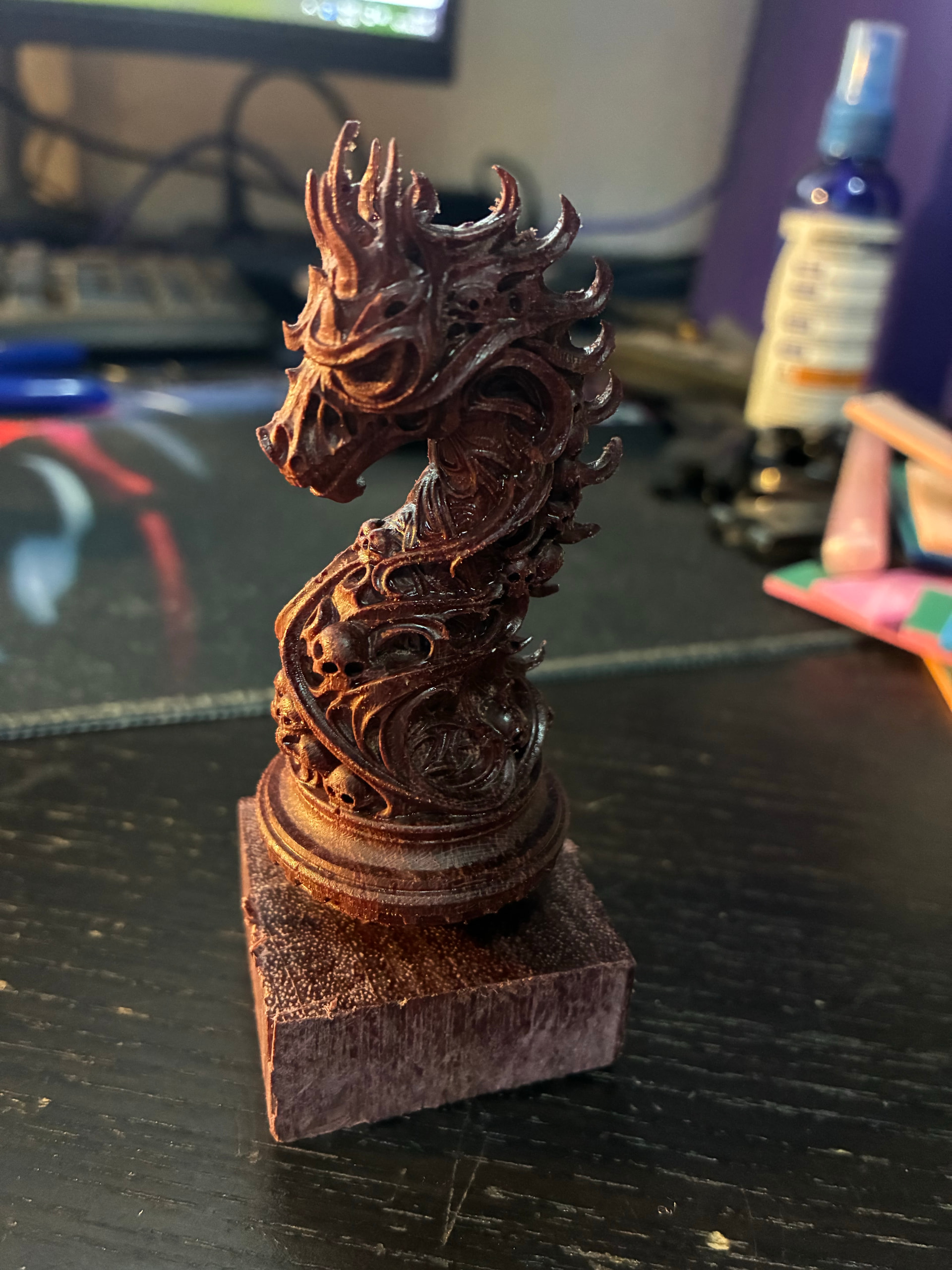
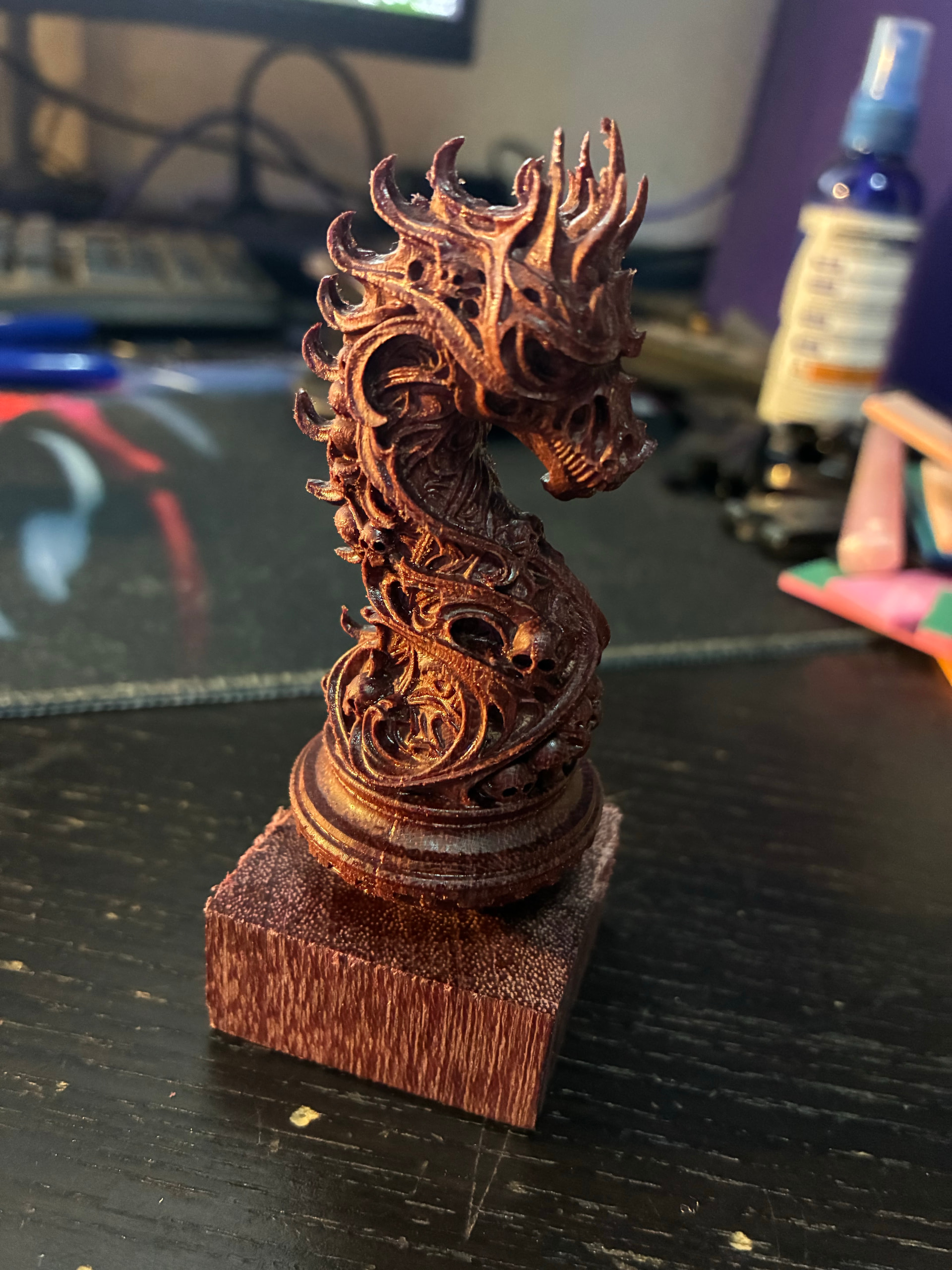
It’s hard to get the right color in the picture, it’s dark reddish purple, it looks brown in the pictures…
1 Like
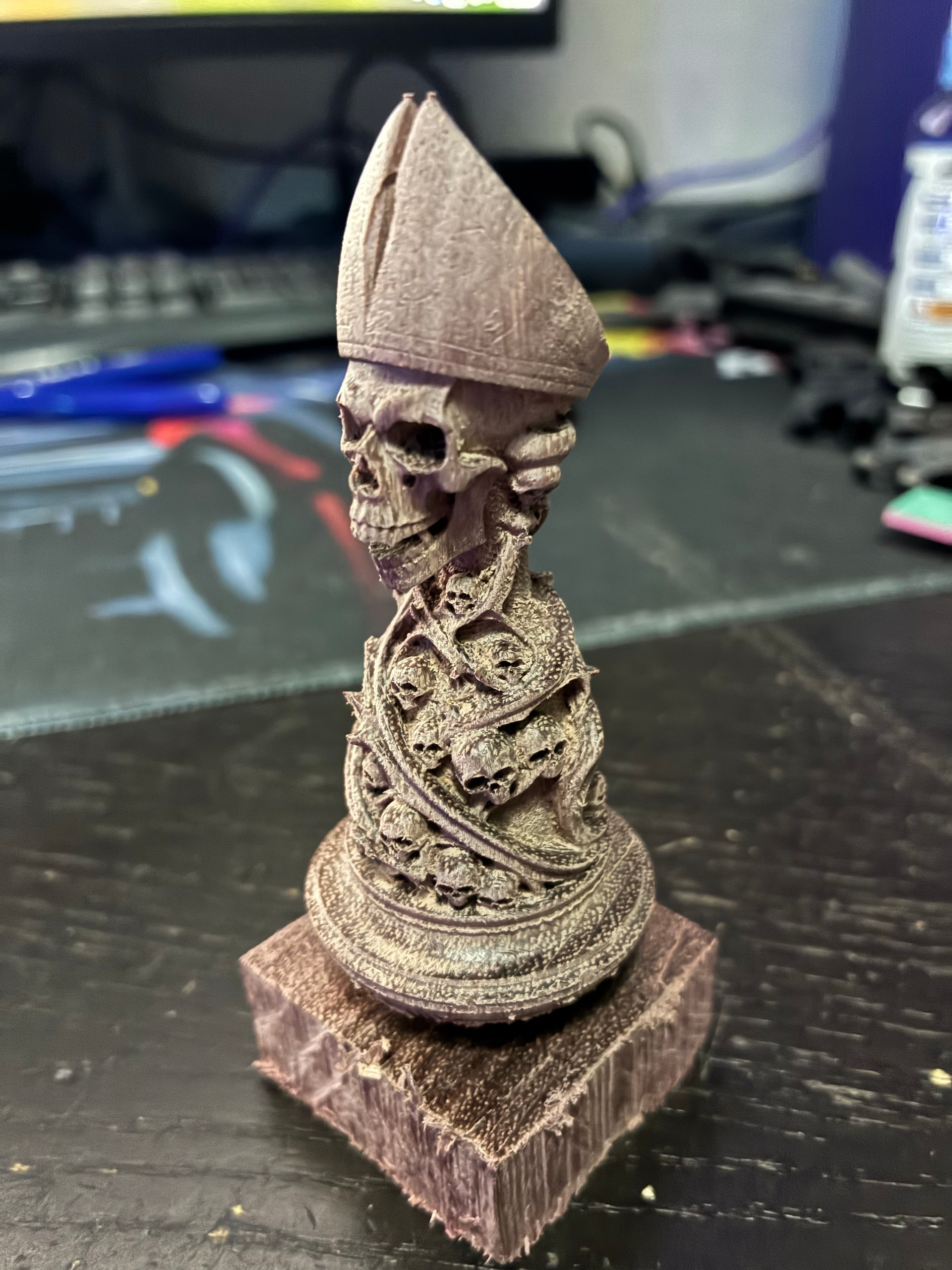
The bishop is ready, hot off the CNC and I’m amazed how good a job the Kiri:Moto ball-nose algorythm did (and you, Stewart!) There is no need for the 45 degree rig, the top has a bit too much stock left accoring to the model, but it’s in such a nook nobody will ever notice it, and I think I’ll do more damage by trying to get it out, the round head is just perfect, also the hat is just perfect, it’s totally perfect (and fast too at 1000 speed area).
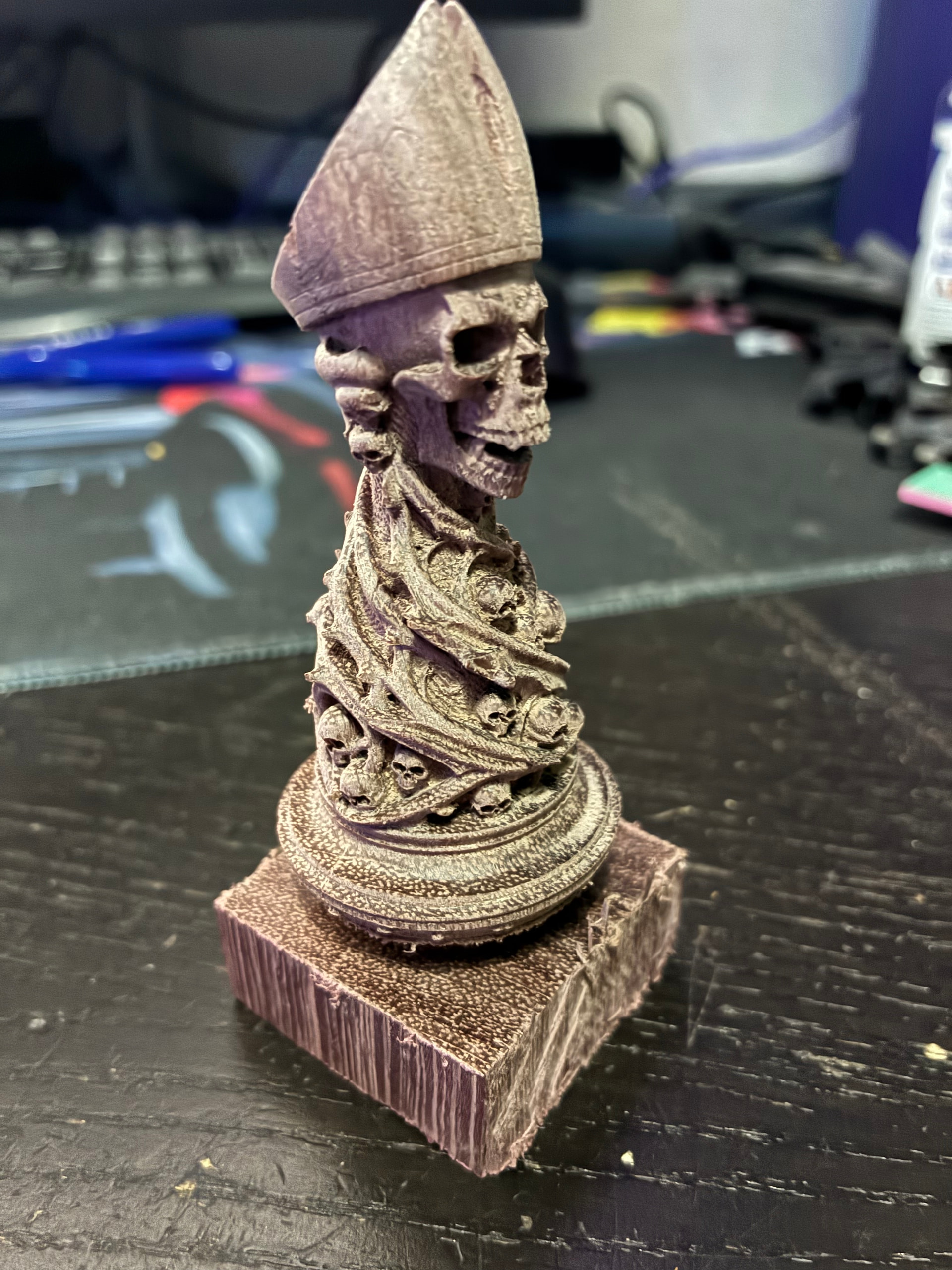
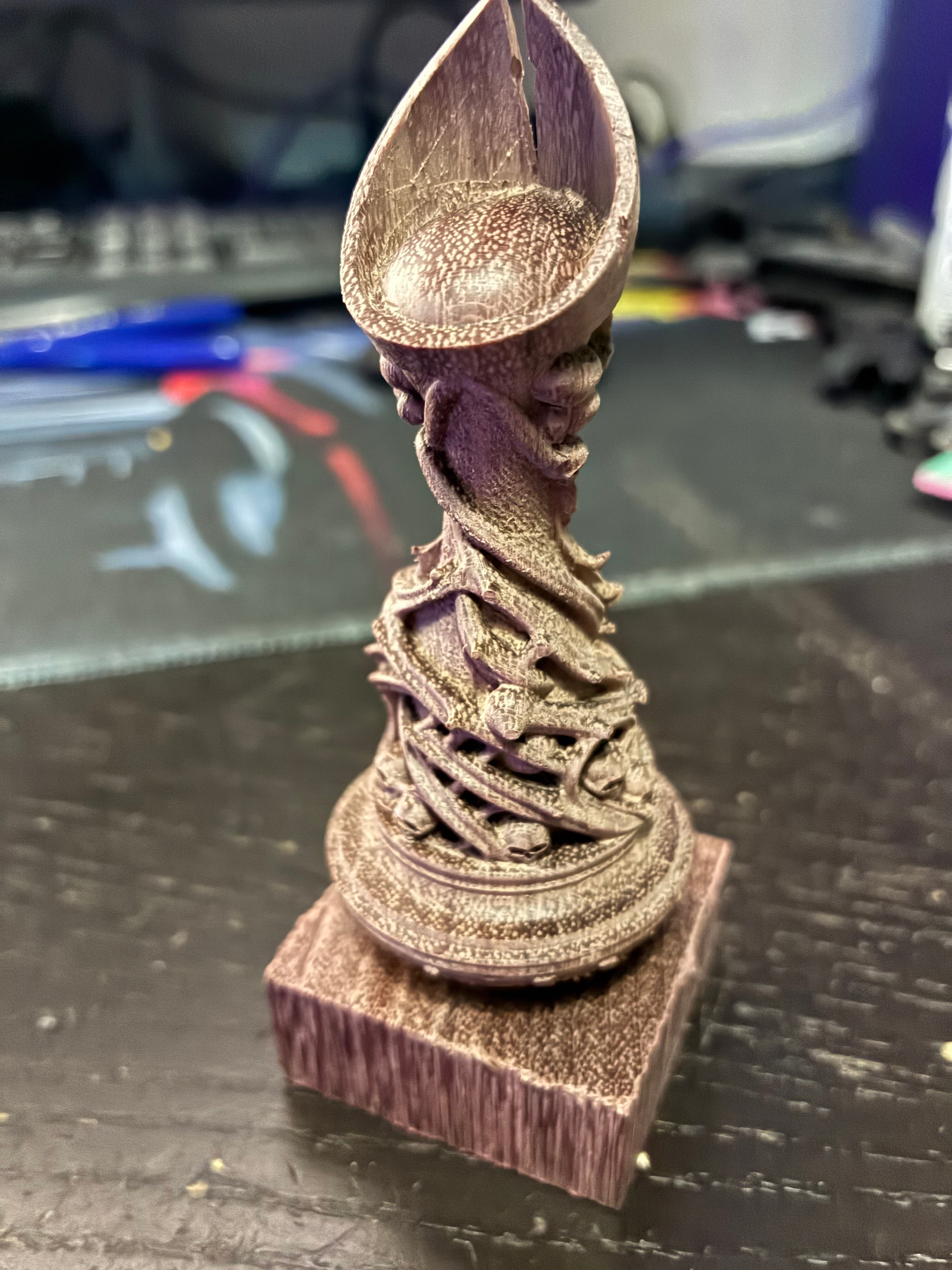
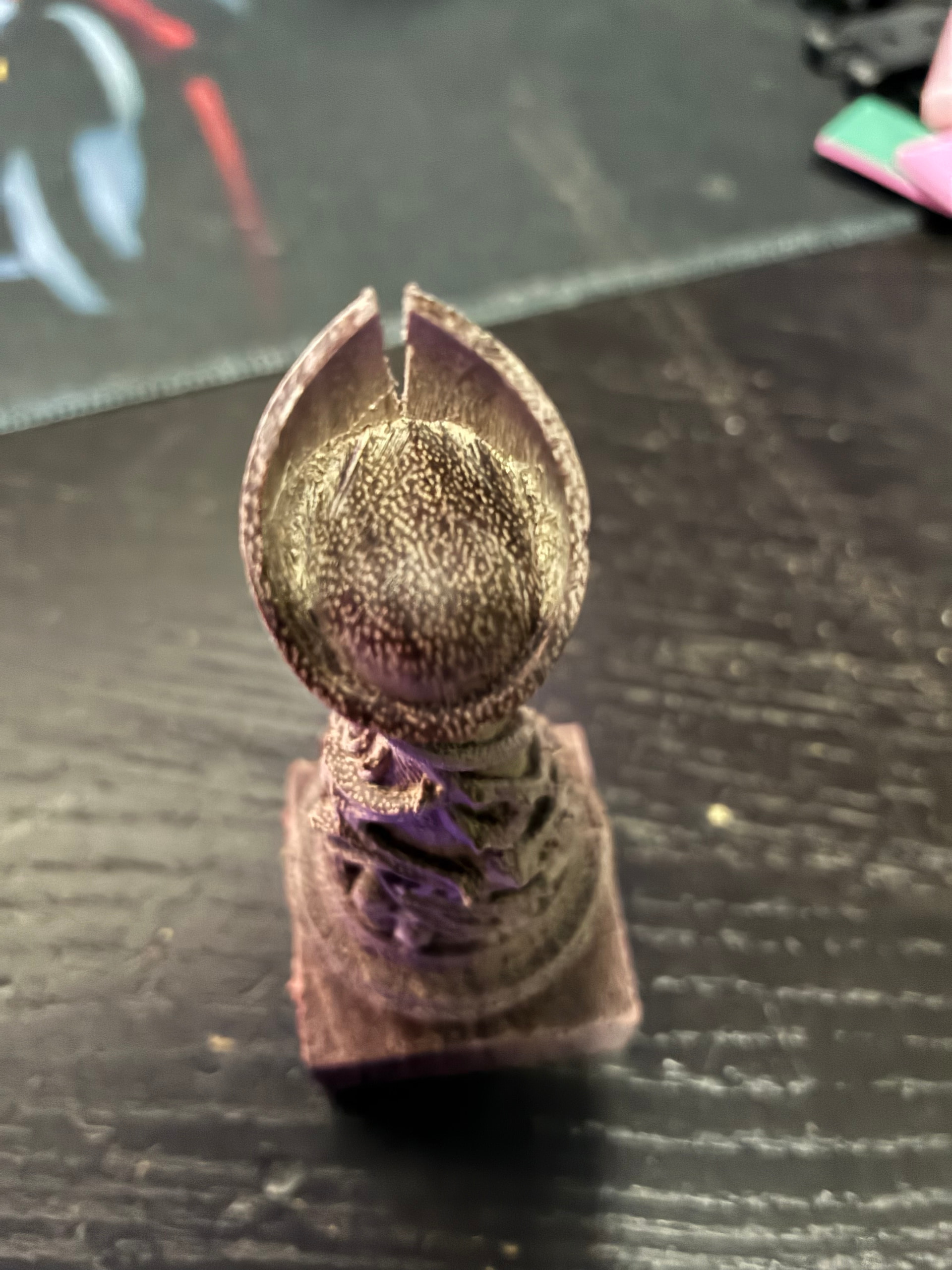
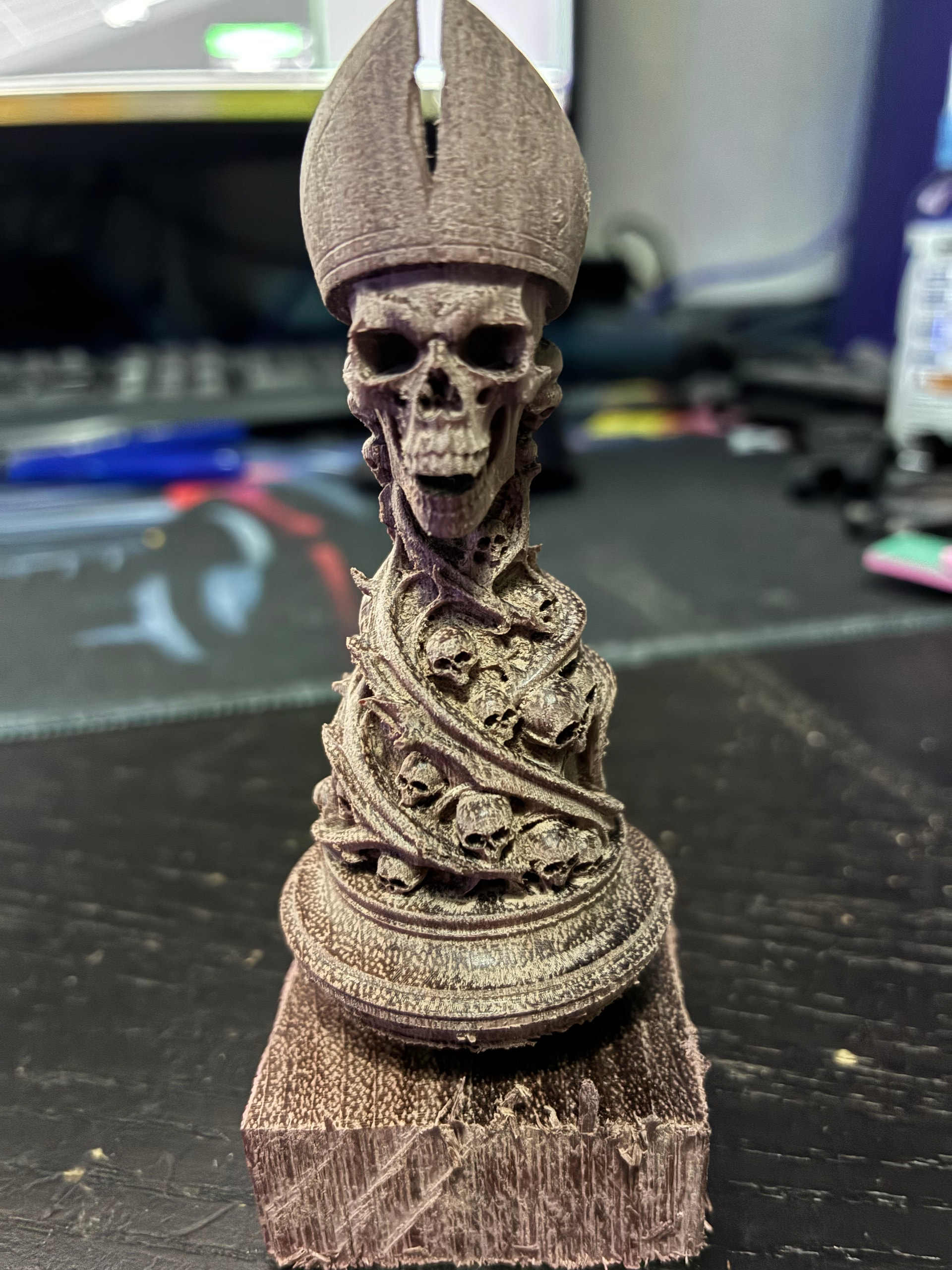
Thank you so much Stewart this is just great
1 Like
what a great set. next stop: metal? you could try it in brass or aluminum
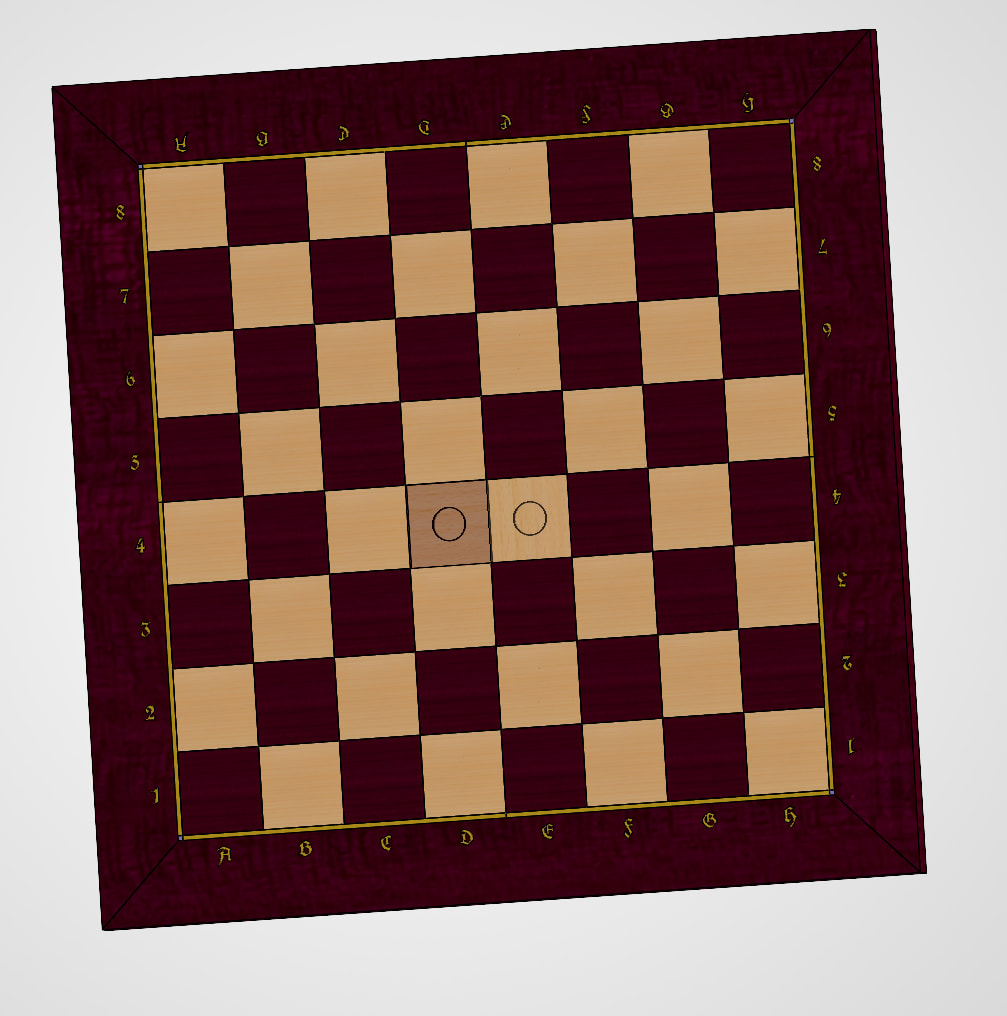
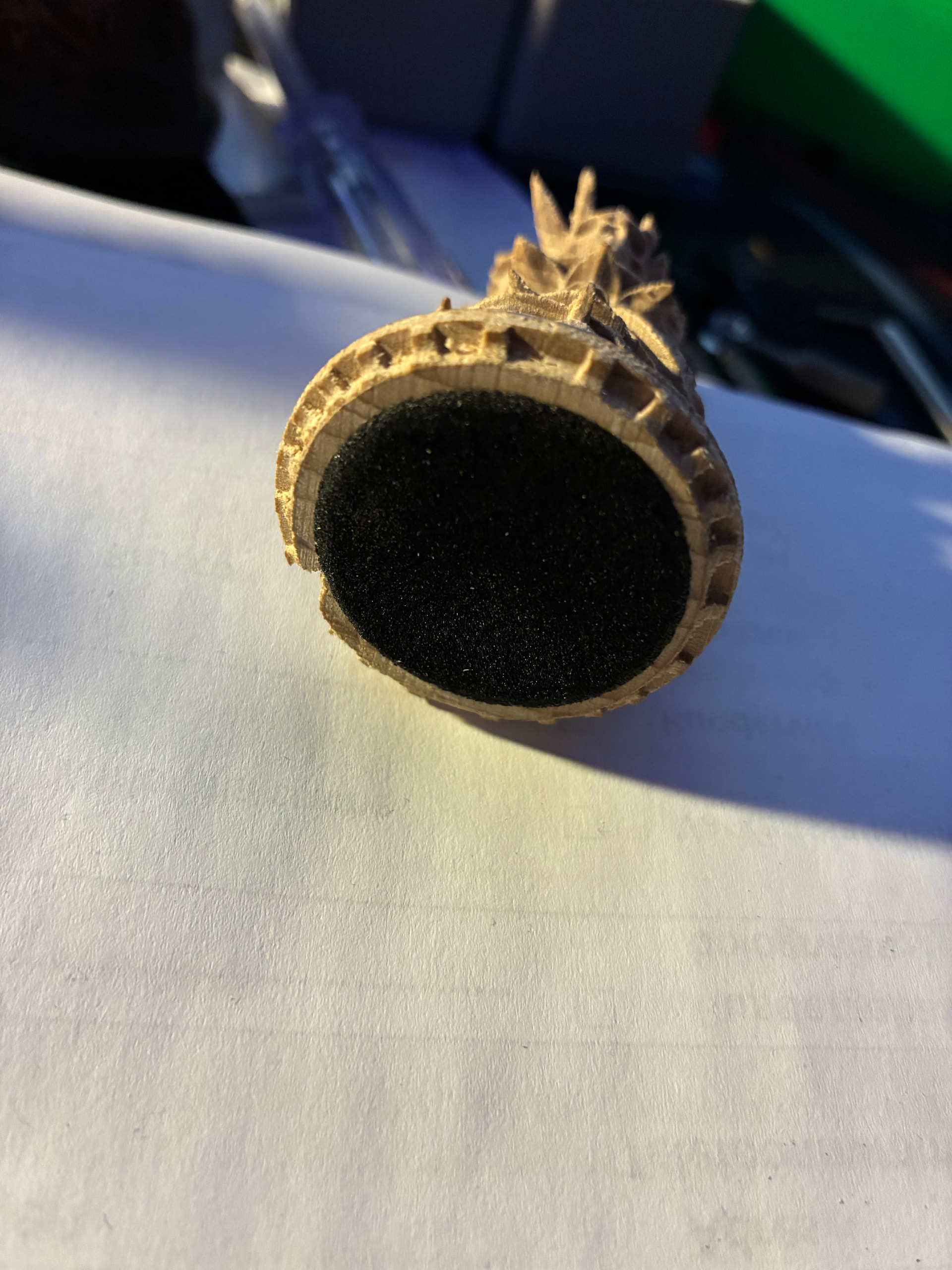
No, I’m going to finish all pieces, I need 3 more bishops, 1 in purperheart and 2 in beechwood, and I need both the queens, and in beechwood I need 1 more pawn, in pupleheart I need 5 more pawns. and then I’m going to flatten the bottom with a little pocket for a metal plate and then some felt over it, and then the board with magnets in the squares and brass inlay
but now when I see how this rediculously hard purpleheart comes out in detail, I’m thinking about getting something denser in white… maybe ashwood… too bad I’m almost done with the white set… I’ll see…
This is my design:
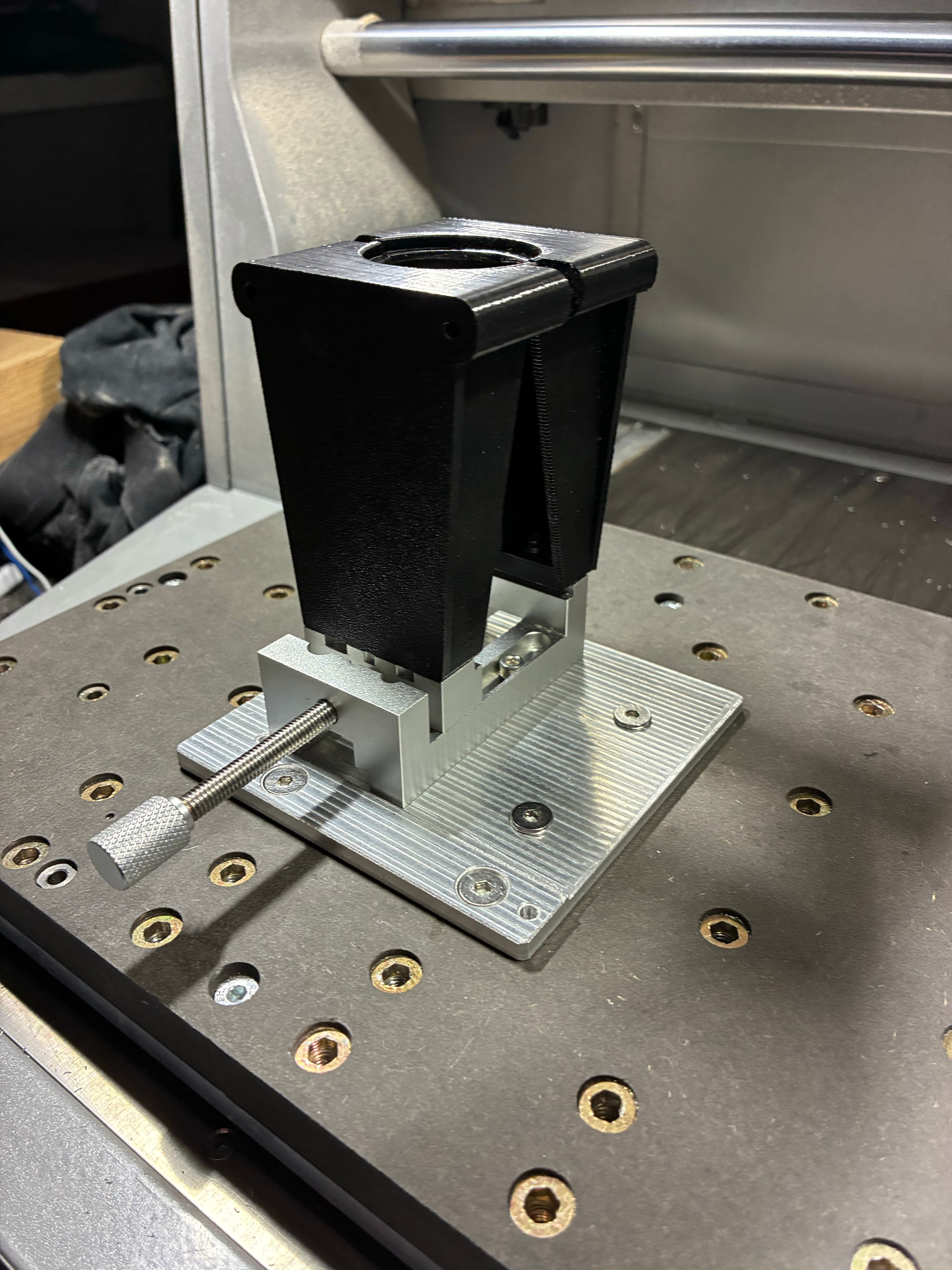
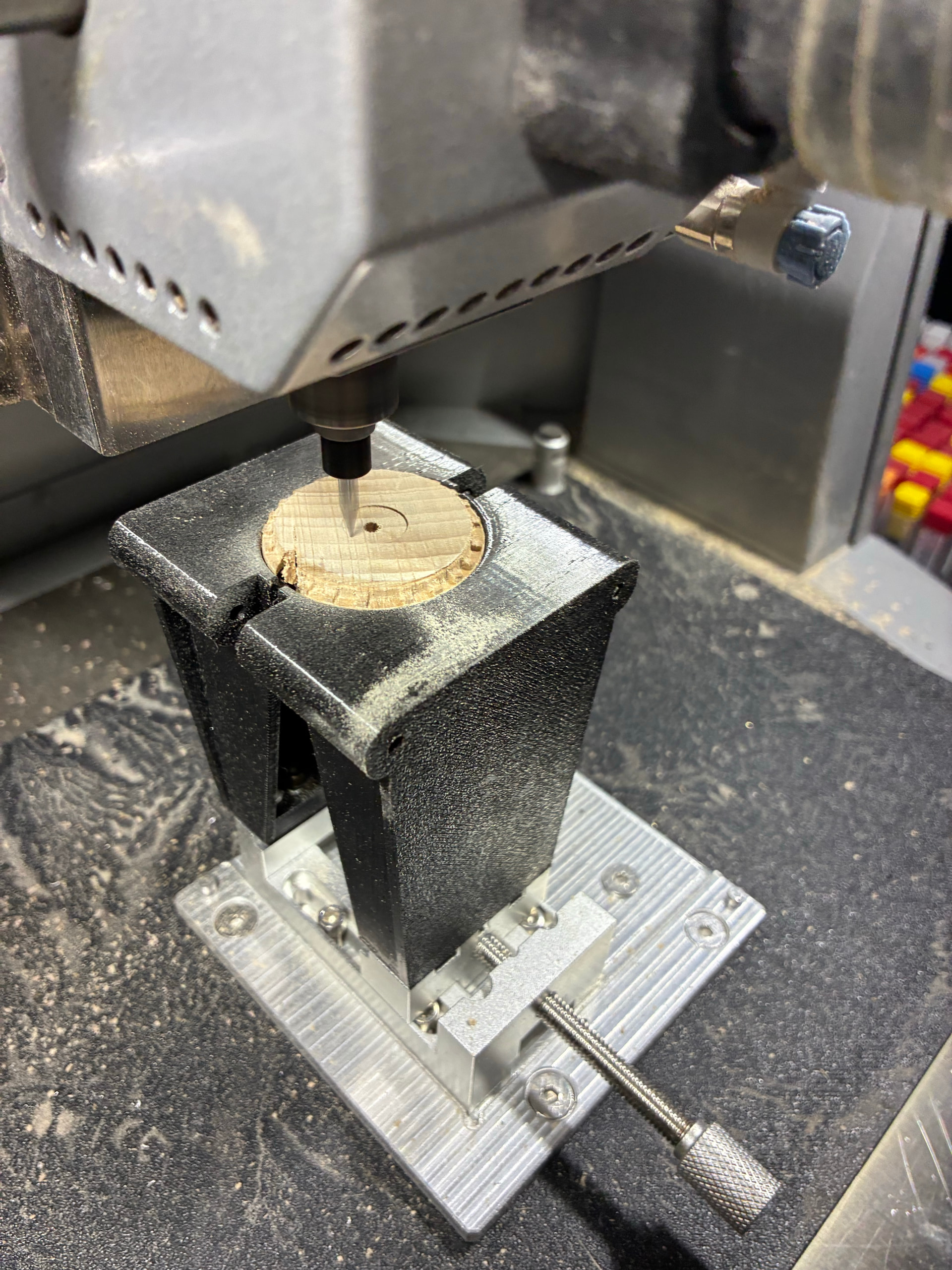
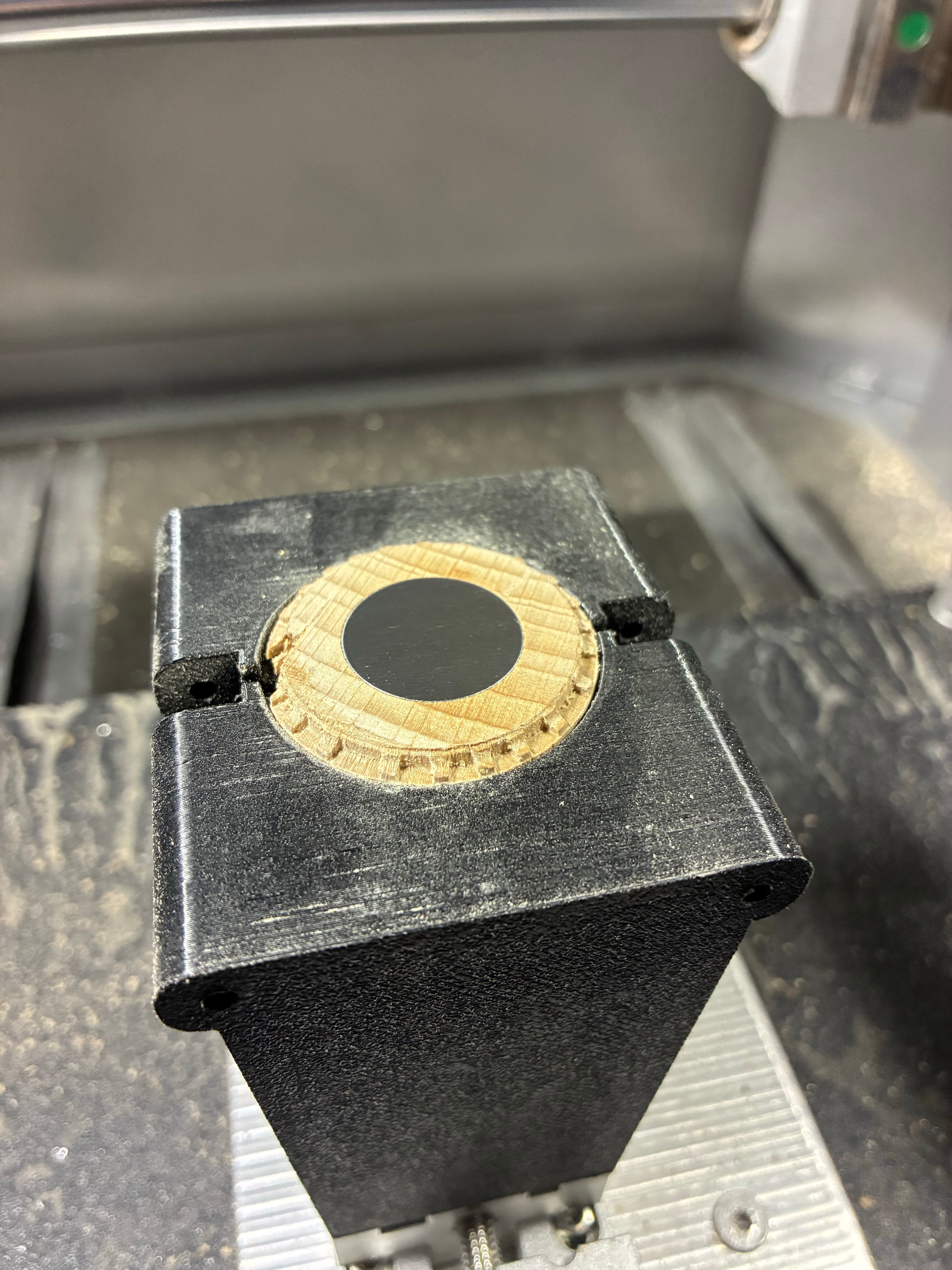
For the flattening and pocketing the foot I’ve already built a rig and tested it on a failed piece:
2 Likes