02/01/2026 12:17 87.229.833 king_3 4.6 dev - part 1 rough+lathe .nc
02/01/2026 14:25 50.685.243 king_3 4.6 dev - part 2 area 1-6.nc
02/01/2026 14:30 50.024.398 king_3 4.6 dev - part 3 area 7-12.nc
02/01/2026 14:33 50.857.060 king_3 4.6 dev - part 4 area 13-18.nc
4 File(s) 238.796.534 bytes
I pushed an update to the dev server that should address some of the memory issues
I’ll give it a go 
right now the king is in lathe mode running on the CNC.
The back of the skull is so perfectly round it’s shinging a bit:
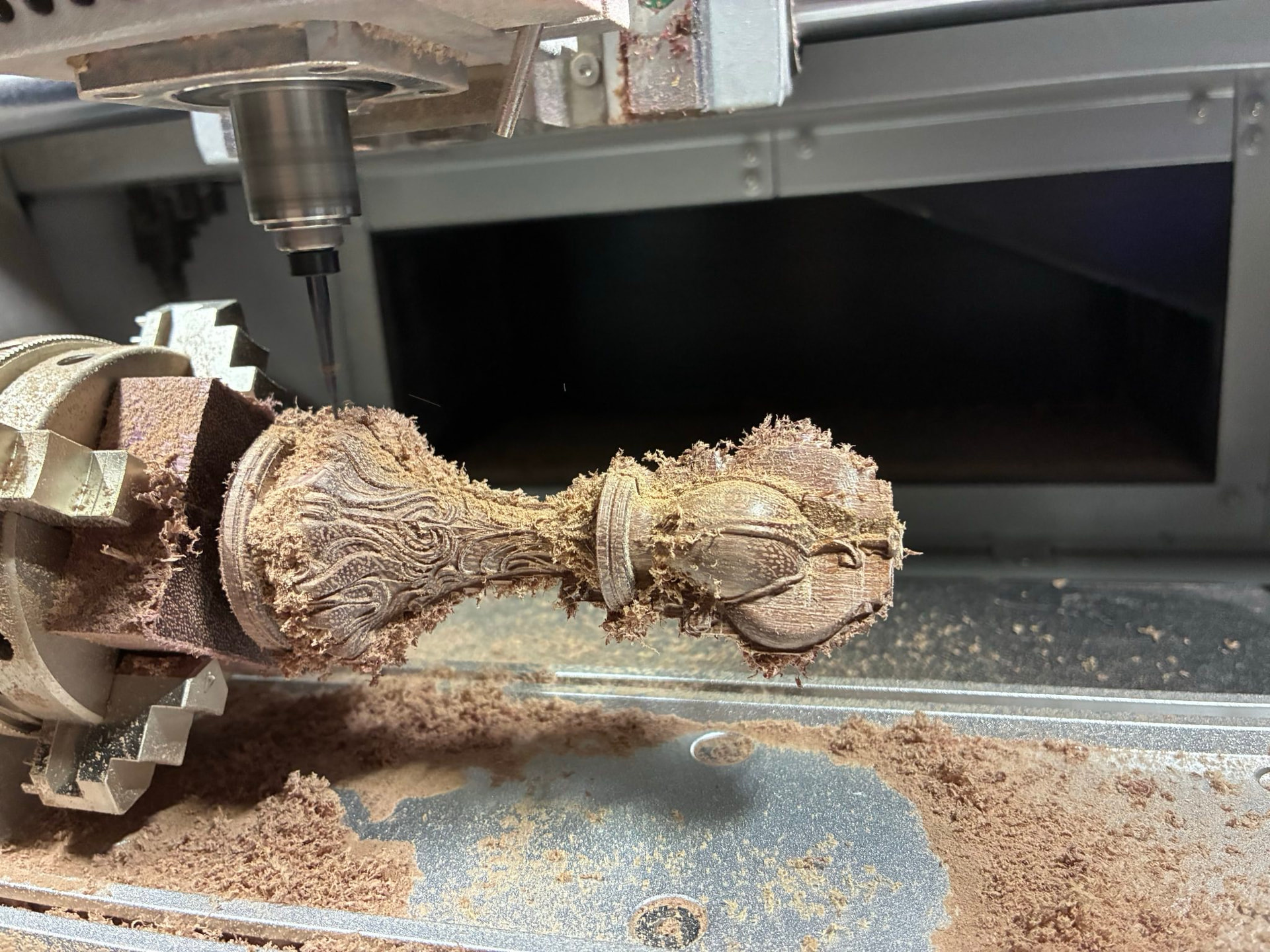
I’m loving it so far 
2 Likes
I did a total slice of my workplace and it worked, I noticed area surface calcluation being much faster.
But there seems to be something wrong… maybe I did something wrong in a setting, but it looks like there is 1 with the orientation wrong or something:
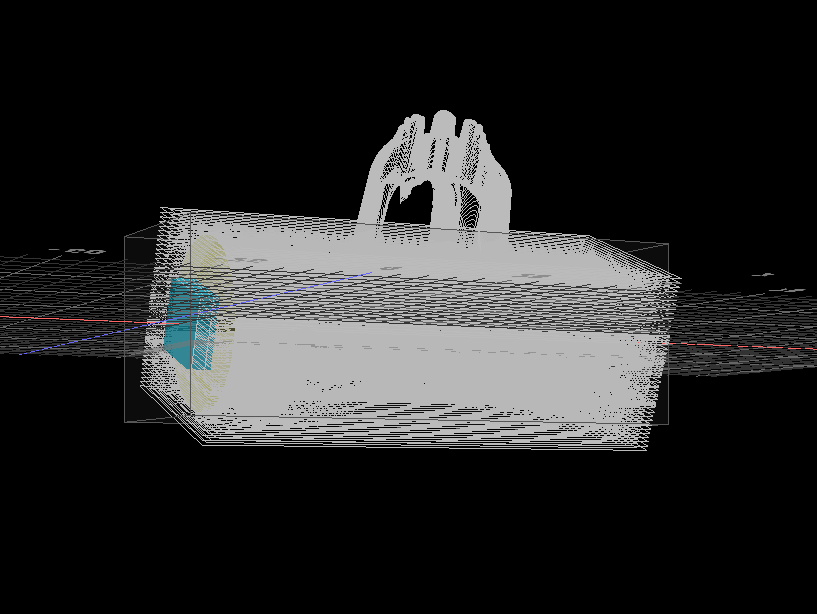
it is a linear for sure
Strange.. only the linears slices fine:
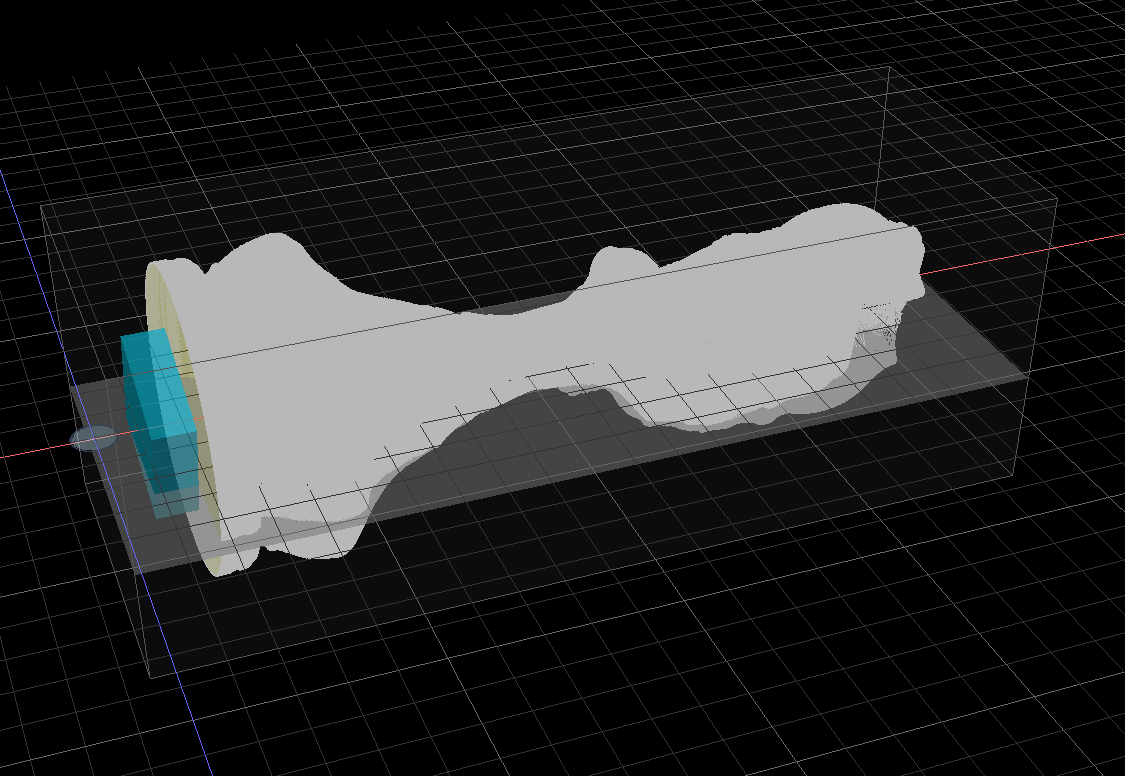
rough + lathe is fine too:
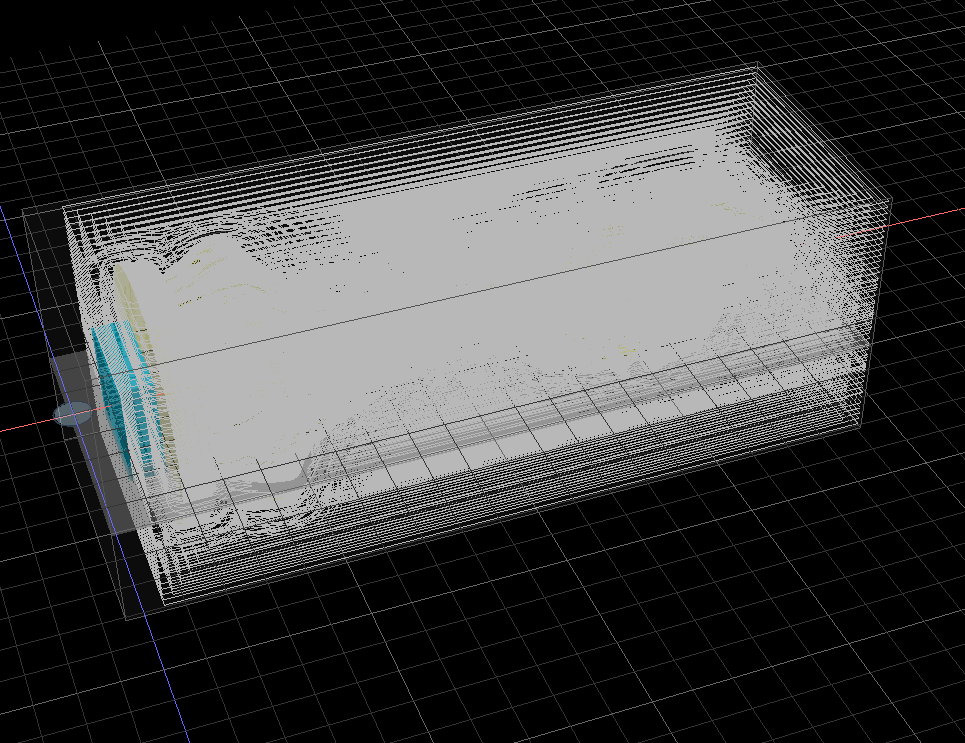
But when slicing together it goes wrong.
I’ll slice it together again, maybe it’s a fluke or something…
I’ll send you this workspace when this slice is done.
yes, it’s consistent:
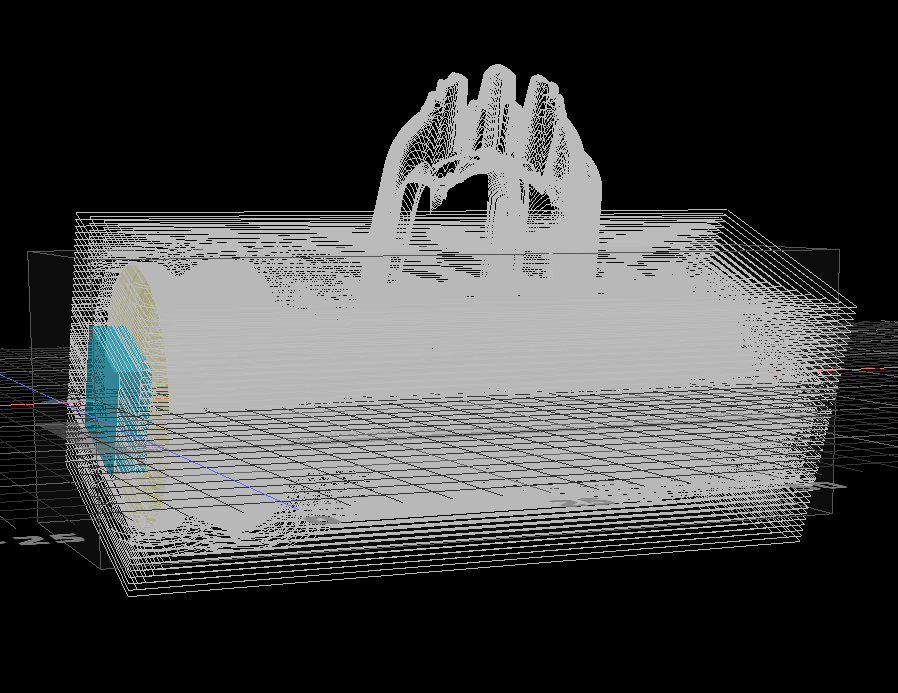
Got “aw, Snap!” crash on the export of all passes.
also on only the area passes, looks like he sliced everything but in the end phase I think it’s combining the gcode or something it goes wrong, I’ll try exporting half at the time.
I think I’m having the same issues with the memory, half of the areas works, filesize about 75 mb, so the total size is the same, I suspect that 100 mb limit again.
confirmed… I calculated that 1 area pass is about 8.3333333 mb, 100/8.333333 is about 12.
tried to export 12 → crash
tried to export 11 → ok filesize 90.215 Kb
1 Like
I’ve noticed a small thing with starting the area parts from the split file is that it goes to the starting position, turns on the router and then goes to work directly, the router is not properly spun up yet, it should wait like a second or 3-5 to get the router spinning properly, maybe it’s because normally it would be spinning still from the last job, but when I do a partial export the export utility should be aware that I’m coming from a static position.
it is usually the machine’s responsibility to wait for the spindle to reach the target rpm before proceeding to the next gcode command. does the split file contain the proper spindle command?
It does the M3 S12000
Maybe I need to change the config of my machine to M3 and a wait like 5 sec command after that in the settings.
its now at:
M3 S{spindle}
maybe I should make it:
M3 S{spindle}
G4 P5
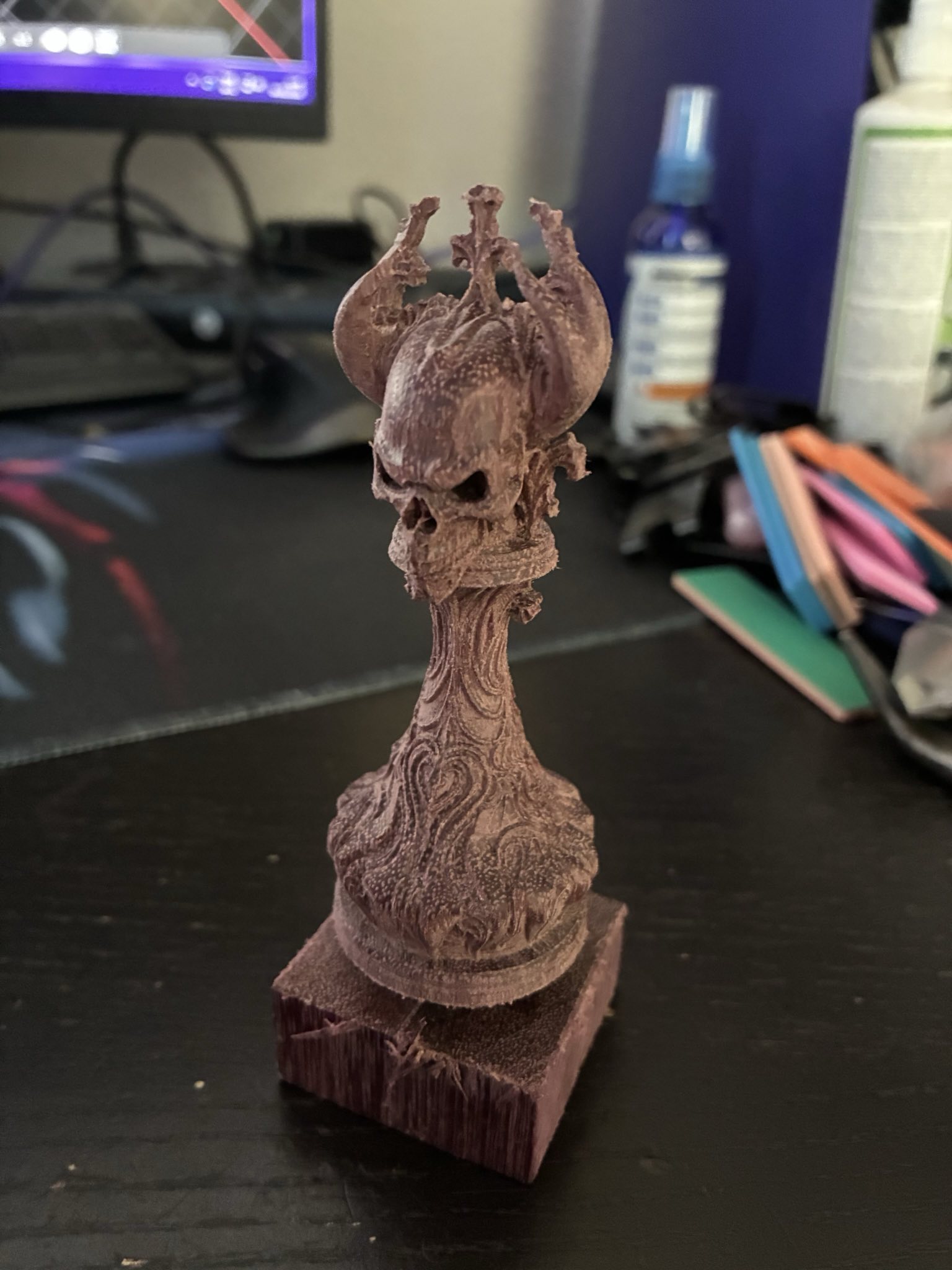
The king is born, and I must say, it’s spectacular
I love the ball-nose algorythm makes the round parts flawless like it’s been polished.
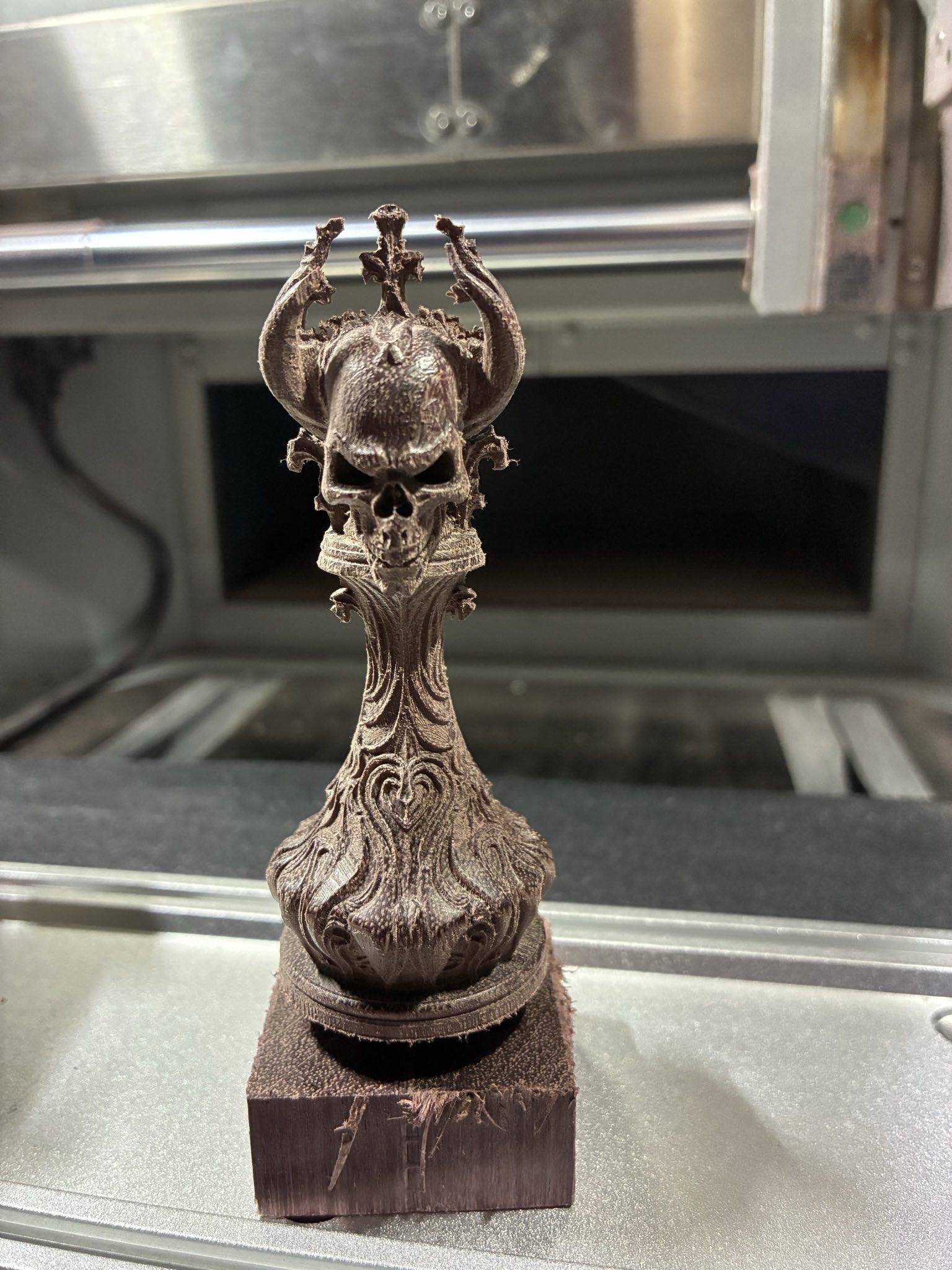
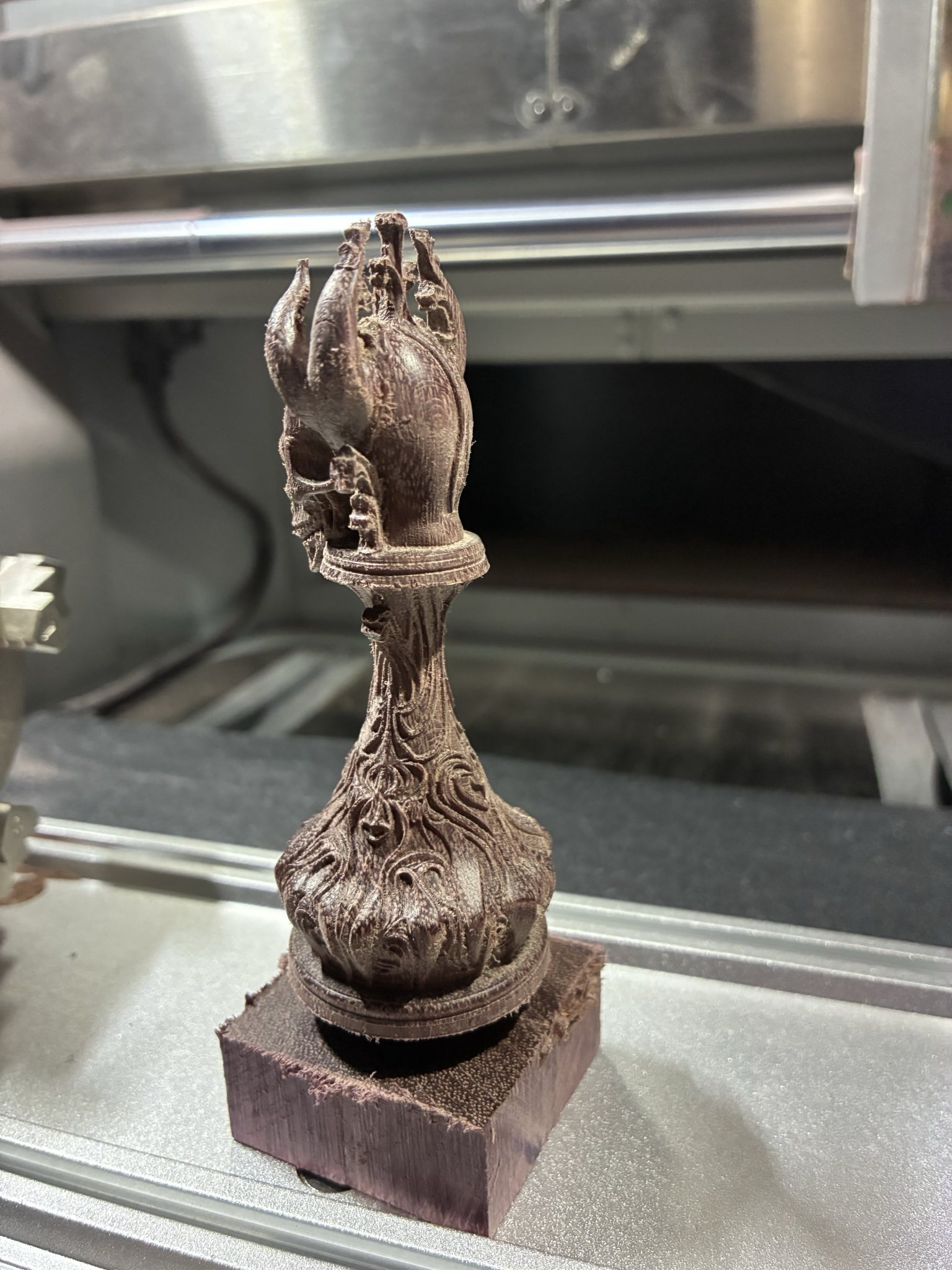
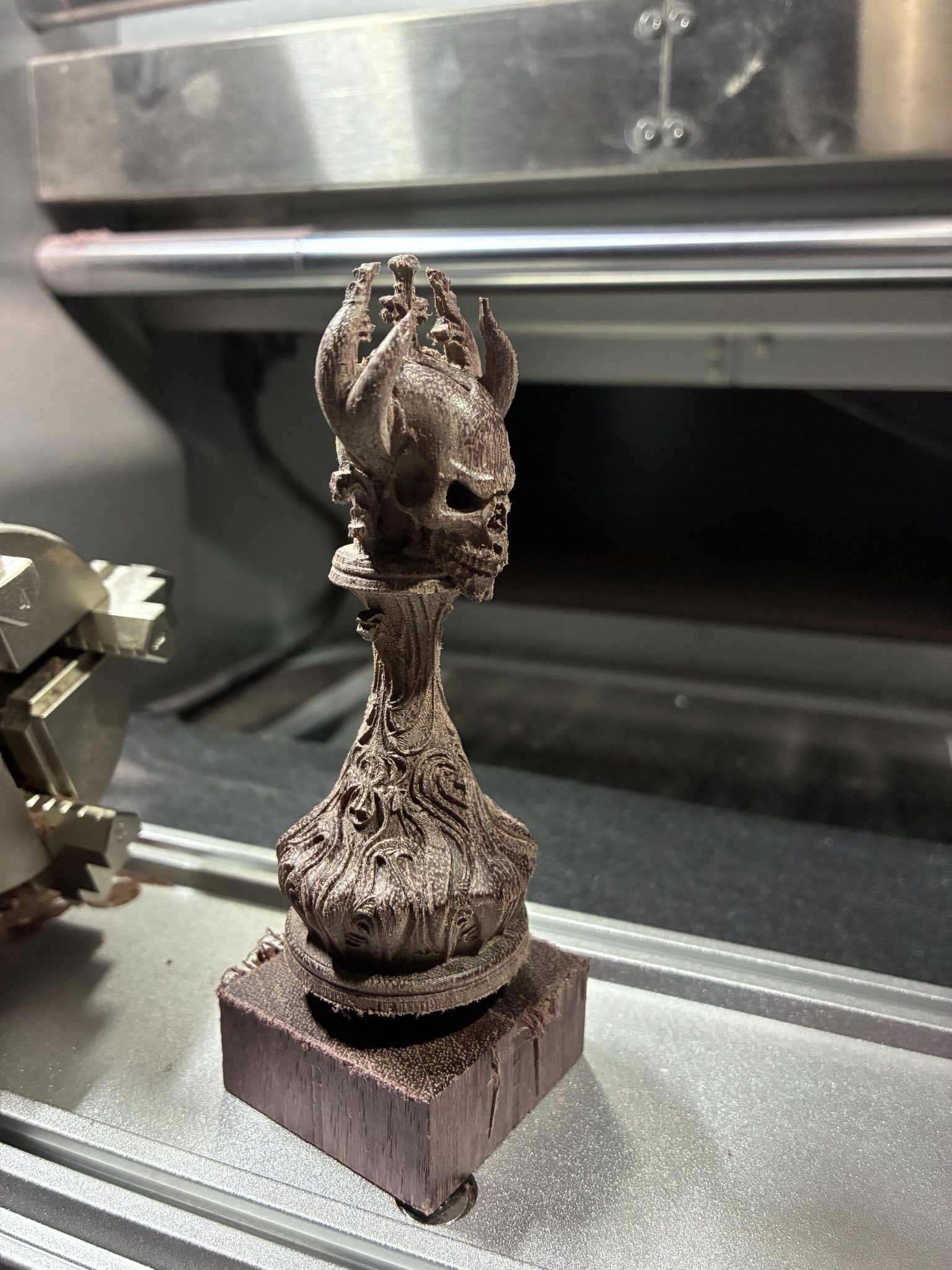
I think I need a new precicion bit though, it looks a bit “hairy” like it has been touched but still fibres remain, nothing that a little scotch-brite can’t fix
2 Likes
this is spectacular! looping is on the dev server. and I will have an update tonight that makes slicing even faster. will DM you a workspace to demonstrate.
Exactly that works for me. In lieu of closed-loop speed control.
Looks good, I’m going to test that with a new peice, and the progress bar is working now too for the area operation, nice!
I’ll change that and will see on the next project
I’ve been trying with the rough:
if I do a loop of 2x 2 ops:
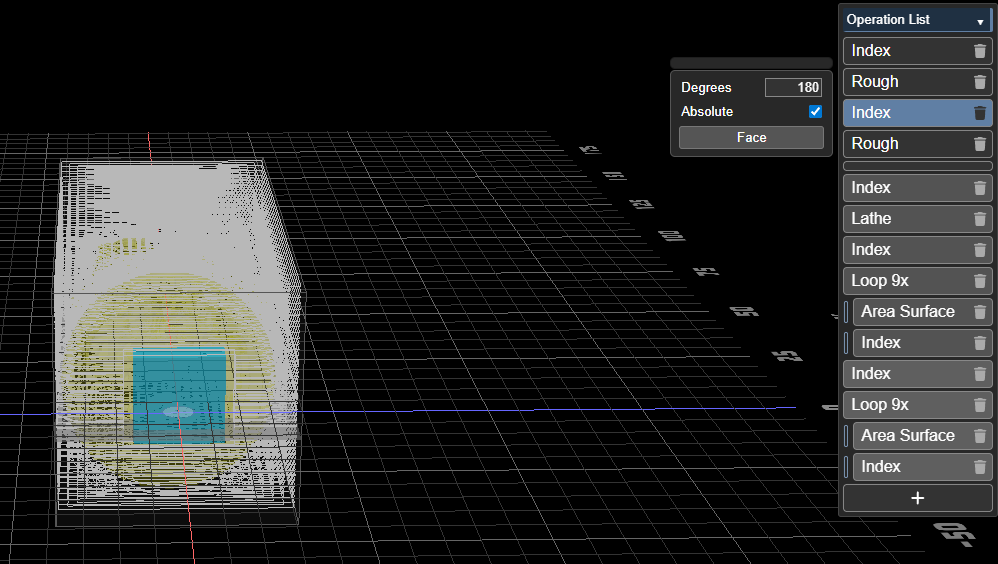
rough, then turn 180 degrees, then rough then turn 180 again (it turns back, not forward, maybe because 180+180 = 360 and that is 0…)
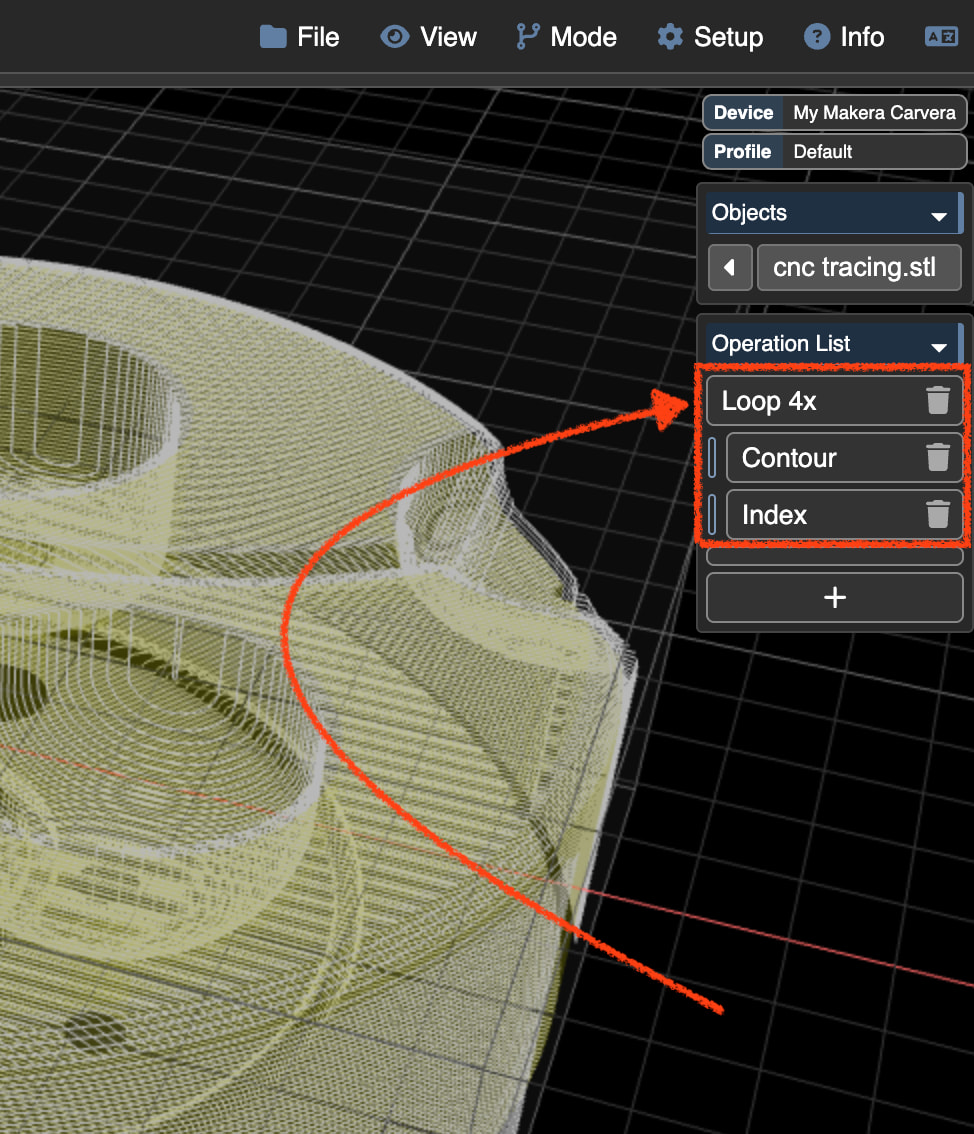
When I disable the rough in the loop but leave the index on I get nothing, no turning at all…
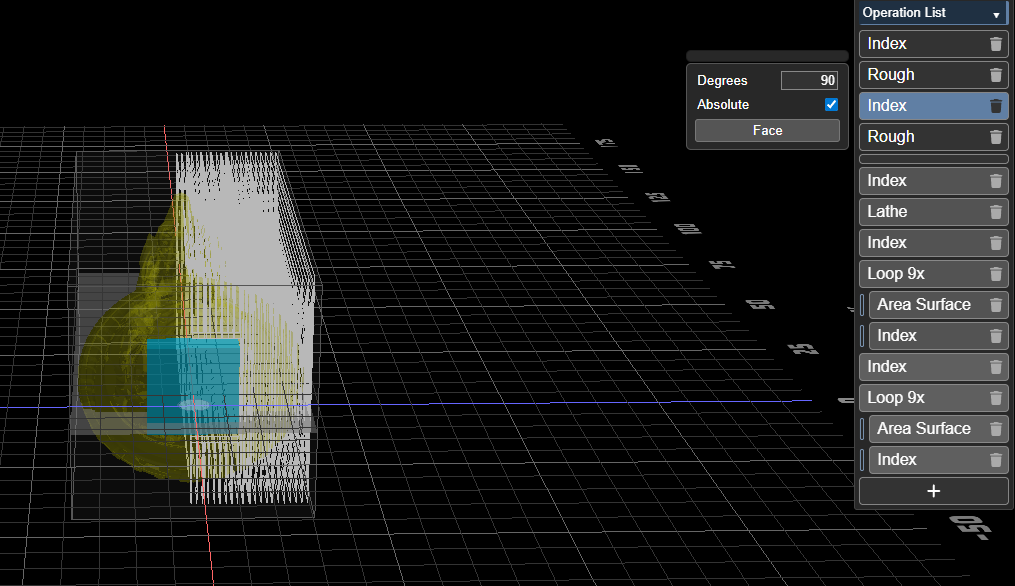
Then when I change it to 4 times and rotate 90 degrees it roughs still only twice
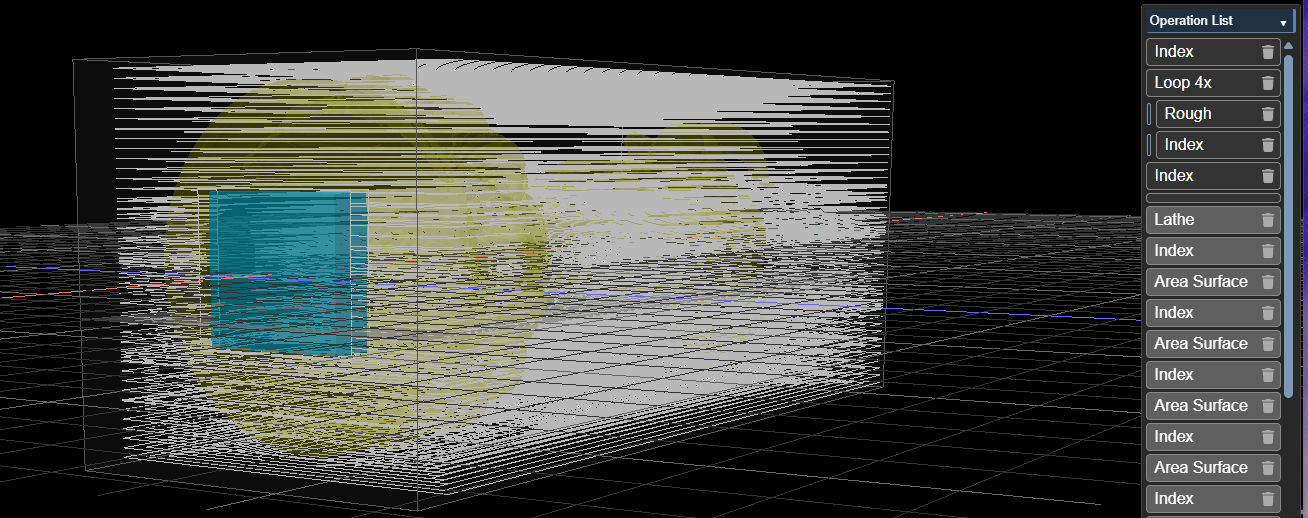
I do see it turn 90 and 90 and then it roughs the bottom.
I expected a rough vertical too in this picture…
When combined with the area it seems to be working ok, but also when you disable the area operation it’s not turning anymore, maybe it expects 2 operations and a disabled operation is voor UI there, but for the process not or something.
I also found that processing of the area is now faster, looks just as fast or even faster than contour now.
I managed to slice this once, but mostly I get memory issues:
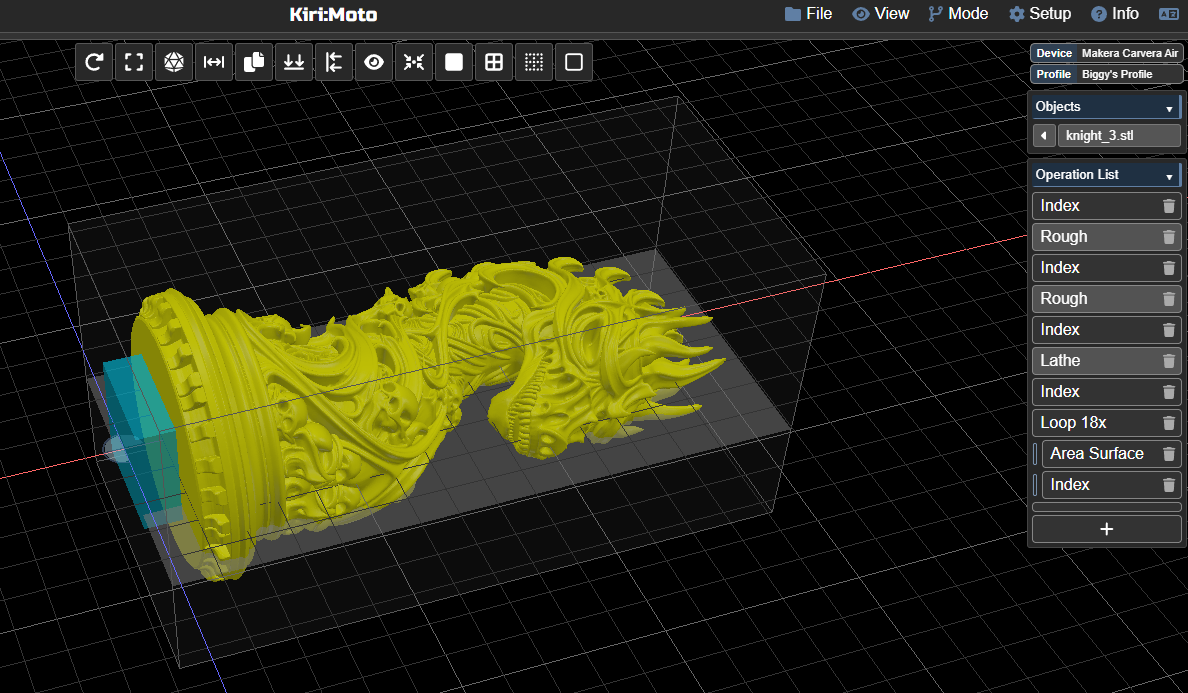
It is harder for me to batch it in more parts now.
It’s also more stable, when I have done a slice and checked it, I can export it without slicing at the export again and without crash I had last time.
I’m going to make the horse in 3 passes: rough/lathe, erea 1-9 and area 10-18 generation of the NC code was fast and flawless.
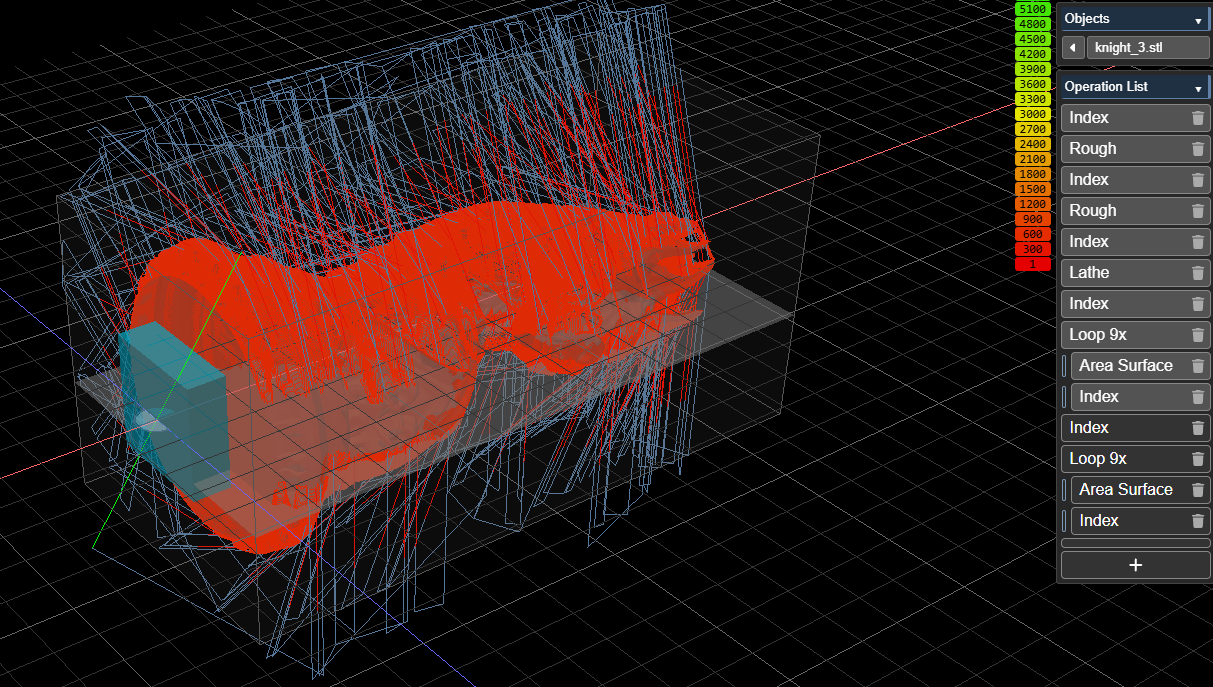
04/01/2026 12:14 71.805.251 knight_3 - part 1 rough+lathe.nc
04/01/2026 12:16 65.531.295 knight_3 - part 2 area 1-9.nc
04/01/2026 12:18 65.093.746 knight_3 - part 3 area 10-18.nc
1 Like
area surfacing should be faster now and use less memory. when you use indexing in a loop just be sure not to have absolute checked. when you have two index operations back to back and the second one would not cause any rotation change, it is skipped.
yes, I noticed that, logically, if you change to the same position you don’t change… I had that set correctly though.
I’ll do some investigation
Yeah, it’s what I thought… the rough won’t work on 90 degrees index… only on 0 and 180.
but when I set the index to 180:
I’ve set it to 5 second dwell and that is way enough time to spin up, I think I can set it to 3 or maybe 2 but that’s maybe pushing it… 5 is good, only 2 seconds waisted maybe, but sure it’s on speed, and that’s worth more
this was a subtle bug. fixed on the dev server now.
That must have been there for years
funny how nobody tries these things.. I don’t see a need to rought at 90 degrees but I’ve been using it for a while now and never noticed it before.