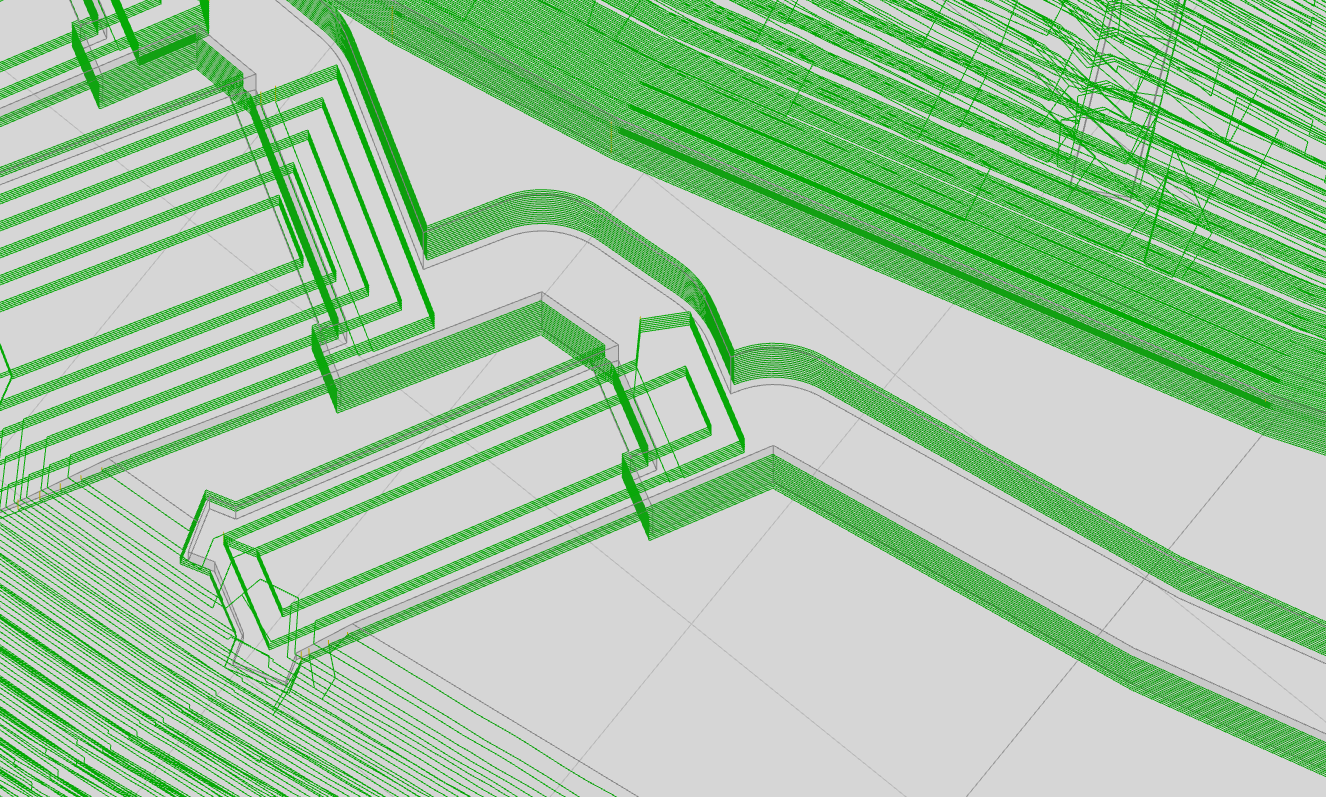
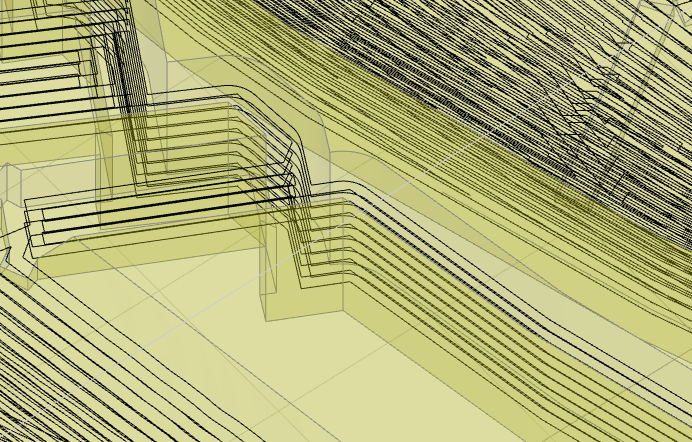
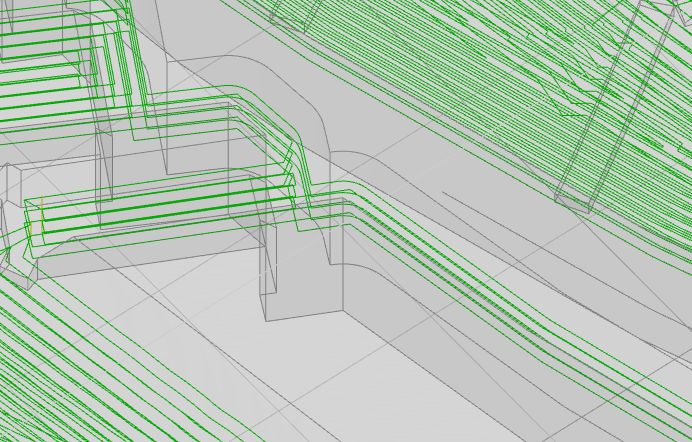
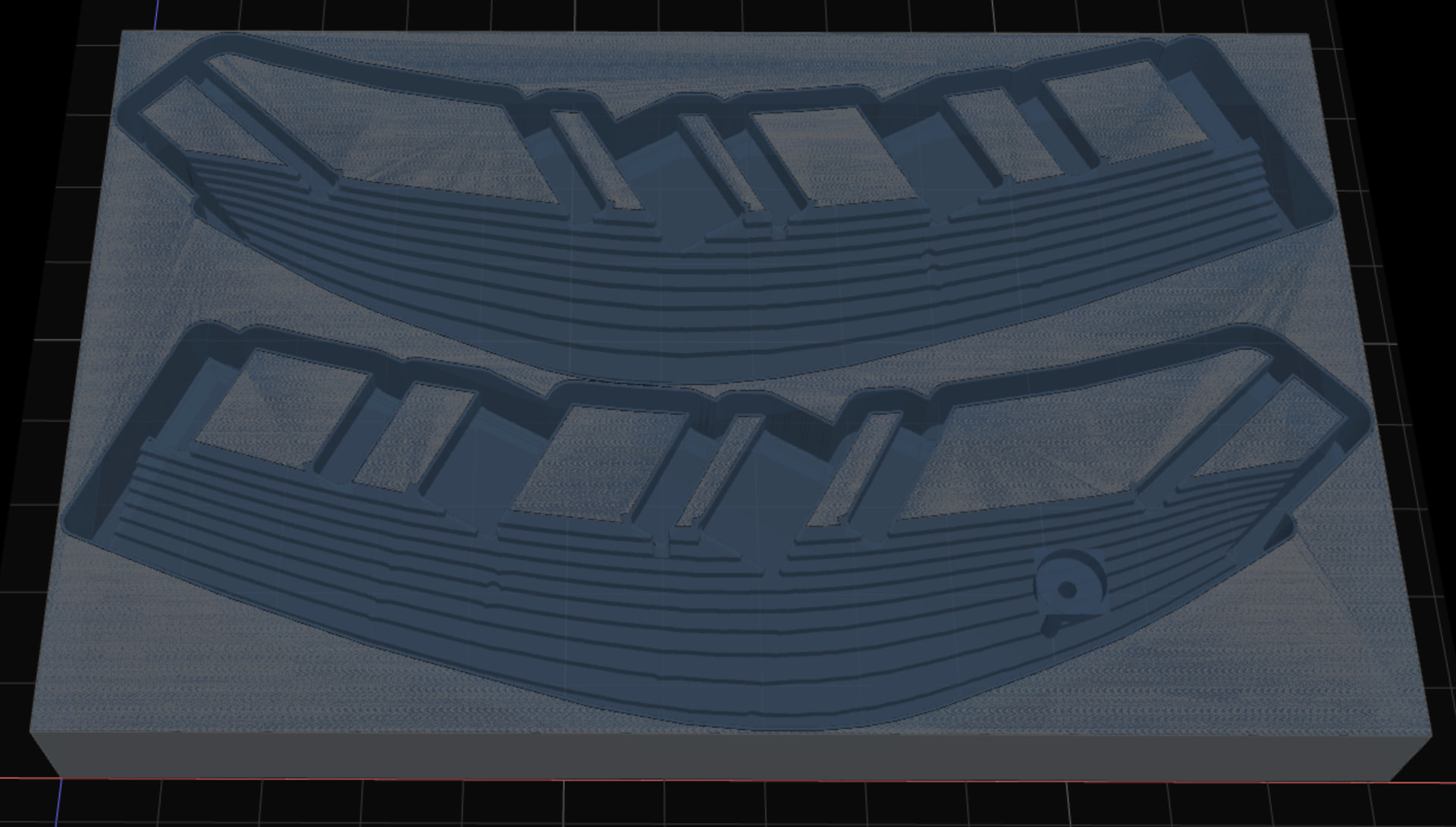
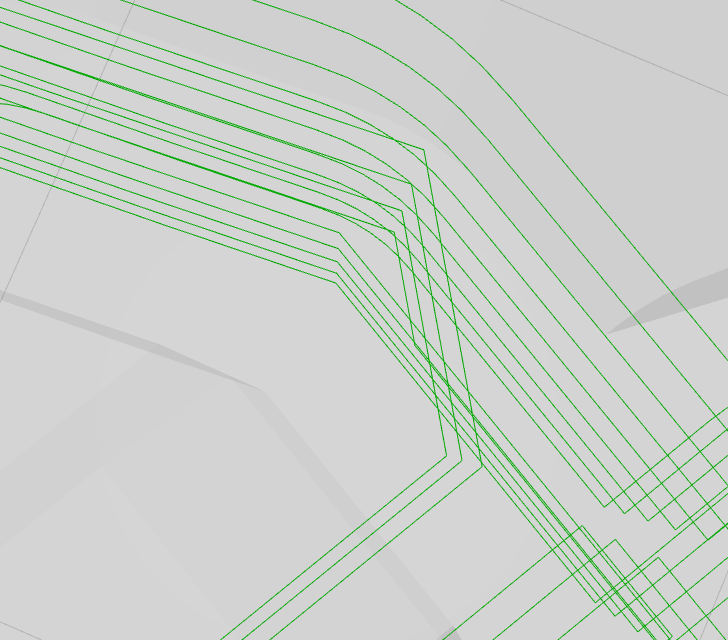
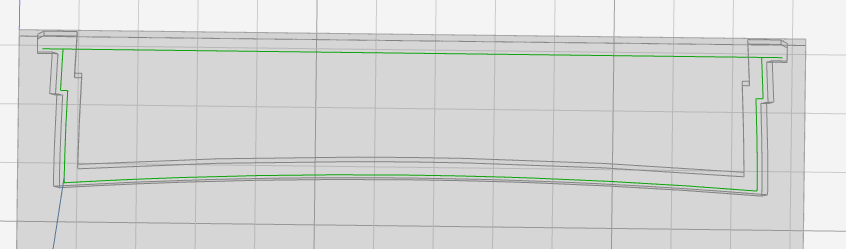
This is the same workspace I uploaded to the depth-first topic. Fortunately that gave me a reason to look twice because I’m not sure this toolpath would have worked.
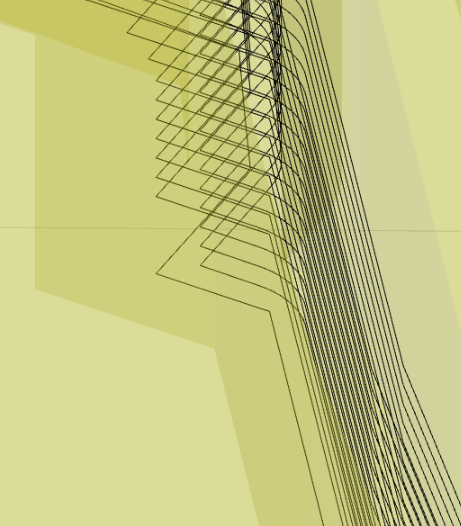
It’s not the easiest thing to see. That two path loops stepping down a the vertical walls of a slot-like area that’s wider than the tool but still narrow relative to depth. The pic shows one of the paths missing from a couple of steps. Where it comes back at the bottom, that would require cutting through uncut material above – which might be extra challenging at the bottom of a deep slot.
Shadow settings (true, skip, neither) had no obvious effect.
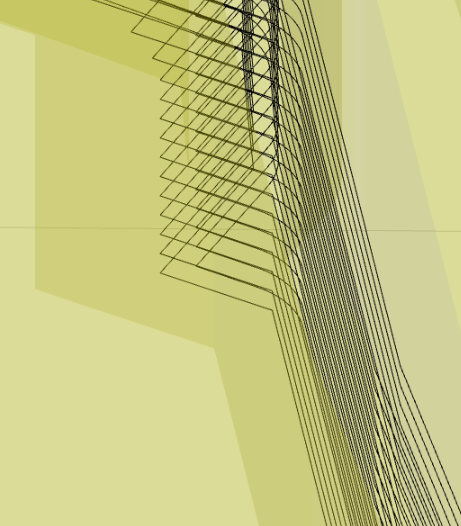
Slightly increasing the “leave stock” value solves this particular instance. Slightly decreasing “leave stock” still leaves a few missed circuits at the bottom, but at least doesn’t try to cut back under them. In other words, this behavior responds to small changes in ‘leave stock’ values.
Thanks again for making K:M available and continuously better.
edit: better with slightly larger ‘leave stock’ value:
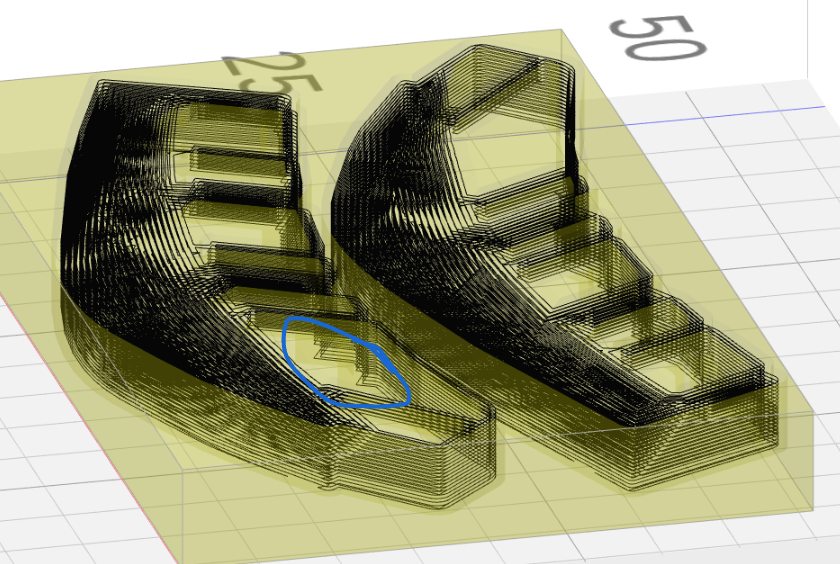
I can’t find the location on the model shown at the top. can you provide a full image with a circle of that region? leave stock is causing the issue you note with depth first in your second post. this would seem to be a bug
In the deep/narrow slot-ish region, the middle is uncut. And for all areas, the first offset looks too close to the part.
After some poking, the pattern appears to be something like:
“Leave Stock”=0 works.
0<“Leave Stock”<“tool radius”/2 fails with a type error that disappears before I’ve captured it. Also recovering normal operation is strange. Reloads don’t display the work area until I enter radius/2 for “Leave Stock” and reload at least once more. (other values may work, but not all values work)
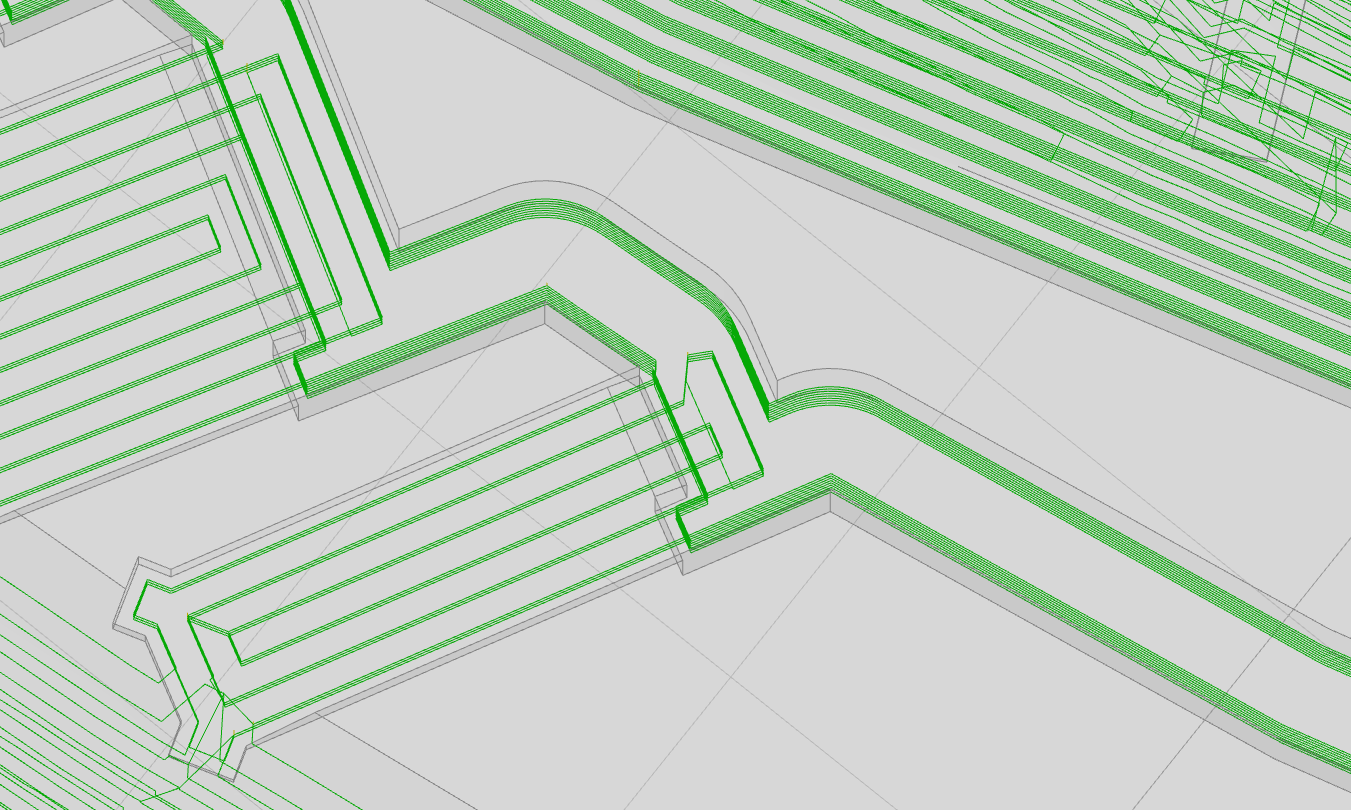
“Leave Stock”>= radius/2 appear to offset the first circuit outward (edit: relative to cutting area in the same sense as “inner fist”– or inward relative to the part i.e. not away from it) from one radius offset by radius-”Leave Stock”. So “Leave Stock”=r/2, which is the case in the screenshot above, appears to put the first offset at r/2, which is not far enough. Larger “Leave Stock” values move the first offset closer to the part. So “Leave Stock” a little less than radius puts the first offset very close, “Leave Stock”=radius puts it right on the part surface, and “Leave Stock”>radius puts it inside the part, like this:
(sidebar: also it looks like “clear faces”+”inside only” in the exported workspace got turned into “clear stock”+”inside only”, which appears to be an illegal combination. At least it can’t be re-selected once either is de-selected. And I don’t see the “clear faces” option. I maybe half-remember reading other discussion about that. I hope “clear faces” doesn’t go away.)
(othersidebar: it looks like you’re shifting further toward emphasizing ops on selected features over the elder ‘global’ ops. I’m sure the new stuff will be great for flexibly directed operations and continue in making k:m progressively more capable, which I think everyone here appreciates. Here’s one vote for keeping and continuing to improve ‘global’ ops too for their laziness value – or maybe giving the selection ops some ‘global’-ish options like giving the pocket op an “all the horizontal flats below top of stock” checkbox. Just sharing one user’s thoughts for whatever that’s worth – not to slow you down)
fixed on the dev server. nice to see old bugs in new code with no shared lineage. this geometry deceives the engine by producing offset polygons that do not nest when viewed top down. and so the recursive descent stalls on those boundaries.
That seems like it could be problem in some cases – trying to cut under an uncut corner.
The g-code that I run a couple of days ago has this undercut and it didn’t break anything, so not always a problem. But seems unsafe. At some point in that session I heard an unexpected >whack< noise, but I never connected that with anything so I don’t know if it was this.
It’s not immediately obvious what a solution might look like…
A couple of ideas, neither trivial:
use arcs to turn corners – preferably g2/g3 vs a bunch of short segments
sounds like a disruptive fundamental change to k:m’s concept of toolpath
for {each?, outer/inner/material-adjacent only?} new offset: if it doesn’t nest under cut area above, then insert segments in the not-an-arc projecting corners of paths above
…assuming corners are the only case where this happens.
tackling adaptive milling will end up resolving this case and also produce “rest” machining because it forces you to track what is and isn’t cut very precisely. I have other ideas how to do this without the full boat. but at this point, I’m inclined to go all in on the heavy solution.
Even with perfect awareness of what’s been cut, this (literal) corner case still seems non-trivial.
Assuming the basic scheme is polygons/polylines starting at stock top and working down.
Assuming the only problem is getting around corners with a small number of straight path segments rather than an arc. (because “shadow” is already solved elsewhere)
It seems like offset generation would either have to look ahead (down) for faces that constrain the not-an-arc segments around a corner, or be able to check and modify not-an-arc segments around corners above.
Or… since adaptive milling involves lots of curved paths, does “the heavy solution” include arcs?
Here’s a vote for separating ‘clear top’ from ‘clear faces’. If that’s too much UI clutter & I had to choose one, then I’d vote for ‘clear faces’ (not top).