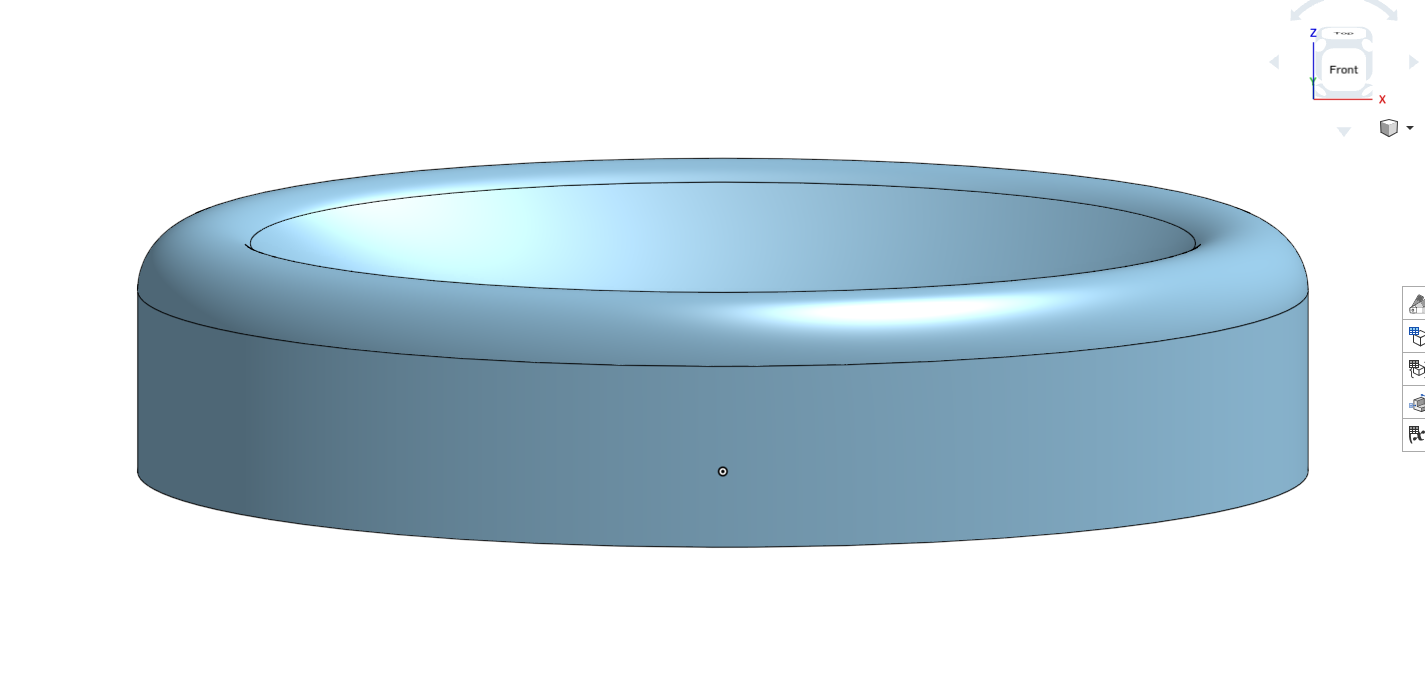
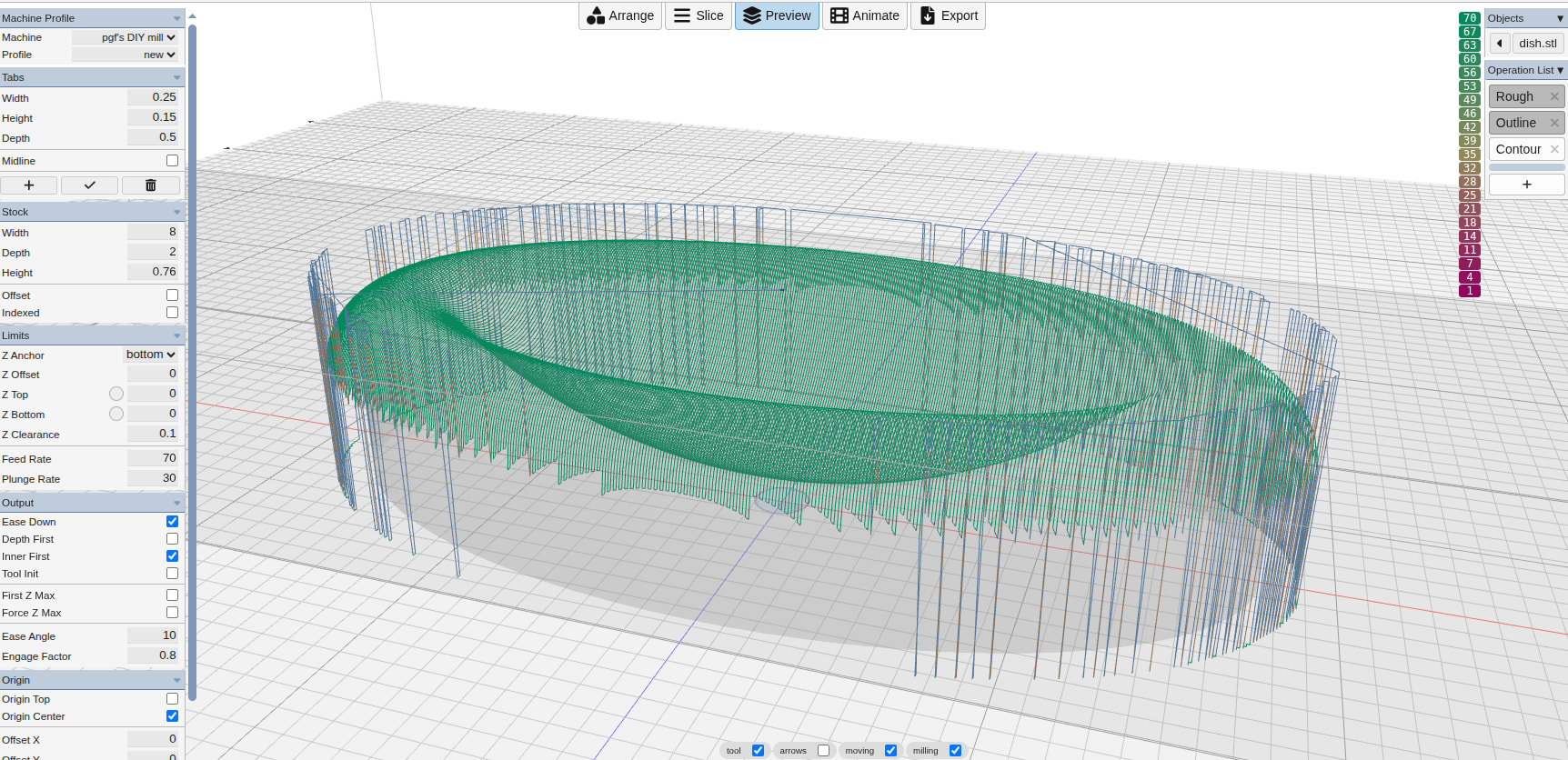
I’m carving a small dish. The outsides are vertical, the rim and cup are curved. I have contouring set to “Curves Only”, and “Max Angle” of 80. Mostly the contouring is just on the rim and cup, but it frequently goes down the outside as well.
First the OnShape view, then the preview view, with only the contour pass enabled:
Additional info: I get the same behavior even if I change the model to undercut the sides a bit. (i.e., I changed the bottom to side angle to 90.1 degrees)
Thanks Stewart! Yes, it certainly seems like area + surface does the trick. But just for education purposes, using contouring really should work too, no?
yes. but you’ll notice that the mesh faceting around the edge produces jaggies at near vertical walls that offset the line ends. this distance triggers collision detection that would technically cause some small interference if the head jumped between them. therefore it inserts up and over moves.
floating point precision is causing the random z floor values. enabling web gpu cleans that. and enabling inside only clips to the part boundary producing cleaner results.
Yeah, I see. Thanks. I think I’ve never used “Area” before, so didn’t think of it.
So your second version, “dish_inside_only”, works fine for me, and the paths look pretty good. But I can’t run the “dish_area_surface” version – whether I check “web gpu” or not, in Preferences, I get “Error: failed to initialize WebGPU”.
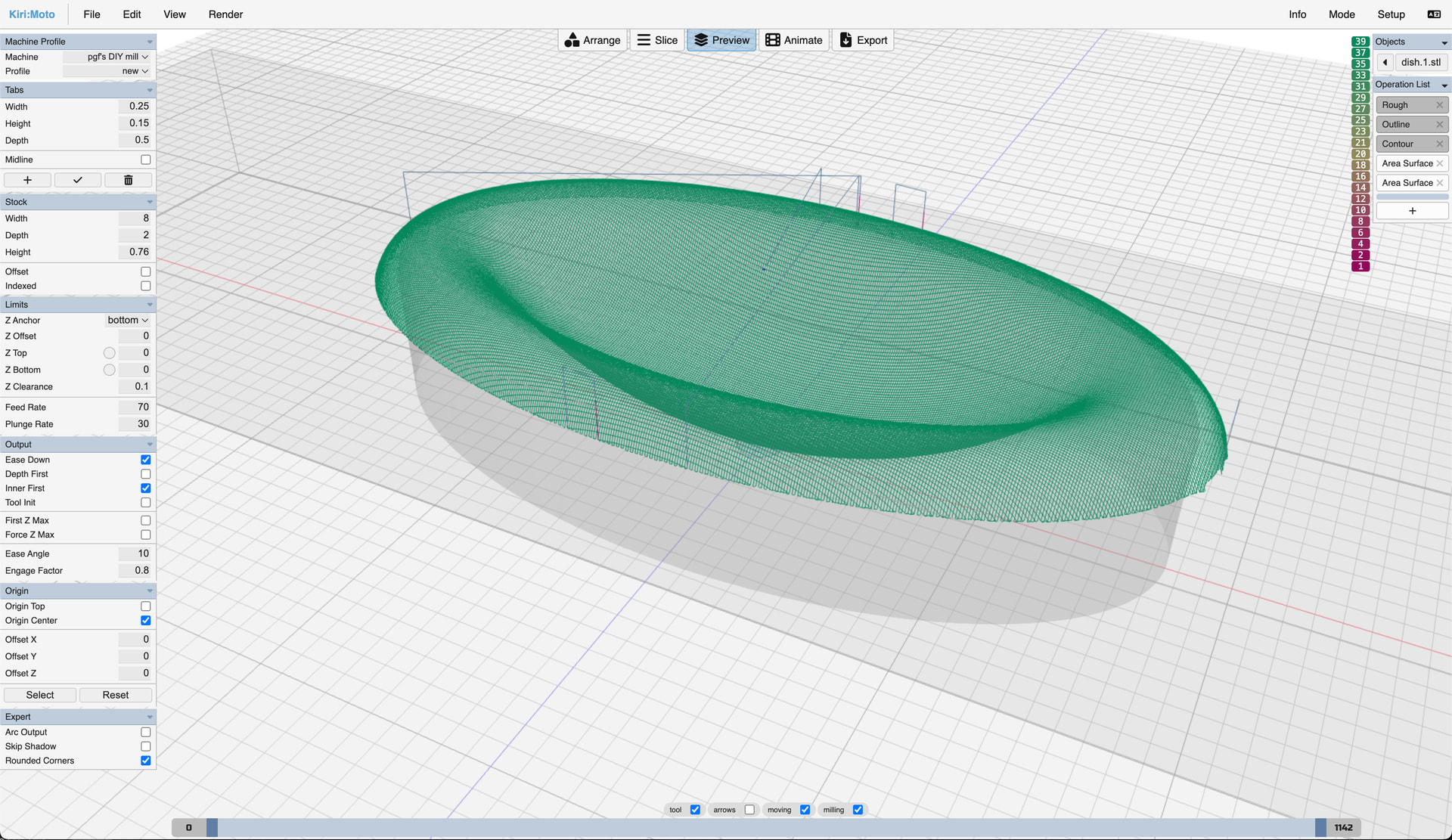
Also: is there a reason for the duplicated (?) “Area Surface” passes in that config? They look the same to me.
Thanks – all set now. Is there a way to enable webgpu in the browser? I may actually start migrating to running kirimoto outside the browser in any case – I think it might enforce more discipline in terms of saving working versions, etc.
I think I’ve got a bug. This all looks good in animation – the two area ops run, one in X, the other in Y. But when I export to gcode, I only get one area op. If I change the tool for the second area op to something else (e.g., from 1/4" ball end to 1/8" end mill), then I do get both area ops in the gcode. The two g-code files are (essentially) identical, except for the missing op. I’ll bet I can work around it by defining a second 1/4" ball end mill, and using that for the second area op.
Sigh. I can no longer reproduce it. As workarounds, I had first changed to a 1/8" end mill for the second area, then changed it to a clone of the 1/4" ball end that is what I really want. Both of those changes produced all 4 of my ops (rough, outline, area, area). Switched back to the original ball end for the second area, and now can’t reproduce, even after re-importing the original workspace. :-/ So it’s not clear my workspace will be that useful.