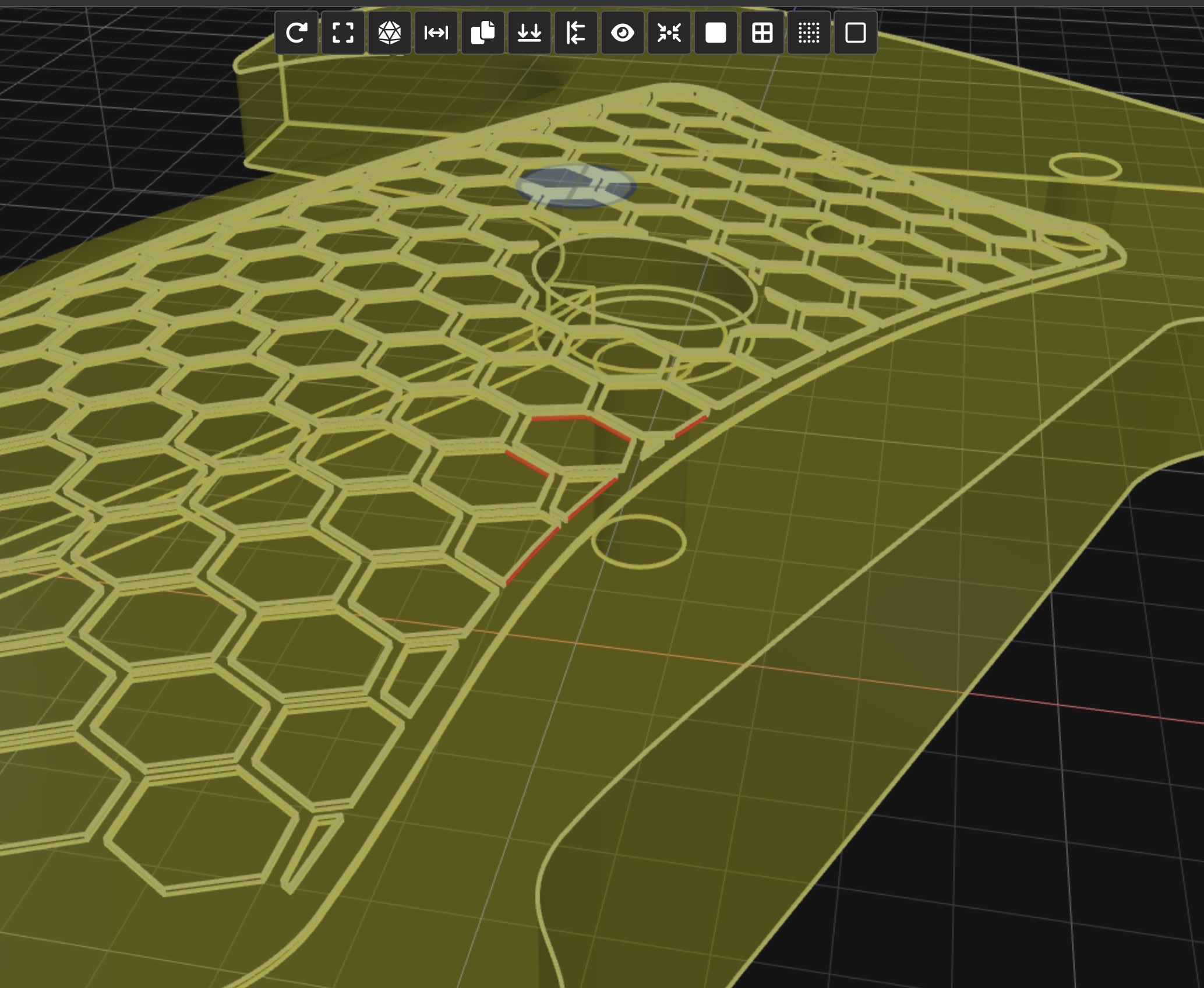
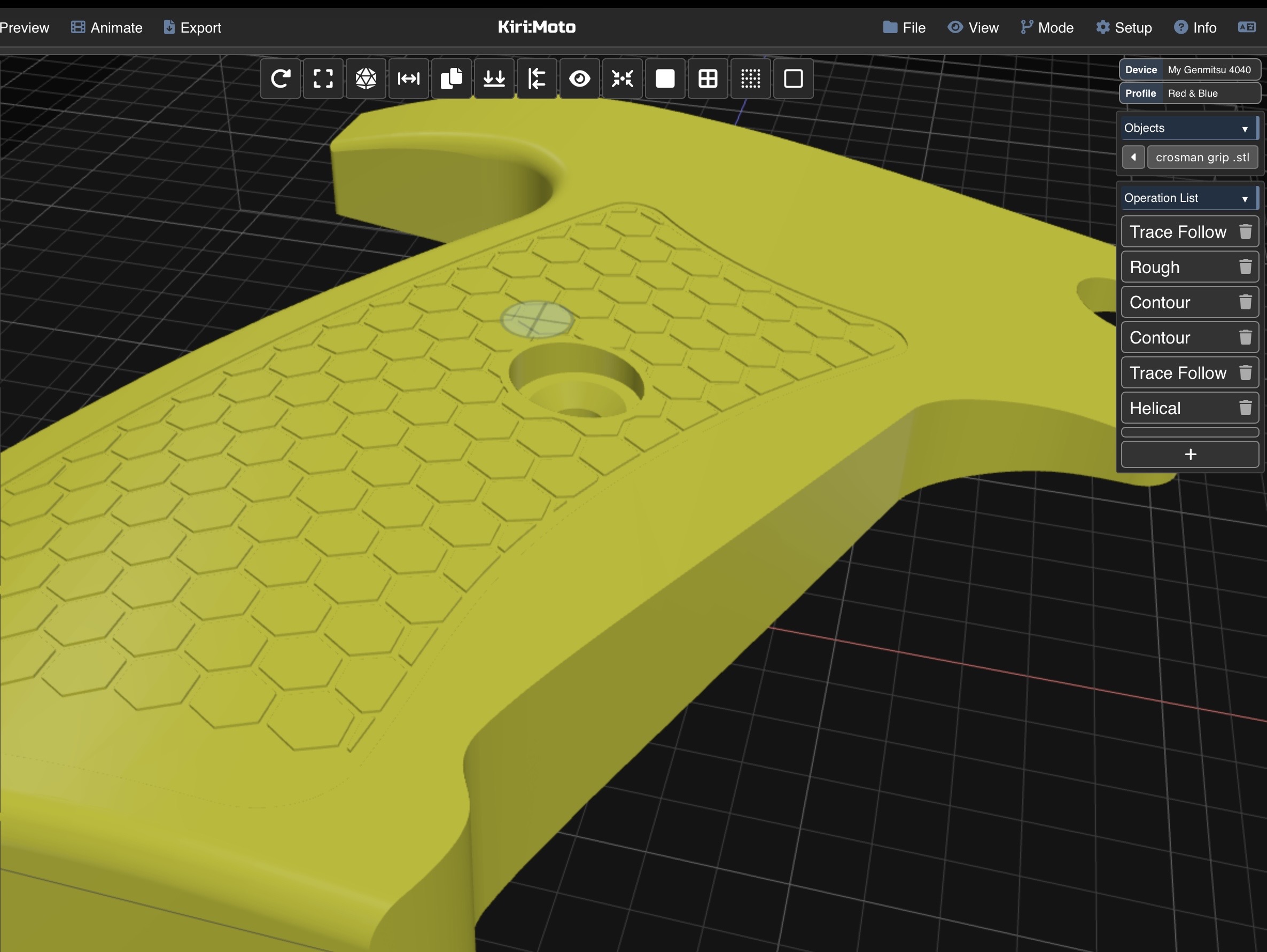
Hi Guys. Is there a way of selecting all the lines on these hexagons? I’ve tried Ctrl + Click which I thought was right.
Mode: CAM
Version: 4.6.3
Windows 11, Chrome.
Any help greatly appreciated.
Andrew
Hi Guys. Is there a way of selecting all the lines on these hexagons? I’ve tried Ctrl + Click which I thought was right.
Mode: CAM
Version: 4.6.3
Windows 11, Chrome.
Any help greatly appreciated.
Andrew
ctrl+click only works if they’re in the same Z plane. can you use a pocket or area operation instead? selection should be easier.
Thank you Stewart I’ll give that a go