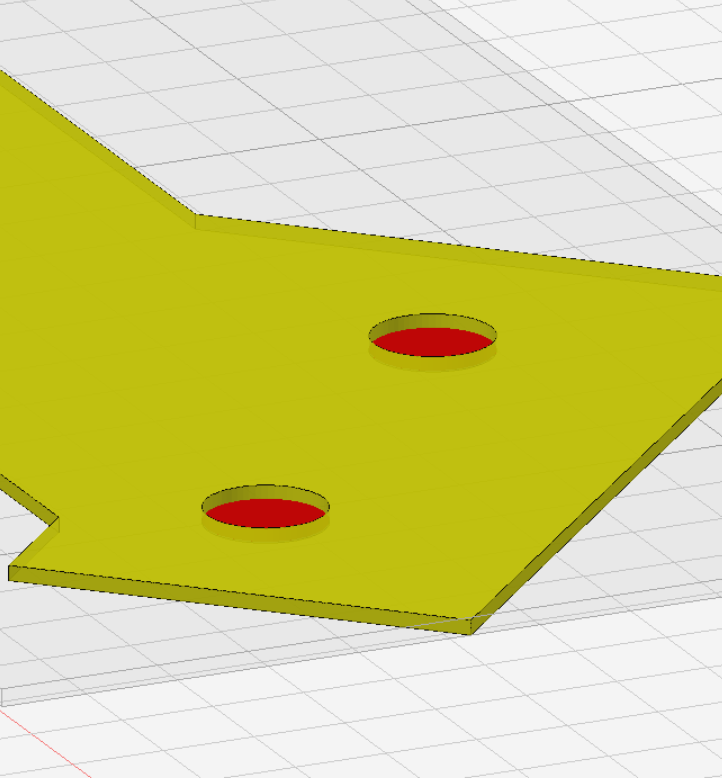
working great…and then not….will not highlight or pick holes for drill operation.
workspace_KIRI_1RBB (3).kmz (180.5 KB)
working great…and then not….will not highlight or pick holes for drill operation.
workspace_KIRI_1RBB (3).kmz (180.5 KB)
OK loaded a former KMZ and it works for that one….so must have something to do with the use of part file from development software 4.4….
nothing substantial has changed yet in 4.4 but confirmed I can’t select holes in this workspace @BakedPotatoLord
I corrected the bad hole location in the .nc file and cut the tube….I have moved on….I assume whatever it is will shake out when 4.4 is released….all kinds of thoughts on the matter one being that my resident memory is confused with two different versions of Kiri in my browser…..
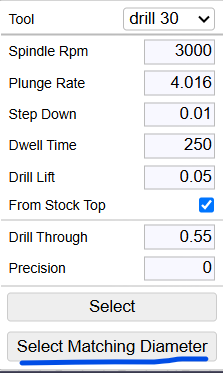
I’m not sure how it managed to cache an empty hole array, but this can be fixed by selecting the match selecting diameter button,
I understand this UI choice may be confusing. Do you thing a checkbox for caching results makes the most sense?
perhaps the checkbox could be for matching the tool diam, and the buttons can be select (from cache) and select (recalc).
@BakedPotatoLord I fixed a cam slicer precision issue in 4.4 that resulted in missed holes. it could be back ported to 4.3 but I haven’t had a chance.
I start in 4.3 in onshape first but switch to 4.4 to align the part with y axis…no need for me because my fixture is aligned with the y axis and unless the align tool is back ported I still will be using 4.4
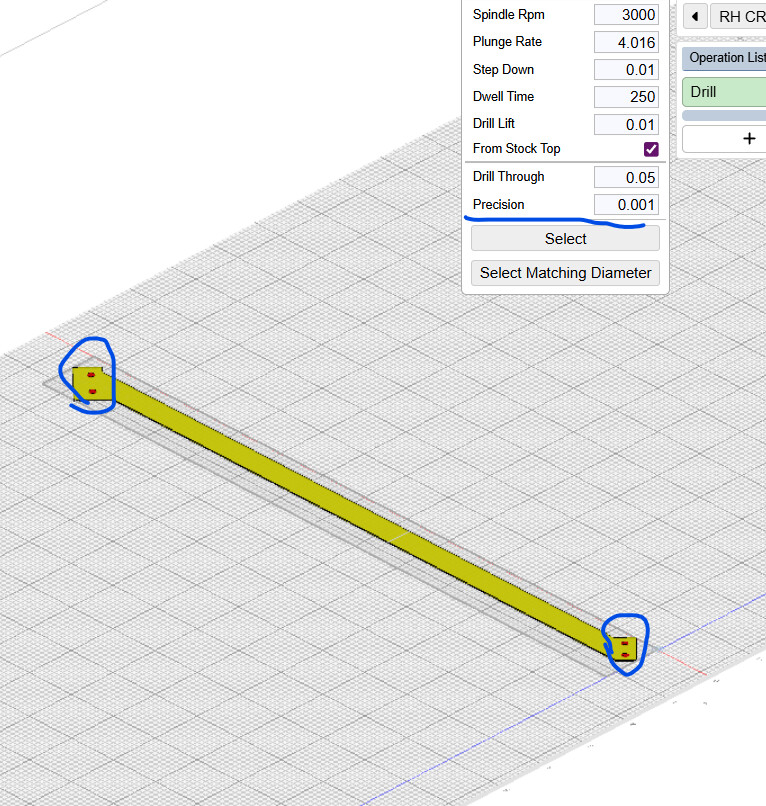
Again problems picking holes v 4.4 v 4.5…. interesting ….it finds two holes and if I flip the part it will find only the other 2 holes. ..this part was highly translated from onshape compound angle positioned part. it is possible there is not enough tolerance in hole vs ellipse issues however in onshape the holes register as diameter when measuring.
workspace_RH_CR_R_1_T.kmz (85.5 KB)
When I have translated in onshape to a flat part aligned with the top plane the program finds all the holes…..issue probably in the Kiri translation function.
workspace_flat_RH_CR_R_1_T.kmz (50.1 KB)
almost certainly a floating point precision issue detecting “vertical” walls @BakedPotatoLord
Next part I just cut no issues….I used the compound angled Onshape part I did not have to translate it in Onshape
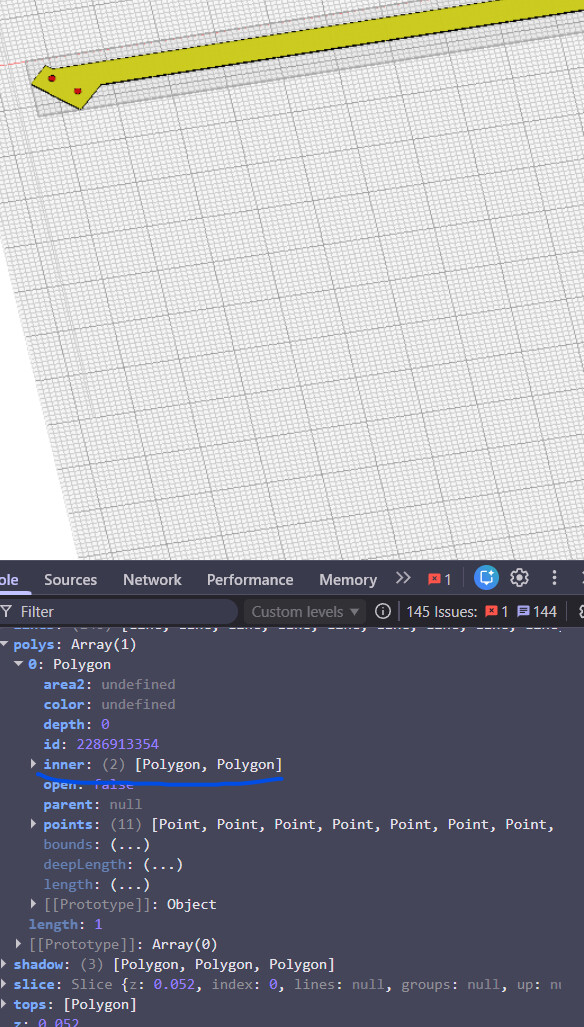
Surprisingly, it turns out the slicer is not finding 2 of the small inner holes. The problem seems to be with the slicer, not the hole overlap detection code. @stewart
@meddesign As a temporary workaround, you can get the hole to select by setting precision to a low but nonzero value.
interesting. I’ll take a look tomorrow.
the top face isn’t being recognized as a flat. the only circles being found are the bottom of the larger holes.
This is definitely a floating point precision issue. The part is very large relative to the coordinate space we usually work within. The only way to solve it is to relax the constraints.