In the attached workspace, adding a second contour operation causes the toolpath to rotate 90° relative to the model, even though the model is correctly aligned to the global axes. Each contour operation works correctly when used alone, but when both are enabled simultaneously, one of them is generated with an incorrect orientation.
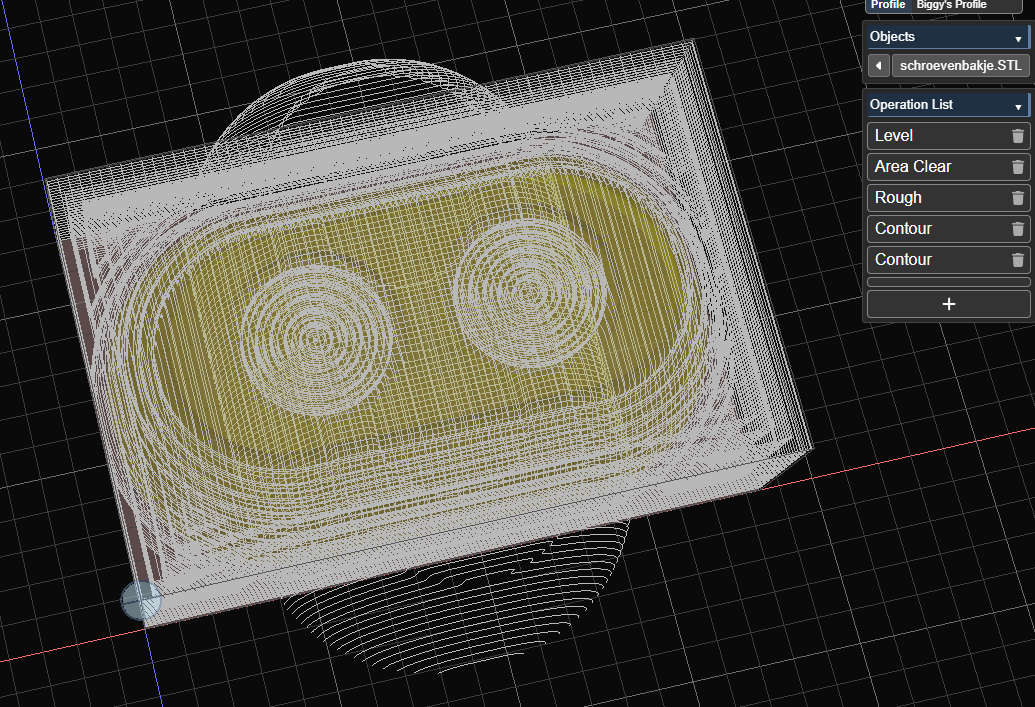
Details:
• The model is axis‑aligned and unrotated.
• A single contour operation (either X‑side or Y‑side) produces a correct toolpath.
• When both contour operations are enabled, the second one is rotated 90° and no longer follows the model geometry.
I’m using prodution version 4.6.2
workspace_schroevenbakje.kmz (1.2 MB)
