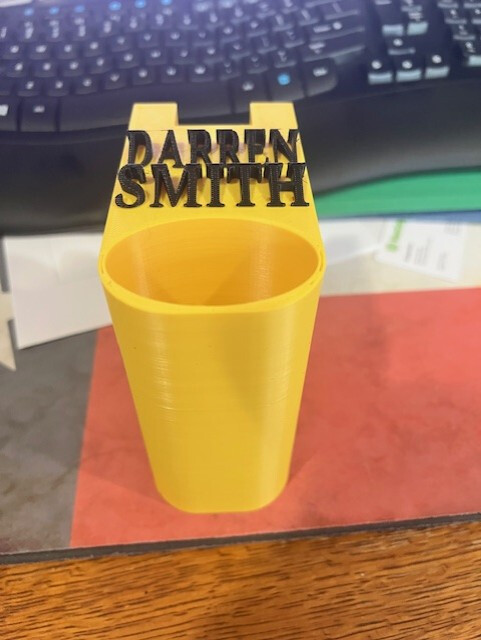
Hi, First post here, I hope someone can help. I’ve been getting some good prints on PLA using Kiri:Moto, so thanks to the developer.
Wanted to do some printing in ASA for outdoor, UV exposure.
First prints had warping and adhesion issues, built enclosure and started using a little acetone ASA mixture as a bed coating. That aspect now looking solved.
New problem, print repeatedly failing in same place.
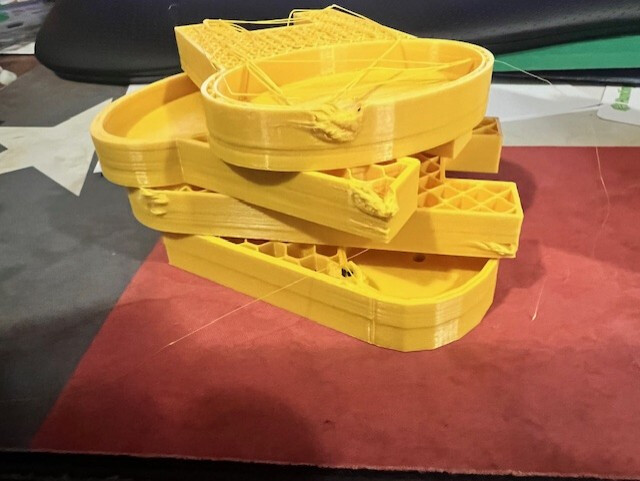
Prints fine up to 2.6mm height, then I hear a thump and y has skipped by a few mm, abort part.
This keeps happening in same place, always 2.6mm
Do a bit of googling, suspect Zhop, set that to zero, similar failure.
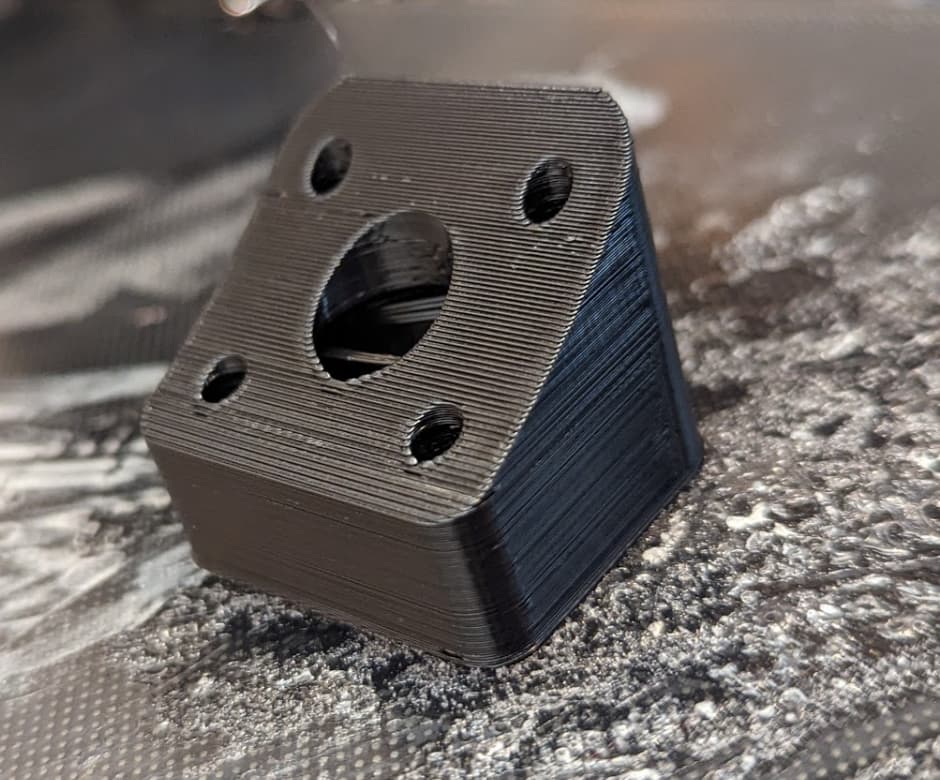
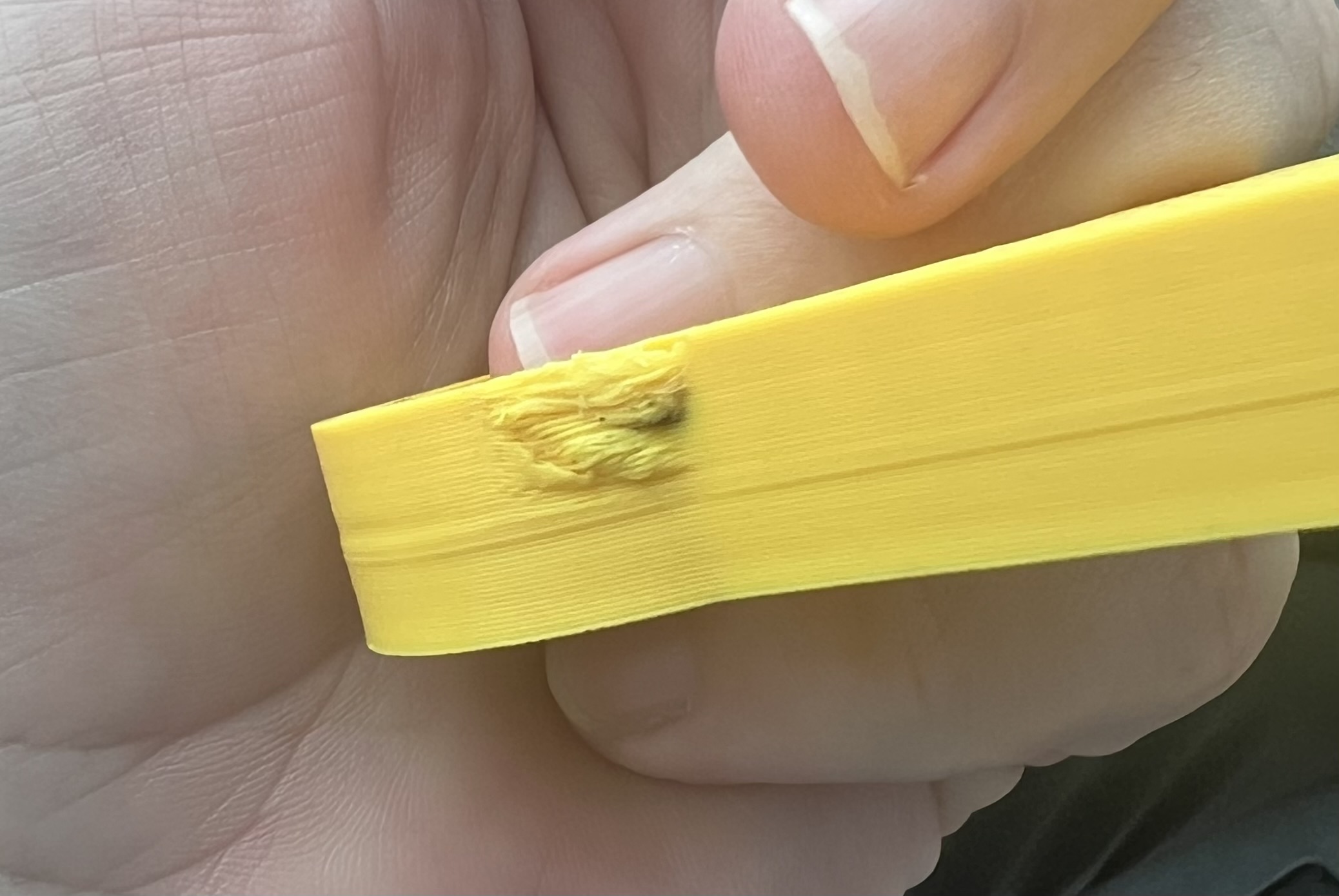
Difficult to capture on camera, but I’ve seen it, at beginning of new layer, nozzle plunges into the print, with the nozzle anchored in the print when x or y tries to move it obviously then skips steps
Suspect something wrong with my stl
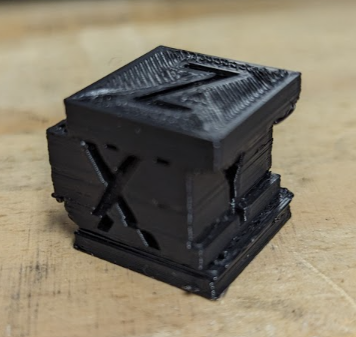
Print 20x20 calibration cube instead, same result
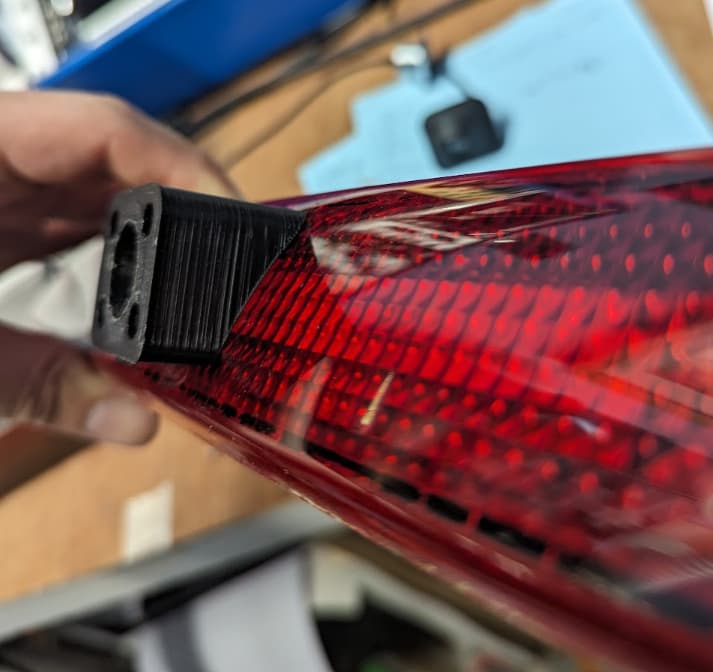
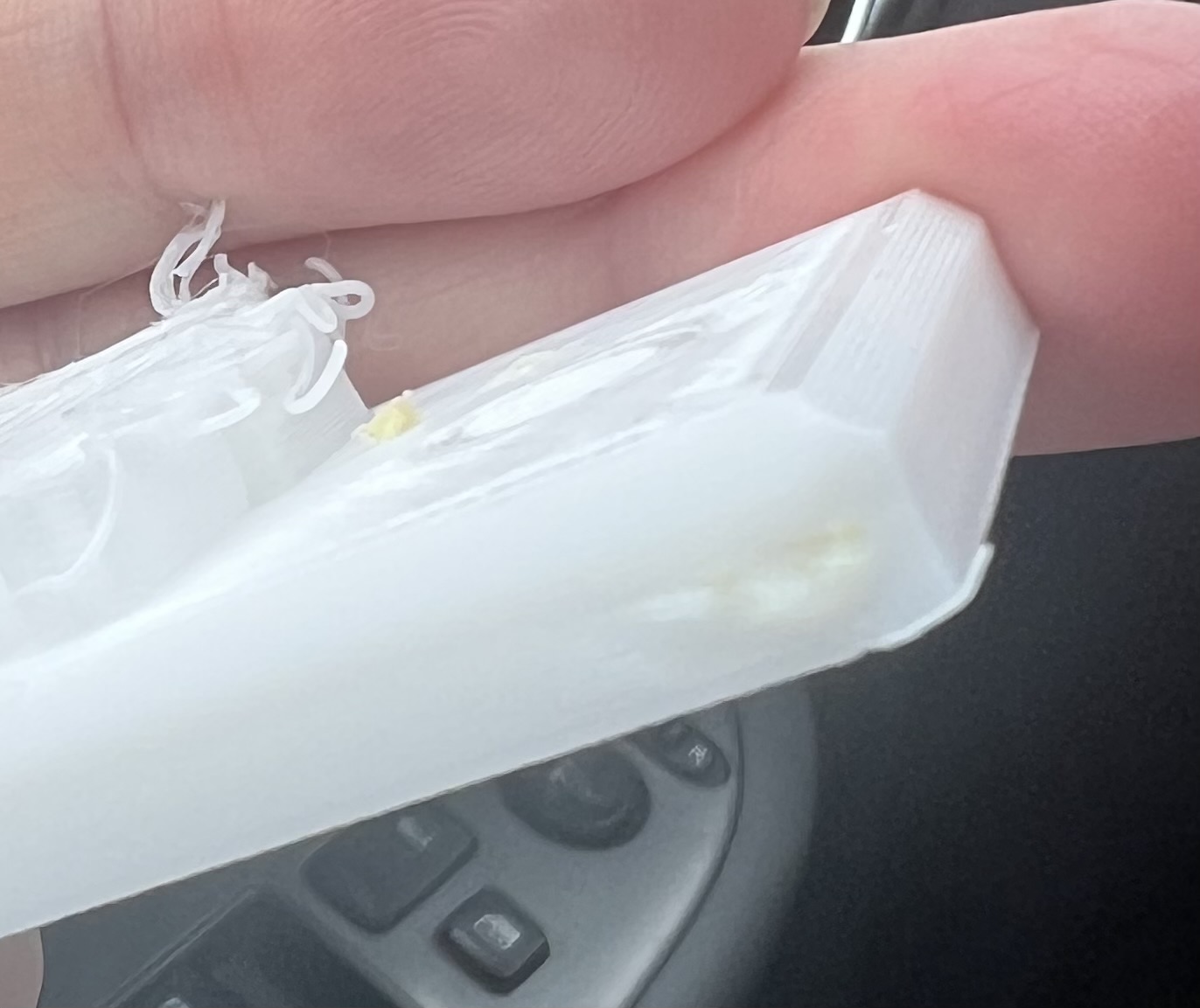
I allow the cube to finish, for the most part it prints fine, but occasionally it does that plunge and skip thing, finished print has shifts in both x and y axis.
It seems the stepper driver and mechanical setup is OK, I can make them skip by hand, but it requires a pretty substantial force.
Printer: Sovol SV01 (using creality 10S as most similar printer, I know this seems off, but Ive been getting some nice prints in xABSx edit: PLA up til now)
Material: ASA Basic (Using ABS settings with tweaked nozzle and bed temperature)
Unfortunately I cannot upload gcode file as a new user. But I’ll post settings:
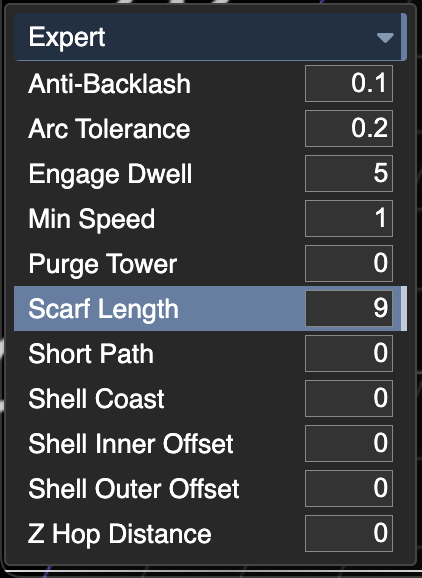
; Generated by Kiri:Moto 4.3.2
; Fri Oct 10 2025 10:21:50 GMT+0100 (British Summer Time)
; Bed left:0 right:300 top:300 bottom:0
; Bed type: fixed
; Target: Creality.CR-10S
; --- process ---
; processName = Ender 3 ASA
; sliceHeight = 0.2
; sliceShells = 3
; sliceShellOrder = in-out
; sliceLayerStart = random
; sliceFillAngle = 45
; sliceFillOverlap = 0.35
; sliceFillSparse = 0.4
; sliceFillType = hex
; sliceAdaptive = false
; sliceMinHeight = 0
; sliceSupportDensity = 0.15
; sliceSupportOffset = 0.4
; sliceSupportGap = 0
; sliceSupportSize = 6
; sliceSupportArea = 0.25
; sliceSupportExtra = 0
; sliceSupportAngle = 1
; sliceSupportNozzle = 0
; sliceSolidMinArea = 5
; sliceBottomLayers = 2
; sliceTopLayers = 3
; firstLayerRate = 10
; firstLayerPrintMult = 1
; firstLayerYOffset = 0
; firstLayerBrim = 0
; firstLayerBeltLead = 200
; firstLayerFanSpeed = 0
; outputTemp = 250
; outputBedTemp = 90
; outputFanSpeed = 25
; outputFeedrate = 80
; outputFinishrate = 30
; outputSeekrate = 150
; outputShellMult = 1.35
; outputFillMult = 1.3
; outputSparseMult = 1.3
; outputRetractDist = 4
; outputRetractSpeed = 60
; outputRetractWipe = 2
; outputRetractDwell = 0
; outputShortPoly = 50
; outputMinSpeed = 1
; outputCoastDist = 0.05
; outputLayerRetract = false
; zHopDistance = 0
; antiBacklash = 0
; sliceFillWidth = 1
; sliceFillRate = 0
; sliceSupportEnable = false
; firstSliceHeight = 0.2
; firstLayerFillRate = 35
; firstLayerLineMult = 1
; firstLayerNozzleTemp = 0
; firstLayerBedTemp = 0
; firstLayerBrimTrig = 0
; firstLayerBrimGap = 0
; outputRaft = false
; outputRaftSpacing = 0.2
; outputBrimCount = 0
; outputBrimOffset = 0
; outputPurgeTower = 0
; outputInvertX = false
; outputInvertY = false
; arcTolerance = 0
; ranges = []
; outputLoops = 0
; firstLayerBrimIn = 0
; firstLayerBeltBump = 0
; outputBeltFirst = false
; sliceFillRepeat = 4
; sliceLineWidth = 0
; sliceSupportSpan = 5
; sliceSupportOutline = true
; firstLayerFlatten = 0
; outputDraftShield = false
; outputAvoidGaps = true
; sliceDetectThin = off
; sliceAngle = 45
; sliceLayerStartX = 0
; sliceLayerStartY = 0
; sliceFillGrow = 0
; sliceSolidRate = 0
; sliceSupportGrow = 0
; sliceZInterleave = false
; outputFanLayer = 1
; outputAlternating = false
; outputMinLayerTime = 10
; outputScarfLength = 5
; sliceCompInner = 0
; sliceCompOuter = 0
Maybe notable snippet:
;; --- layer 7 (0.200 @ 1.6) ---
; start object id: 102
; feature shells
G1 X106.0773 Y158.1345 Z0.6714 F9000
G1 X106.4773 Z0.7429 E227.7614 F4800
G1 X106.8773 Z0.8143 E227.7673
G1 X107.2773 Z0.8857 E227.7740
G1 X107.6773 Z0.9571 E227.7814
G1 X108.0773 Z1.0286 E227.7895
G1 X108.4773 Z1.1000 E227.7984
G1 X108.8773 Z1.1714 E227.8080
G1 X109.2773 Z1.2429 E227.8184
G1 X109.6773 Z1.3143 E227.8295
G1 X110.0773 Z1.3857 E227.8414
G1 X110.4773 Z1.4571 E227.8540
G1 X110.8773 Z1.5286 E227.8674
G1 X111.2773 Z1.6000 E227.8815
G1 X111.6773 E227.8956
G1 X112.0773 E227.9097
G1 X112.4773 E227.9238
G1 X112.8773 E227.9379
So here is it telling the z to go to Z0.6714 when we are already at 1.6mm layer height? Is that normal behaviour?
Thanks in advance for any help, I’d like to keep using Kiri:Moto if I can, I hope I can get over this problem somehow.