Hello,
I finally got the mill my object and it turned out pretty well, I minor thing is that I calculated the step over for the other coutours wrong and I got really liney.
On other software I put in a step over of like 60%, and then it will step over 60% so let’s say you have a 1mm line, it will do the next pass in 0.4 mm in on the next pass.
On Kira:moto I need to enter an amount according to the width of the shaft of the bit, that is 1/8” or 3.175mm, if I take 60% of that wel’ll be leaving stuff, in stead I need to calculate the right step over:
end width*((100-step over %)/100))/width of the shaft
So in my example:
1*((100-60)/100) / 3.175
1*(0.4)/3.175 = 0,1259842519685039
For real detail bits like I used of 0.2mm you get really small value of 0.03149606299
But it works.
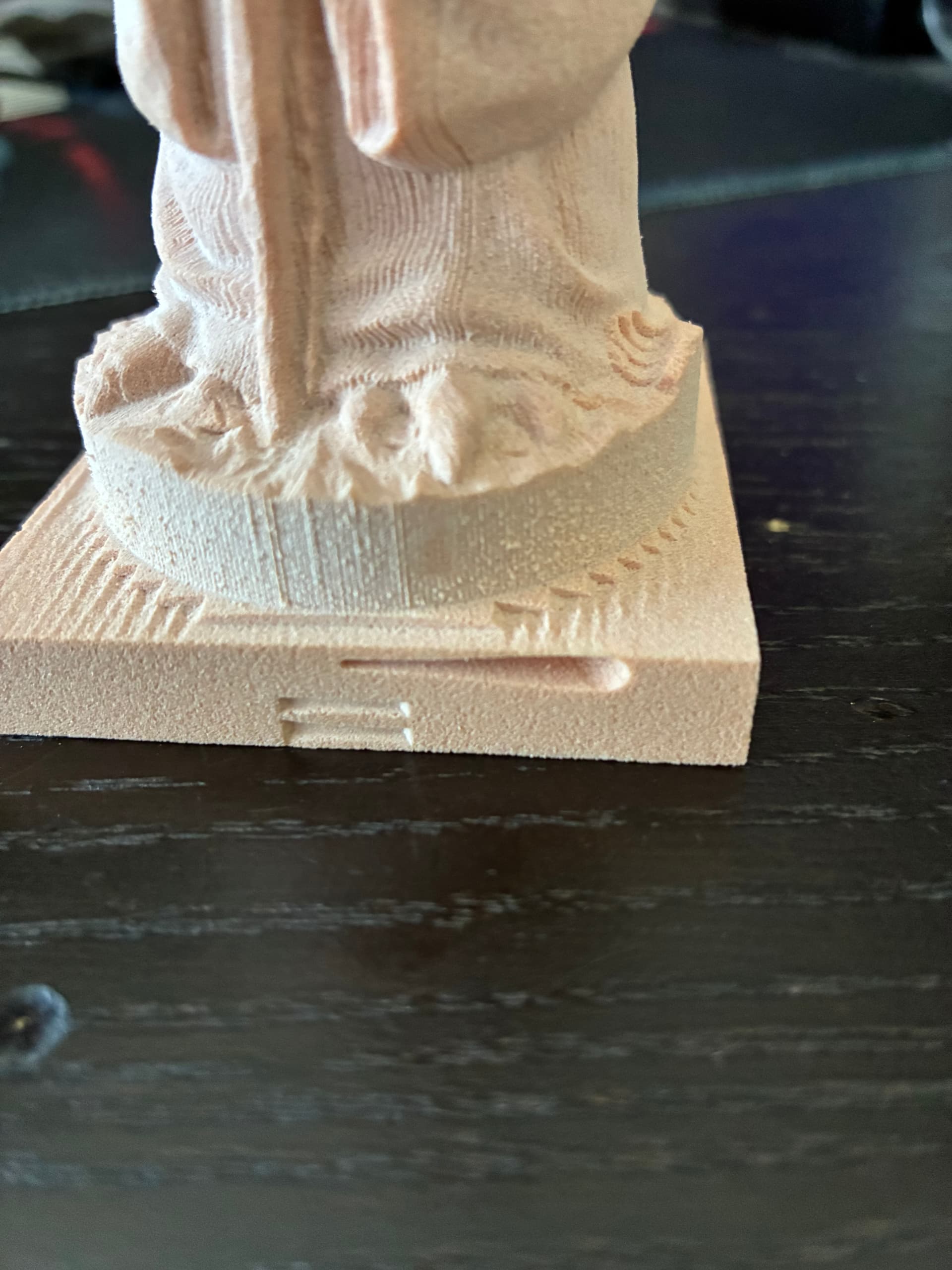
The bug I found was that the bit was hovering a few milimeter over the stock, not an issue, but I did an rotation operation after the lathe and It started rotating the stock into the bit, so I stopped it.
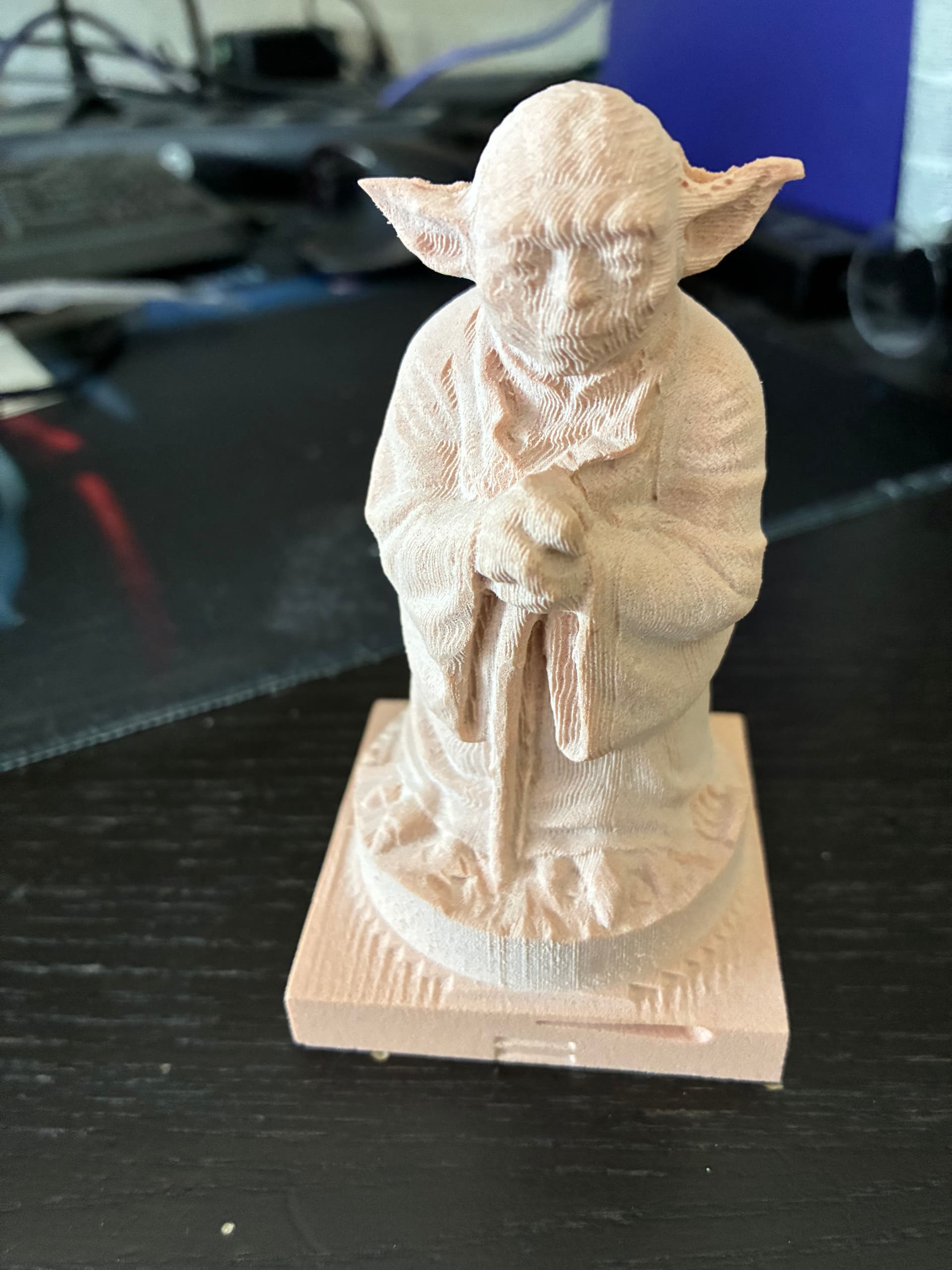
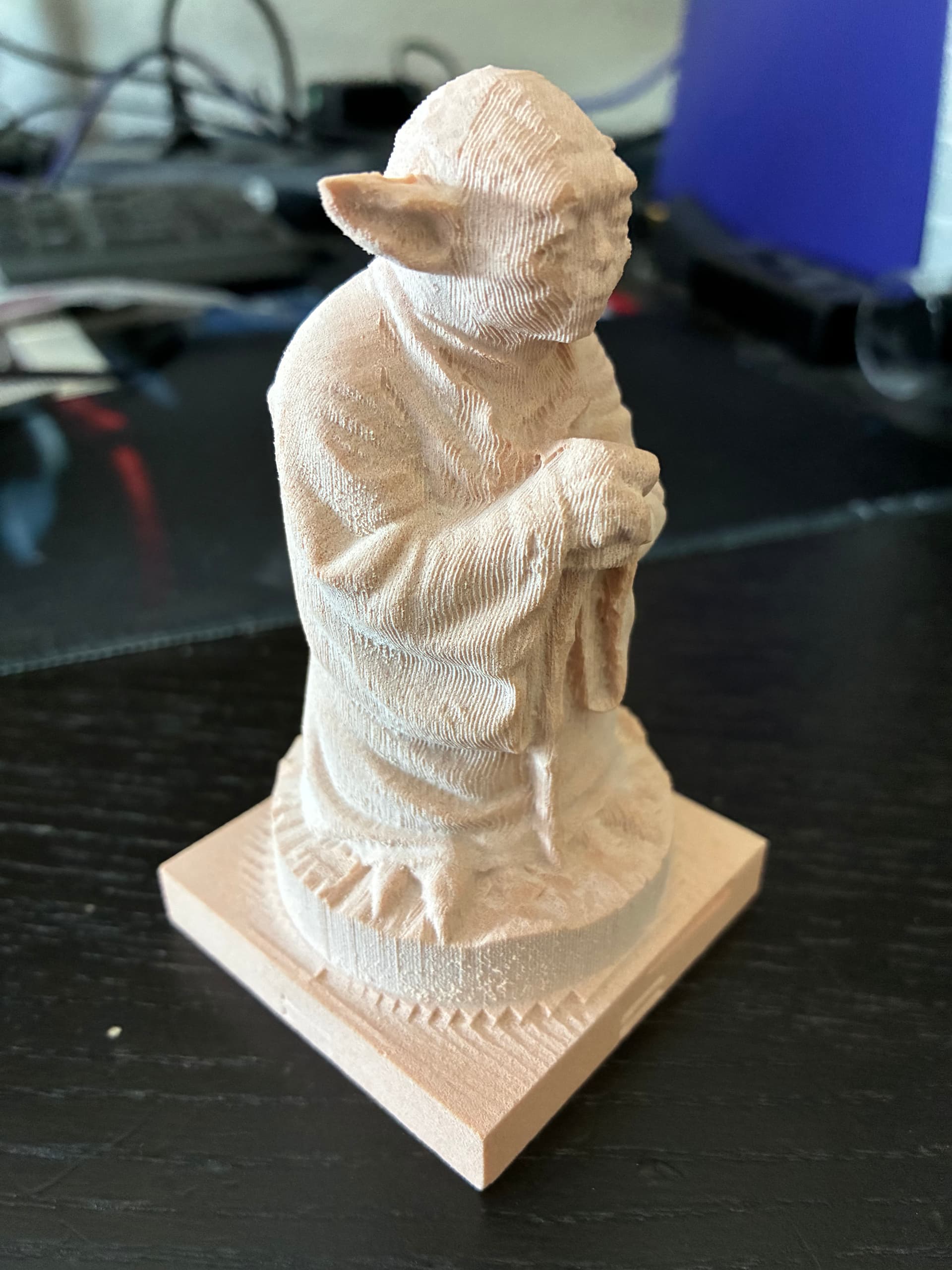
Here you can see the damage to the stock from turning the object without clearing the stock:
Maybe you can make a “move location” command so I could move to a save position before starting another command.
I’m still hoping to make a perfect one some time.