I’ve been experimenting with Kiri’s drag‑knife mode using a custom pen‑mount on my CNC. It actually works extremely well for line icons — but drag‑knife logic only allows outlines. Since a pen doesn’t have knife constraints, I’m running into limitations that a hybrid mode could solve.
What I’m trying to do
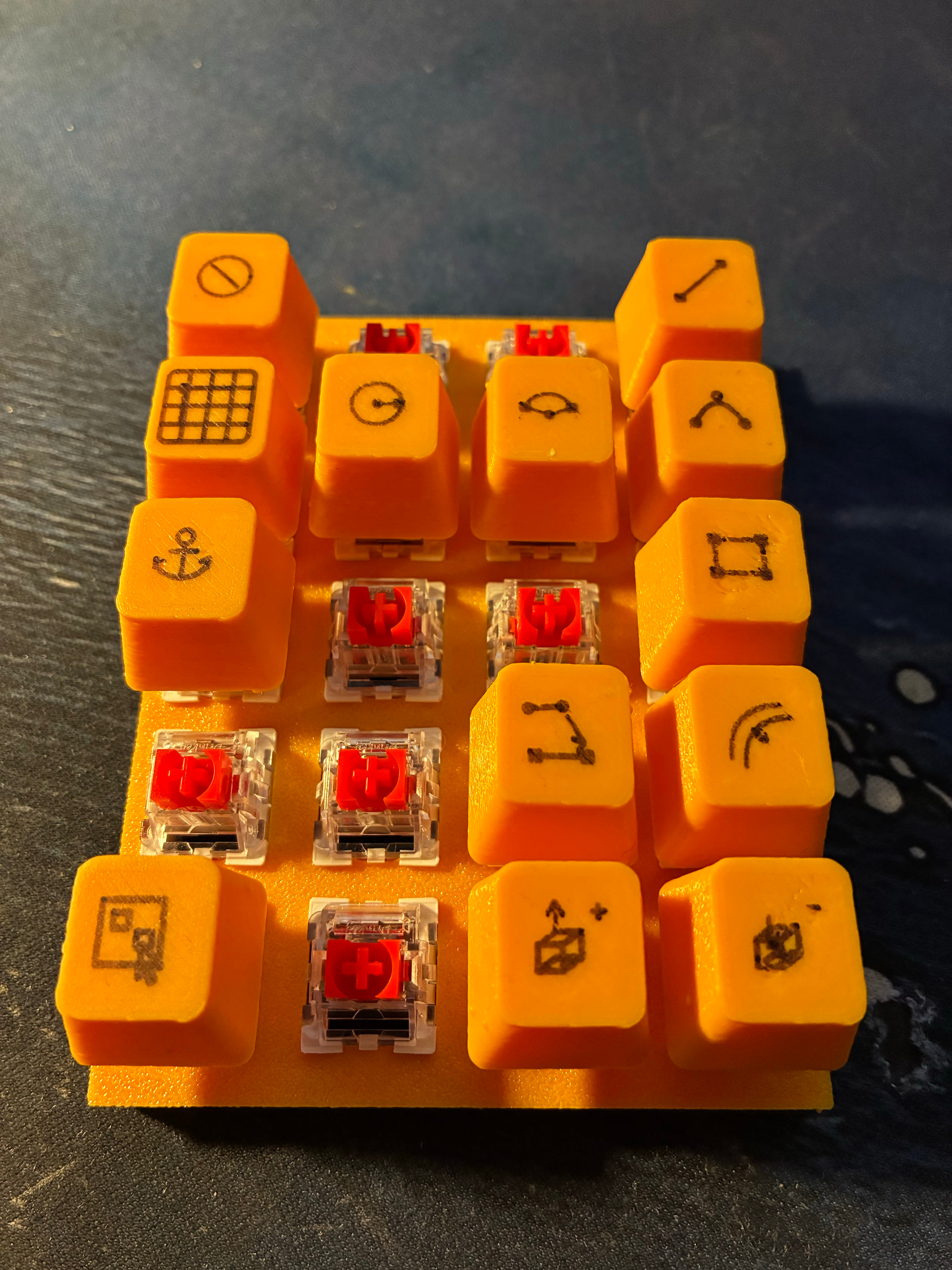
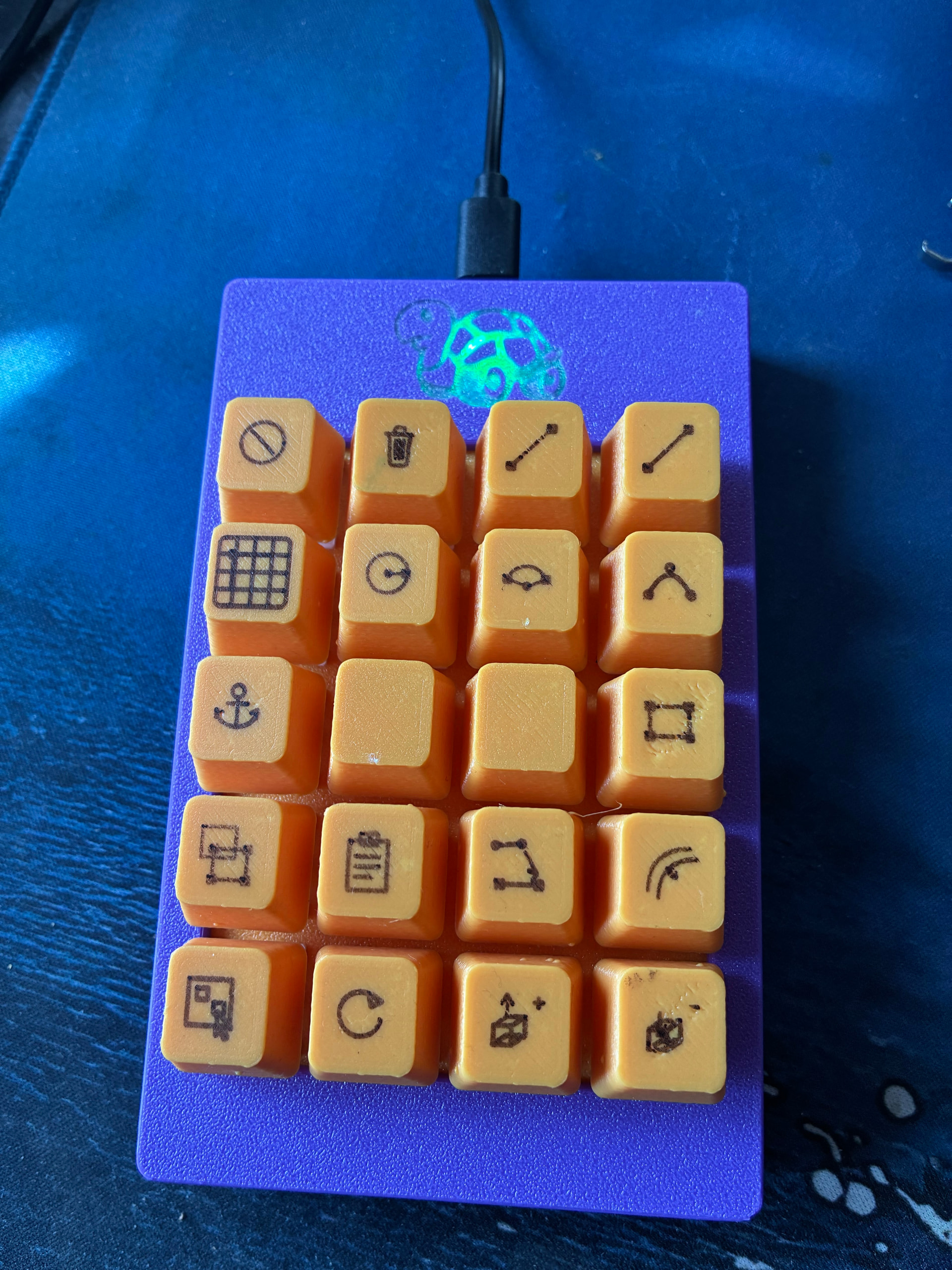
I’m building a macroboard with drawn icons on 3D‑printed keycaps.
Outlines work, but filled icons, raster shading, and bitmap fills would look much better.
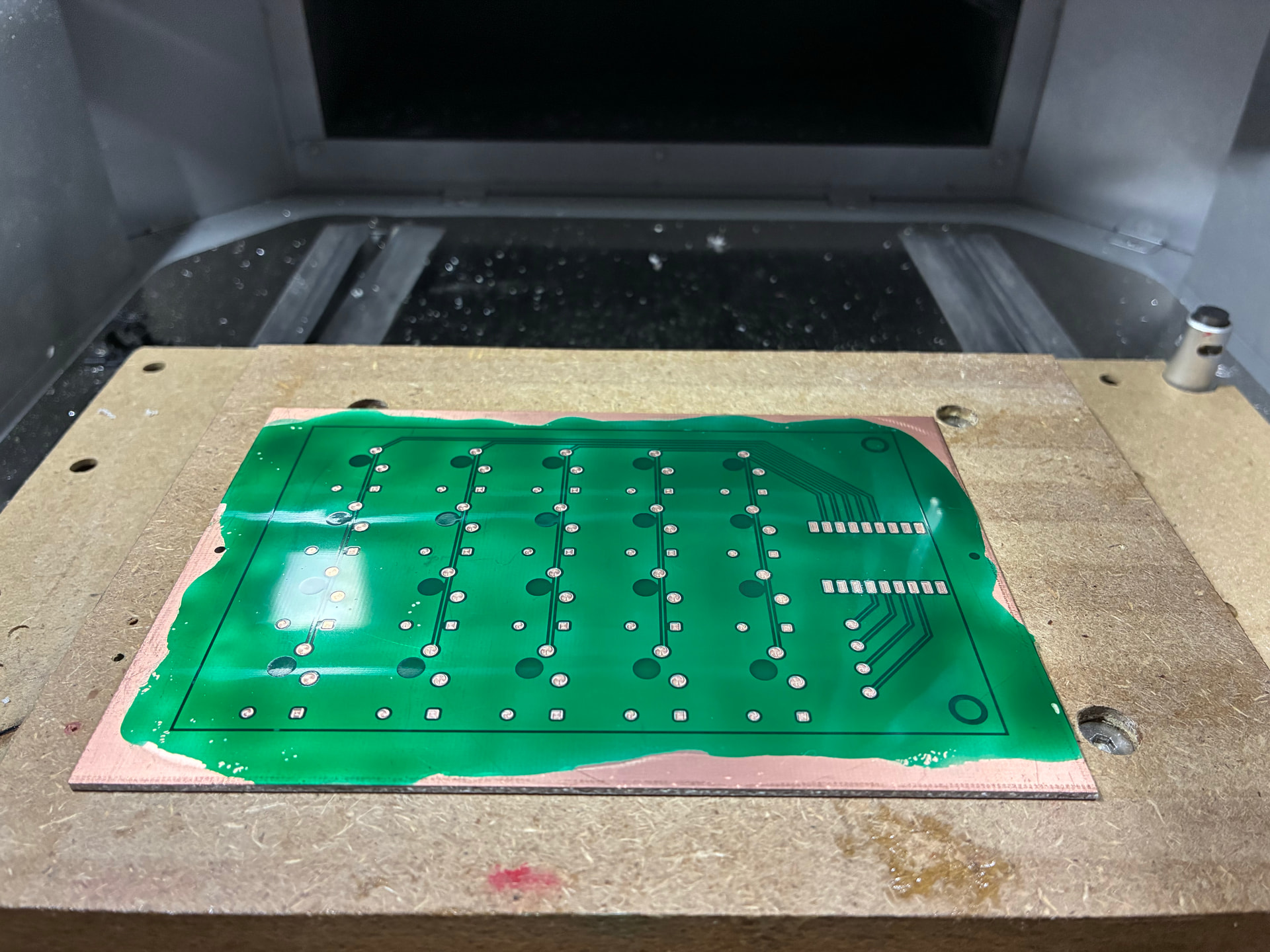
I also want to experiment with PCB silkscreen‑style drawing on FR4 using a pen.
General pen‑plotting (text, symbols, alignment marks) would benefit from raster/hatch fills.
Current workaround
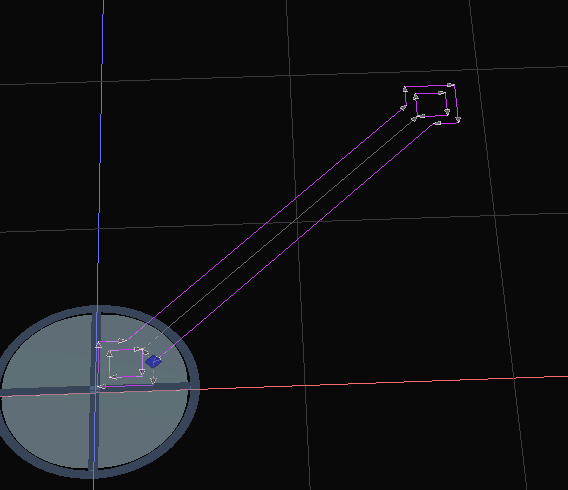
I’m using drag‑knife mode with offset = 0 and cut‑depth = 0.1 mm.
This works great for simple line icons, but drag‑knife mode blocks all raster/hatch/fill operations by design.
Feature request: Pen Tool Type
A “Pen” mode that combines the strengths of laser‑engrave and drag‑knife:
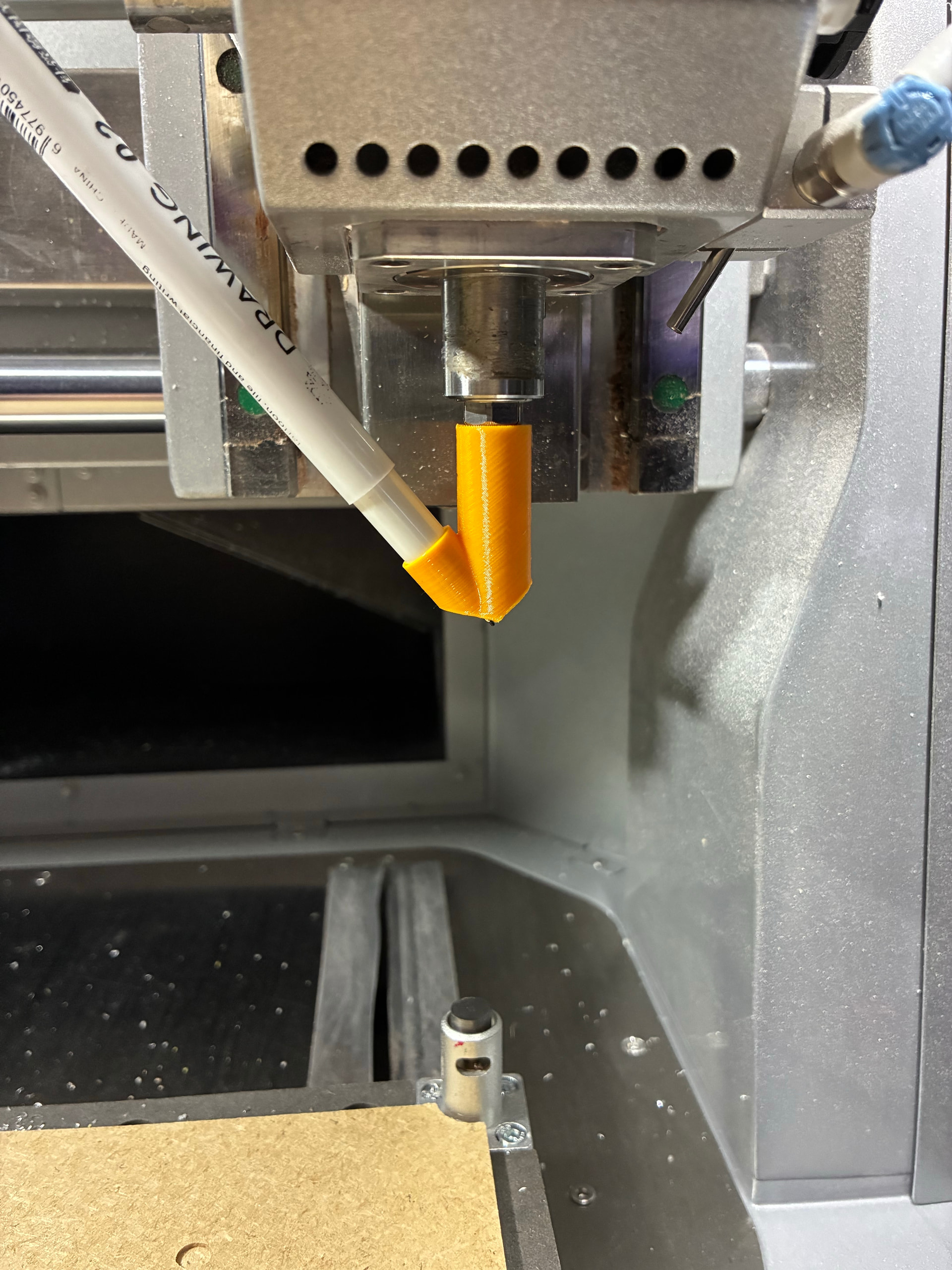
This is the pen-holder I made for my Makera Carvera Air.
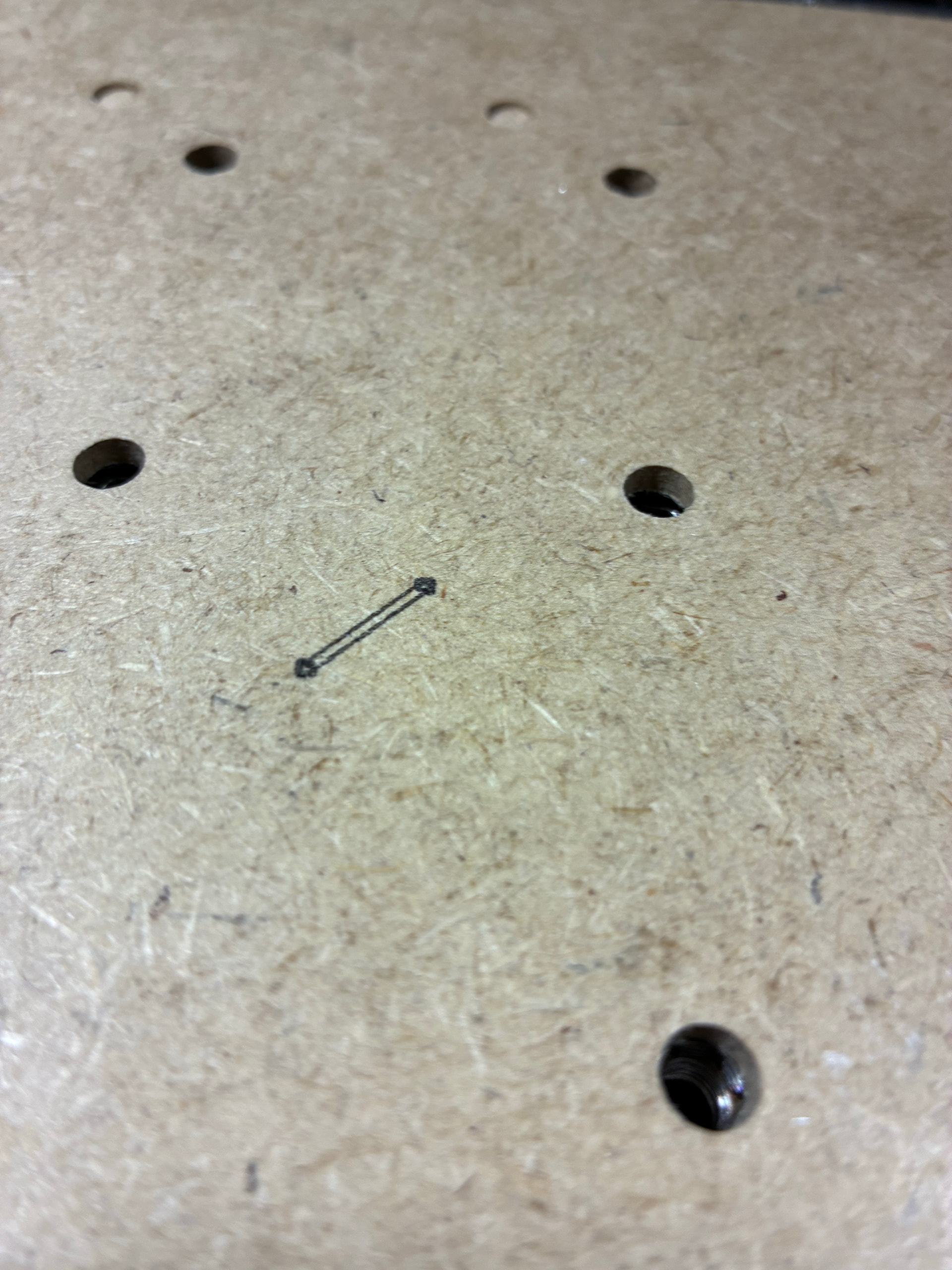
and this is my first test (a line-icon for on my macropad’s keys) it’s only 9mm but it works pretty well:
If you’re interested, I can do some testing for you.
Thanks — Kiri has been amazing for this project.
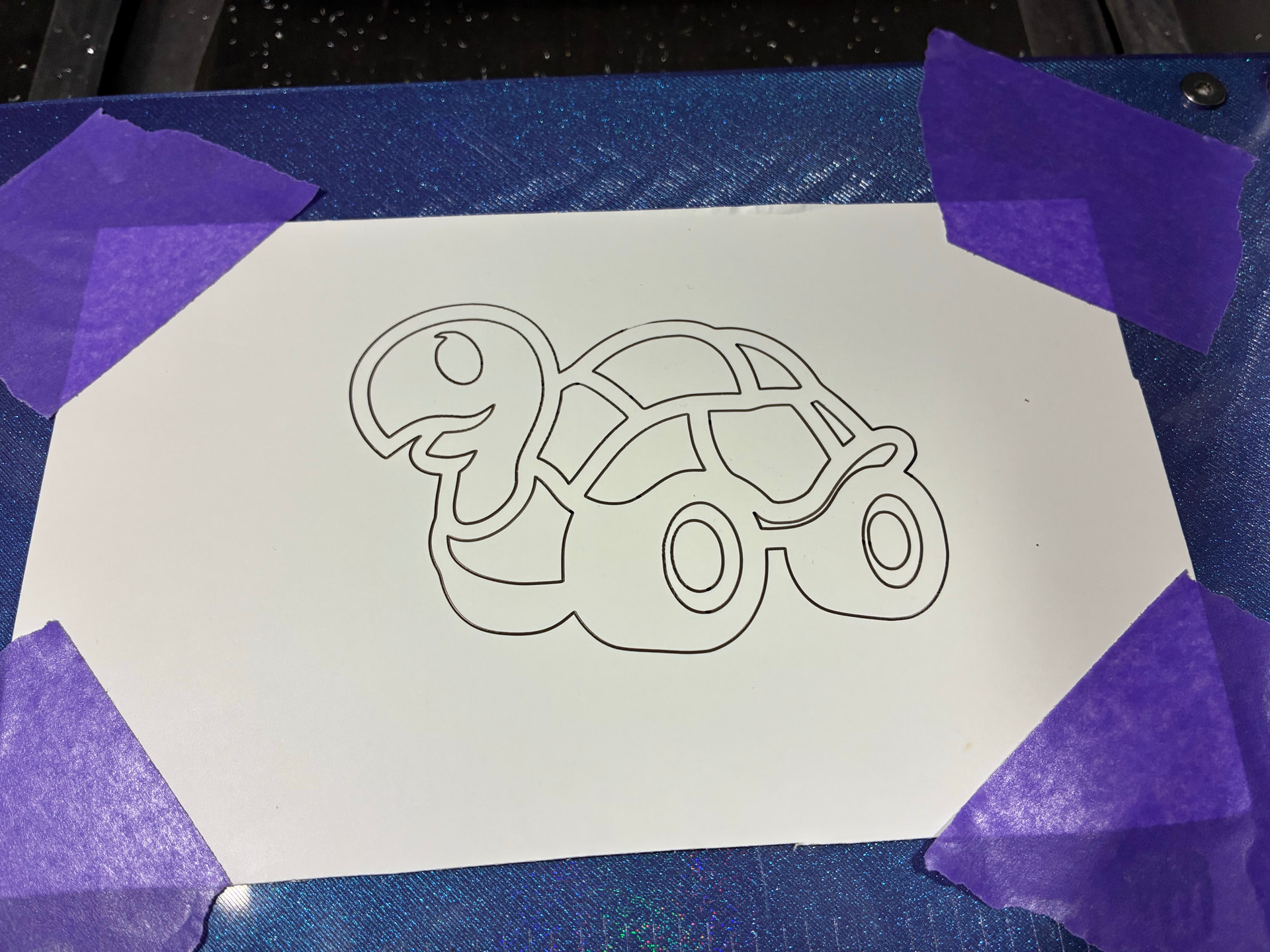
P.S. just made another drawing… My maker-mark about 10x10 cm… (it started on top, and the pen needed a few milimeters before the ink started flowing…I think it’s very clean)
The SVG import in Kiri makes it a solid, and normal lines are not available, so I’ve been mucking around with Makera CAM and I’ve created some SVG Icons with Claude, printed some keys and drew the icons on… some clear laquer to fixate it… this is the result of this night:
I would be so much happier if I could make this with Kiri:Moto as I hate Makera CAM
Makera CAM doesn’t allow me to set the spidle speed to 0, so I had to edit the gcode to remove the M3 and M5 commands
Soon I will be 3D designing with my macropad
It’s really simple, it holds those standard fineliner pens. I bought the set with a lot of sizes tips: 0.05, 0.1, 0.2, 0.3, 0.4 and 0.5 mm…and they all fit, then I made some tools with numbers 1000-1005 so it will ask for a tool change and I can make different line widths.
I don’t know if other pens will also fit, I’ll upload it to printables with the STEP file with it so it’s easy to make small changes.
I do have an issue the way Kiri:Moto imports SVG’s as if they are 3D objects, I would just like to have a 2D object and follow the lines, not only with the pen-plotter, but that’s also perfect for a quick pocket or cut in CNC mode.
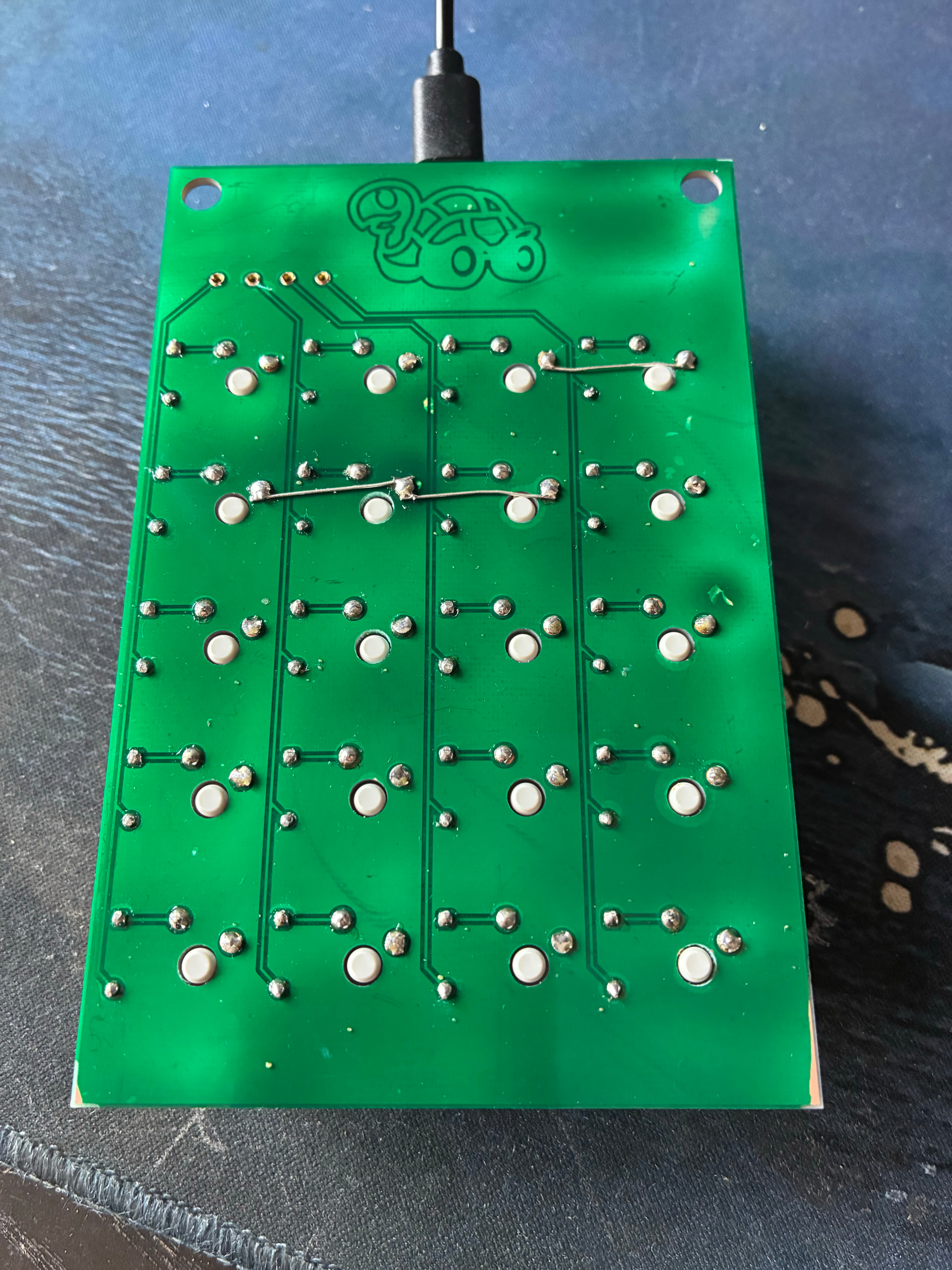
A PCB cutting mode could also be an idea you can import gerber files and then create toolpaths from the vectors, I do that now with the Makera CAM, but it’s clunky. A more dedicated mode would make things easier… like auto toolpaths for PCB milling, default 0.05mm depth (with the inner line from the cutoff layer, then pause for soldermask and UV-curing, and remove the pads, and then request tools for the different holes to drill with option to pocket with a corn-bit in stead of drill, then a cutout pass with a corn-bit.
Maybe that’s a bit too much to ask for, but I would love a semi-auto gerber implementation in Kiri:Moto