The full description - how to reproduce an error is here:
New profiles for the new device have been mixed with profiles from the old device
How to reproduce:
Clean current Device & Profiles
Shift-Z
[refresh]
Select existing Device - IMADE3D JellyBOX 3
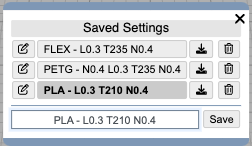
Check the Profiles:
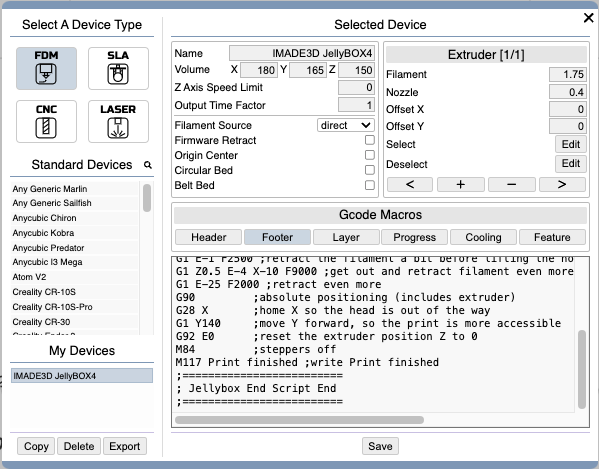
Create the New Device - JellyBOX 4
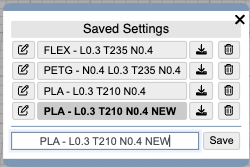
Create a New Profile
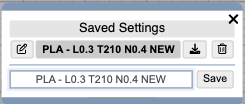
Delete Old Profiles, keep just the new one.
The top of the page shows properly:

Export the New Device and New Profile to some kmz file (to have Device and Profile as you need saved)
Reload Page using

Check the Profiles:
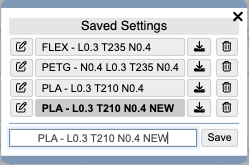
The old profiles, that were deleted are shown again… The top navigation still shows the proper Device and Profile: