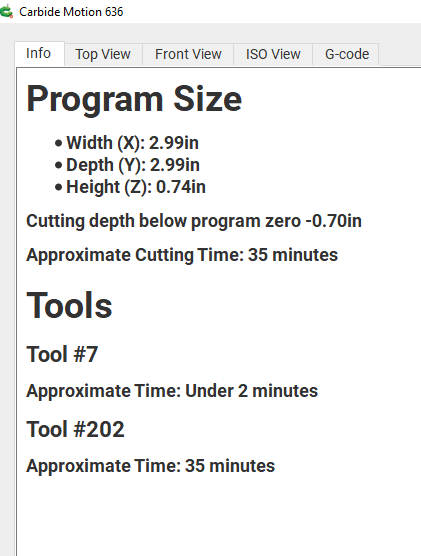
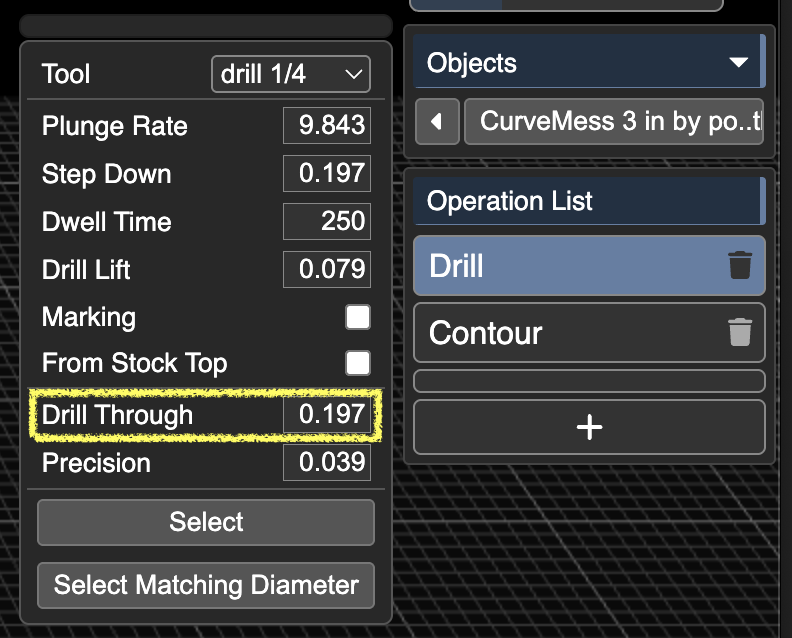
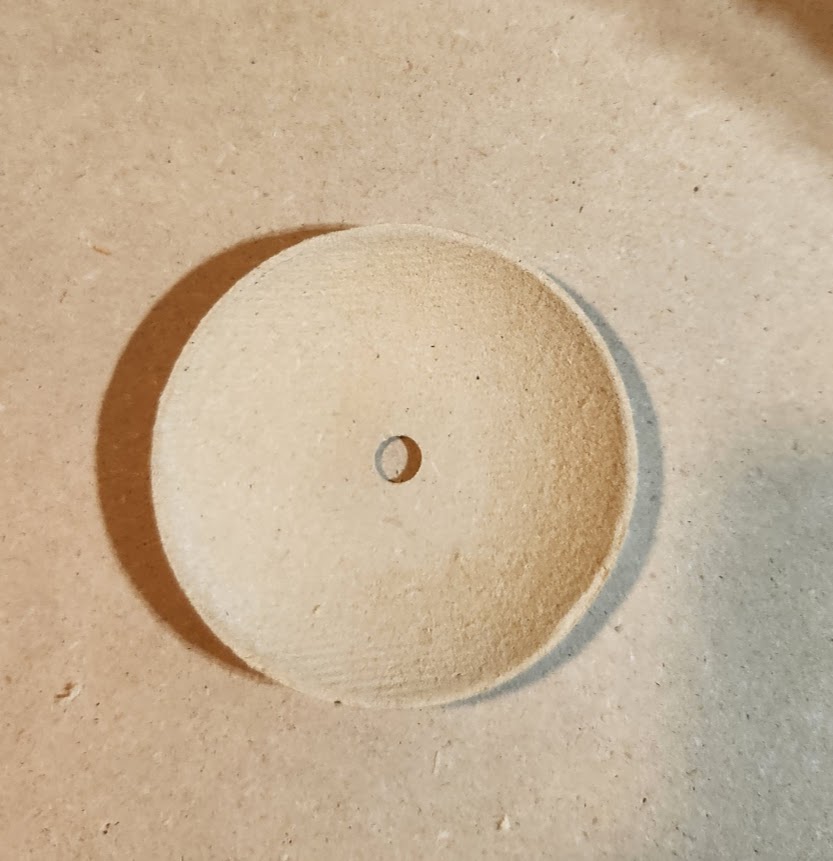
I am moving to Carbide Create to FreeCad and Kiri Moto for some of my more advanced parts. I am using Carbide Motion v6 on a Shapeoko 3 XL. I created a simple curve part just for testing and verifying that things are working, but I am having issues. It wants to cut about 3/4 of an inch below the surface. The animation of the cut looks correct in Kiri:Moto but it is not working right when I attempt to cut.
I tried shifting units between imperial/metric but no luck. I verified the units in my Carbide Created Gcode and Kiri and they are using the same G21 for dimensioning. I am at a loss what would cause this as I am just now attempting to leave the Carbide ecosystem. Attached is a screenshot of Carbide Motion showing the cut going to deep and the workspace I used.
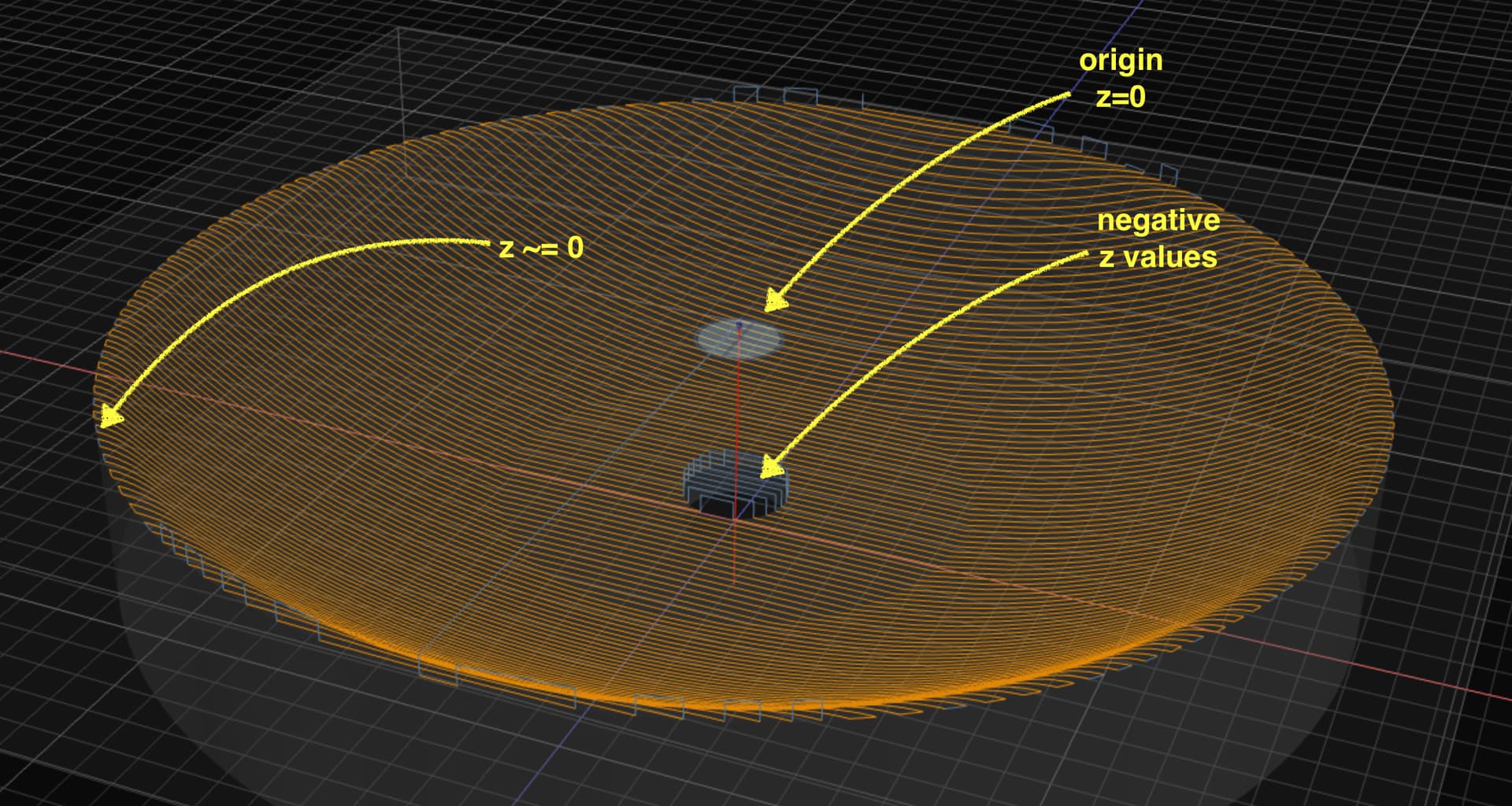
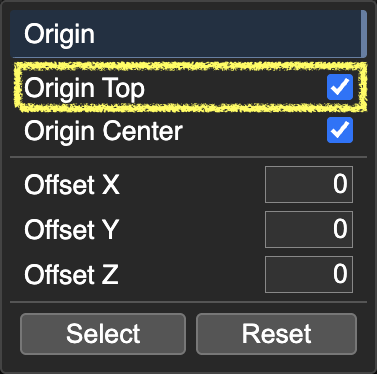
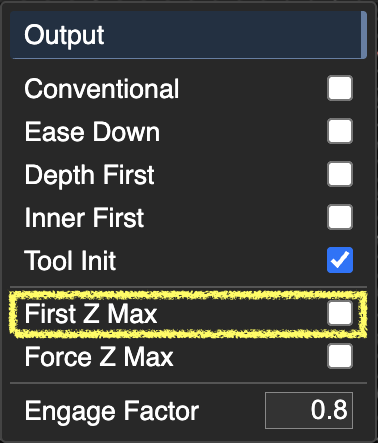
just to make sure we’re on the same page, you intend for the origin where z=0 to be the top of the stock? cutting values will descend from there. if you want origin to be on the spoil board or referenced to something on the bed (say your machine probes z at the start of the job), uncheck origin top under the left origin menu. and you will want to enable first z max under the left output menu. hover any field for tool tips.
Yes, I neglected to mention my homing and origin strategy. I did want the z zero to be on top of the half inch board I was using and in the center. Those are correct for this piece.
Setup 1/2 inch piece of mdf. Set Z origin to top of stock. Set XY Origin to to middle of stock I was using. Would the First Z Max be needed for this? My understanding (which is highly likely to be wrong) is to ensure that the travel is above the stock before the first cut.
Thank you all for taking a look. Need to add a roughing operation. Coming from 2.5D software, I need to take note how the operations may differ in use. I got used to picking a feature and it carves down to my finished piece in my old software.