KM not slicing at all

Hello,

I am unable to get the slicing view of the attached workspace.

workspace_puntllibre_simple_1.kmz (202.7 KB)

I tried first with 12 of these shapes on a 200x300x18mm part. Then simplified it to just one shape.

Any time I click on the Slice button, it does nothing. Any idea? Same shape was generating correctly this morning…

Thanks!

Alex

changed stock size to “0” and offset

revised workspace_puntllibre_simple_1.kmz (114.8 KB)

Found something related to outline operation and “outside only”. After some changes in configuration of the operation, now it shows the slices.

workspace_puntllibre_simple_11 (1).kmz (466.2 KB)

lots of software switches to play with…the animation and preview really helps to figure out how to make it work

Thank you.

Now the tabs looks like they are not respected, except in one shape:

workspace_puntllibre_simple_11_tabs.kmz (1.1 MB)

Any idea why?

looks like a bug …there was tabs problems on other releases …..going to try one release back

that’s a bug too I can not change versions.

was able to make it work here not sure what is going on but still can not change version

rev3_puntllibre_simple_1 (1).kmz (236.5 KB)

looks like a bug …there was tabs problems on other releases …..going to try one release back

that’s a bug too I can not change versions.

was able to make it work here not sure what is going on but still can not change version

rev3_puntllibre_simple_1 (1).kmz (236.5 KB)

I duplicated the working item and it worked…

rev4_puntllibre_simple_1.kmz (310.6 KB)

I am unable to replicate your slicing bug. I opened your workspace in private browsing tabs on both grid.space and dev.grid.space and was able to slice without issue. do you see any errors on the javascript console?

thanks for the workspace. I’ll track this down. a temporary workaround is to merge the objects once you have them laid out (then re-add tabs).

honestly I’m at a loss as to how that workspace was created. the objects had merged and overlapping and even some invalid geometries. this workspace is cleaned up.

cleaned-workspace.kmz (797.4 KB)

1 Like

I was thinking might have to do with the cutting one part at a time….and the tabs are only attached to the first item the insert of tabs starts with….duplication of part with tabs worked.

Thank you Steven.

I create my shapes with Inkscape, save as svg and import that svg in KM with 18mm height, that is the height of my part.

Then I add the tabs, operation and export to gcode. And last step is to open the exported file with Candle and send it to the CNC machine. This process worked perfectly many times during the last months, when I got my CNC machine as a birthday present. Today, after a couple of months without using the machine, I got this strange behavior from KM (maybe me a bit confused after Christmas Eve’s dinner…)

In this specific case, as it went back and forth with @meddesign helping out, I am not sure the transformations that the workspace suffered.

The merge trick worked perfectly. Now my machine is cutting like crazy :smile:

By the way, what happened to the Z Through parameter? How do I say the machine to go a bit deeper than my part, to ensure it cuts it completely? Is it with a negative number on the Z Bottom value? If I do this and after that I place the tabs, these are placed incorrectly. I usually did a 2mm Through.

Thanks all!

Z Thru is gone. just use a negative Z Bottom instead. that setting should have no effect on tabs. if it does, please share the workspace for analysis.

tabs_below_bottom.kmz (133.7 KB)

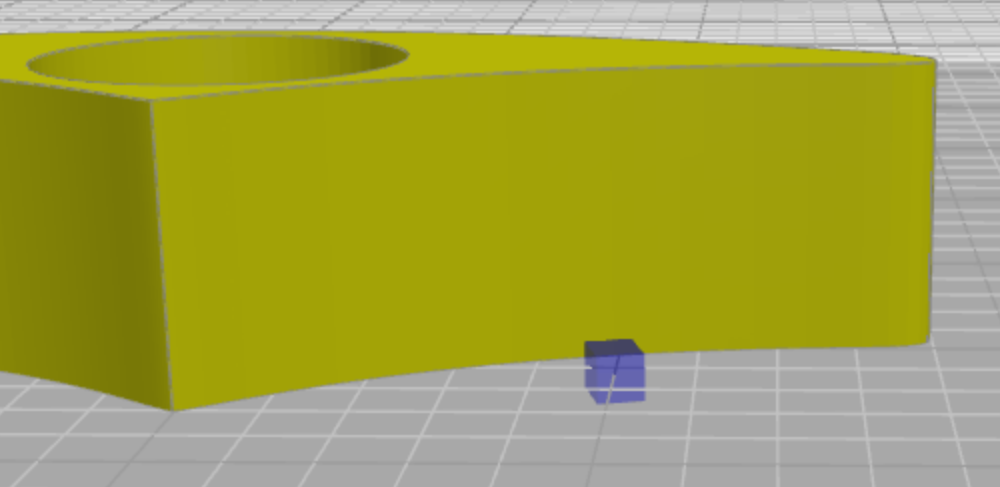
I import the svg with 18mm height. If Z Bottom is set to -2, when I add a 3mm height tab, it is placed at Z= -2mm. 1mm is above surface, 2mm are below.

It is not a big problem, because I add the tabs with Z Bottom = 0, and then I set the Z Bottom = -2 and create the slice.

Thanks for checking!

reset Z Bottom to 0 before placing tabs then set it back to -2 after you do that. this will cause the tabs to be placed on the bottom of the part instead of at the Z Bottom value

1 Like

Yes, exactly what I am doing. So not a big deal. Just a bit different than before with Z Through.

Keep going Stewart!

Just was cuting a part had to stop before I was done as the tabs were not there….and this was the reason….I will know better next time……lots of tricks to know. Seems like this was not an issue before?

workspace_Custom_Adapter (1).kmz (344.2 KB)

yes, this is one of countless changes. it’s a new degree of freedom when placing tabs. you can also set z tops and bottoms on individual operations instead of globally. those settings do not affect tab placement.
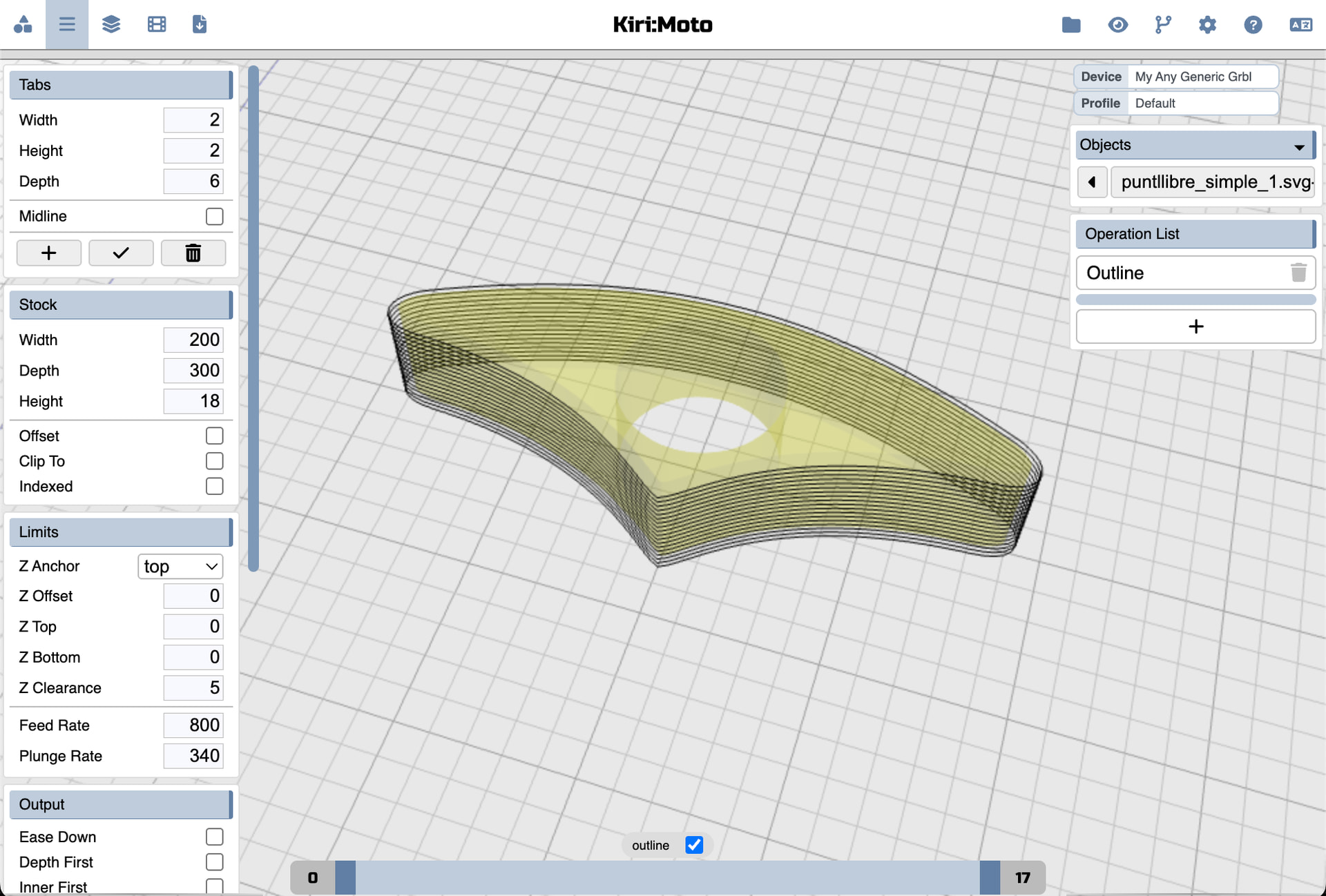
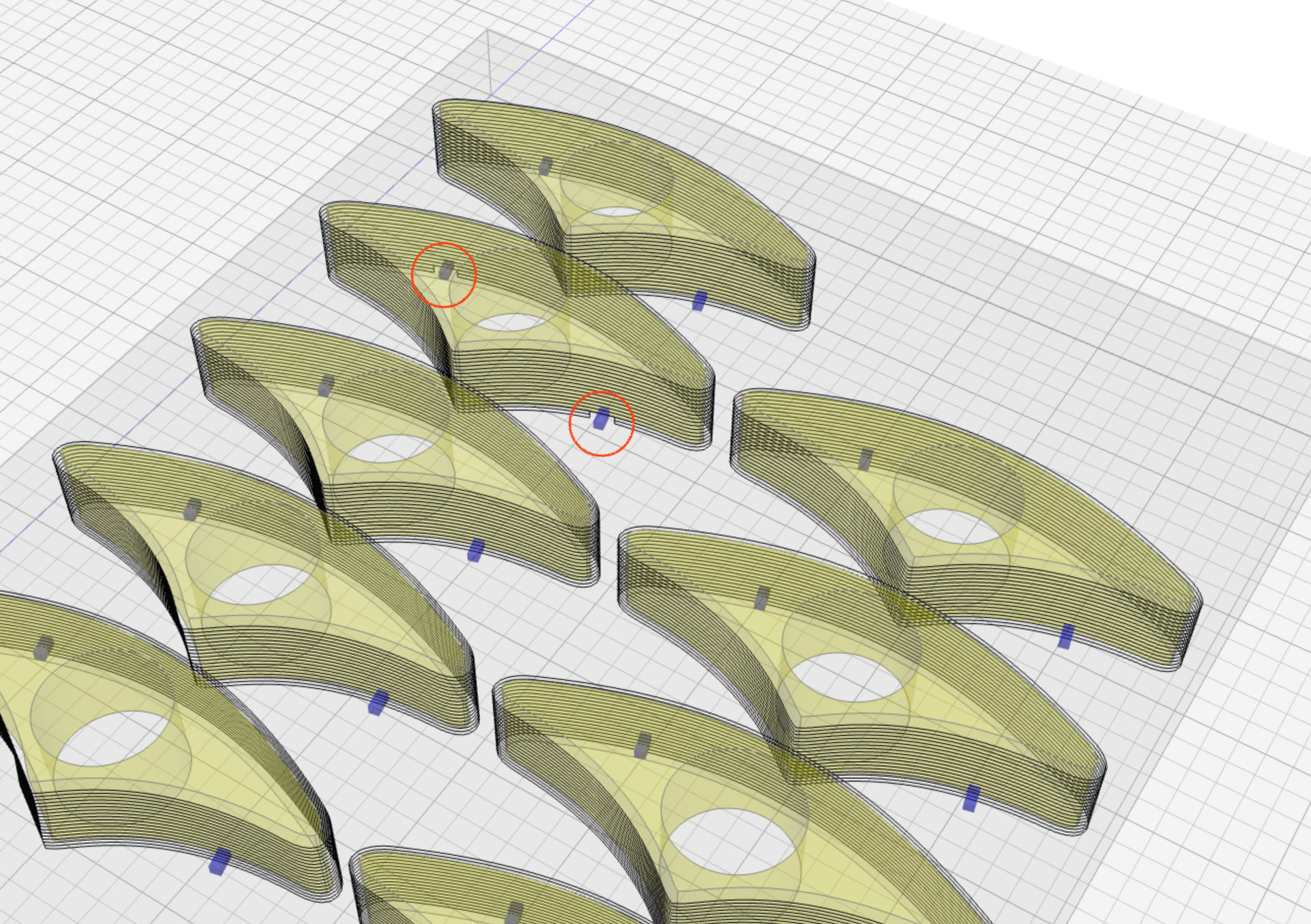
1 Like