Simple question I hope. I have a part I would like to machine, it’s a ring with multiple indexed features around the perimeter, but the thing that is stumping me is how to face the ends of the cylindrical part. It is tube stock, and all I want to do is drill a few holes with indexed operations, and face the end. I thought an outline operation would work, but it adds a lot of time moving through space where I don’t actually need to cut. Same with a roughing operation. The trace operation doesn’t generate a tool path when I ask for outside only. The ideal toolpath would be to hold the cutter still at the end of the tube with a slight engagement, and rotate the stock around the A axis to face off the ends. How can I do that in kiri:moto?
Hi Kyle. This is not something I have a dedicated operation for at the moment. You would have to use the custom gcode op to achieve this right now.
Thanks for the quick reply. I’ll have to learn some gcode, and then I will be unstoppable!
I have been thinking about the same thing, for me it’s cutting off the object I made in another process.
I’ve been mucking around with the lathe option, I made a cylinder of 35x35x35 mm set the start past the object (35 mm) and expand the work to at least the width of the bit and I get this (if you go muliples of your bit with it will do more cuts:
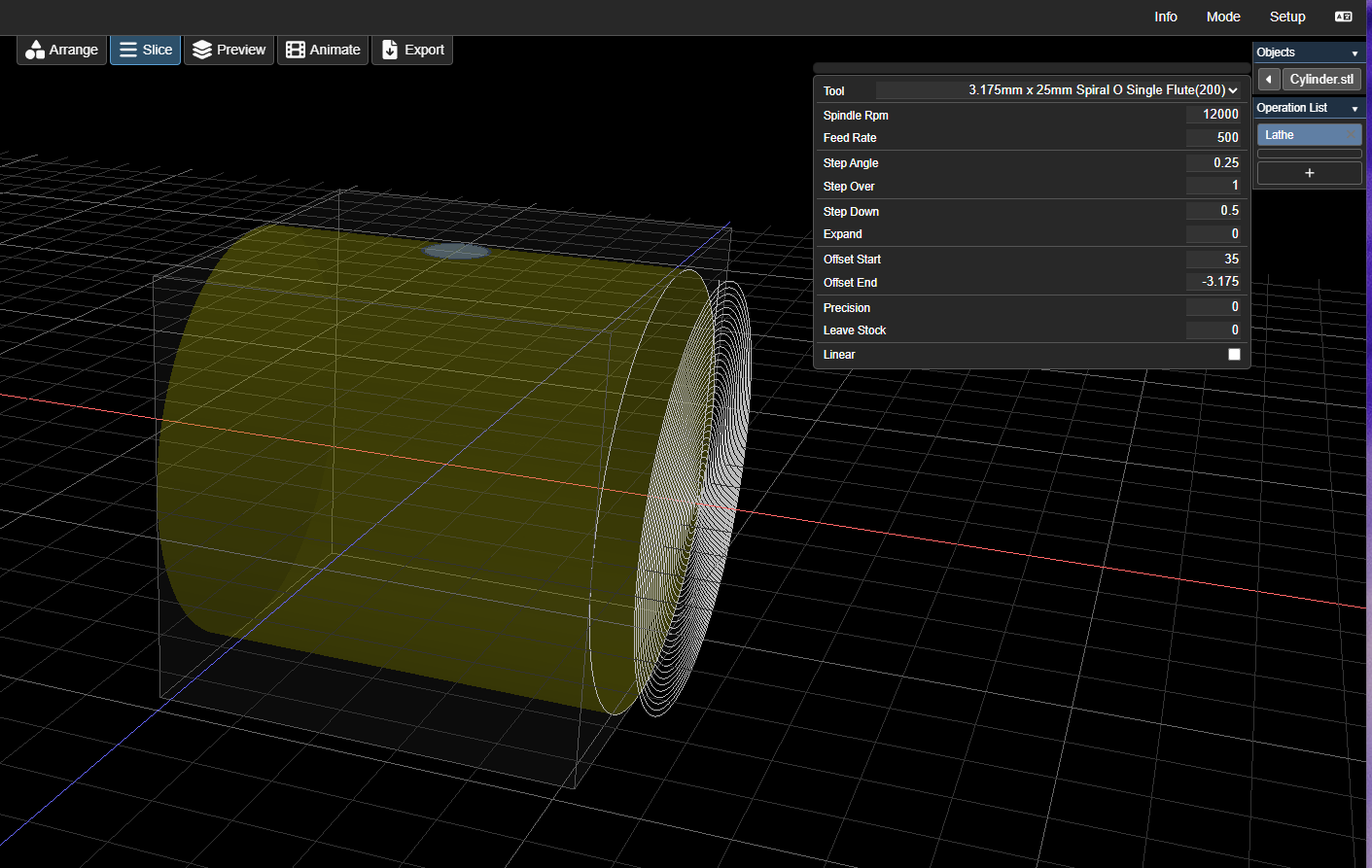
in simulation it looks like it’s not touching the object… not sure if it’s incorrect simulation or the real thing… it also does 1 rotation over the end of the work, so make your cylinder bigger than the stock you want to cut so it doesn’t hit anything.
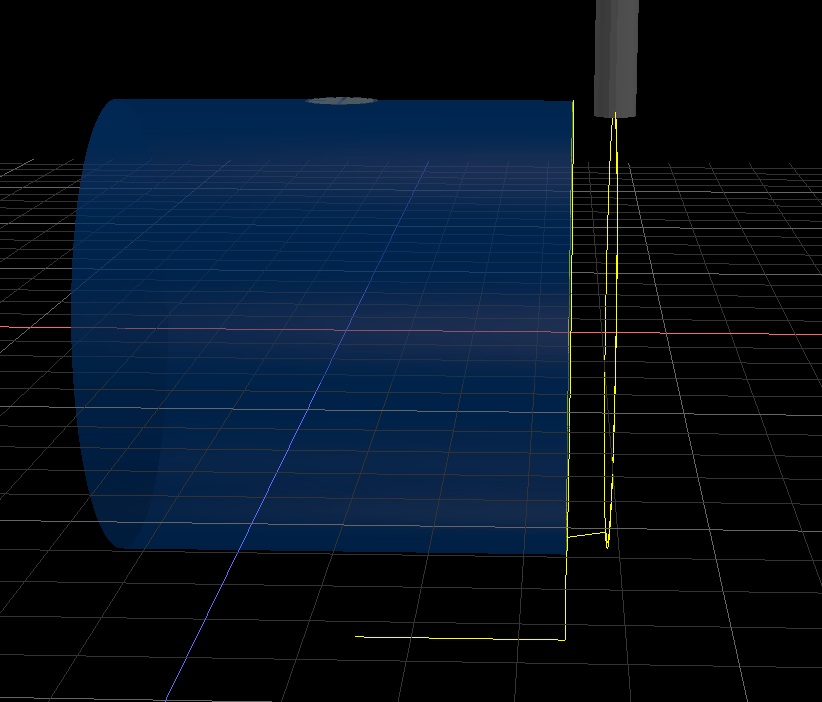
It’s not designed to do this, but it seems to work 
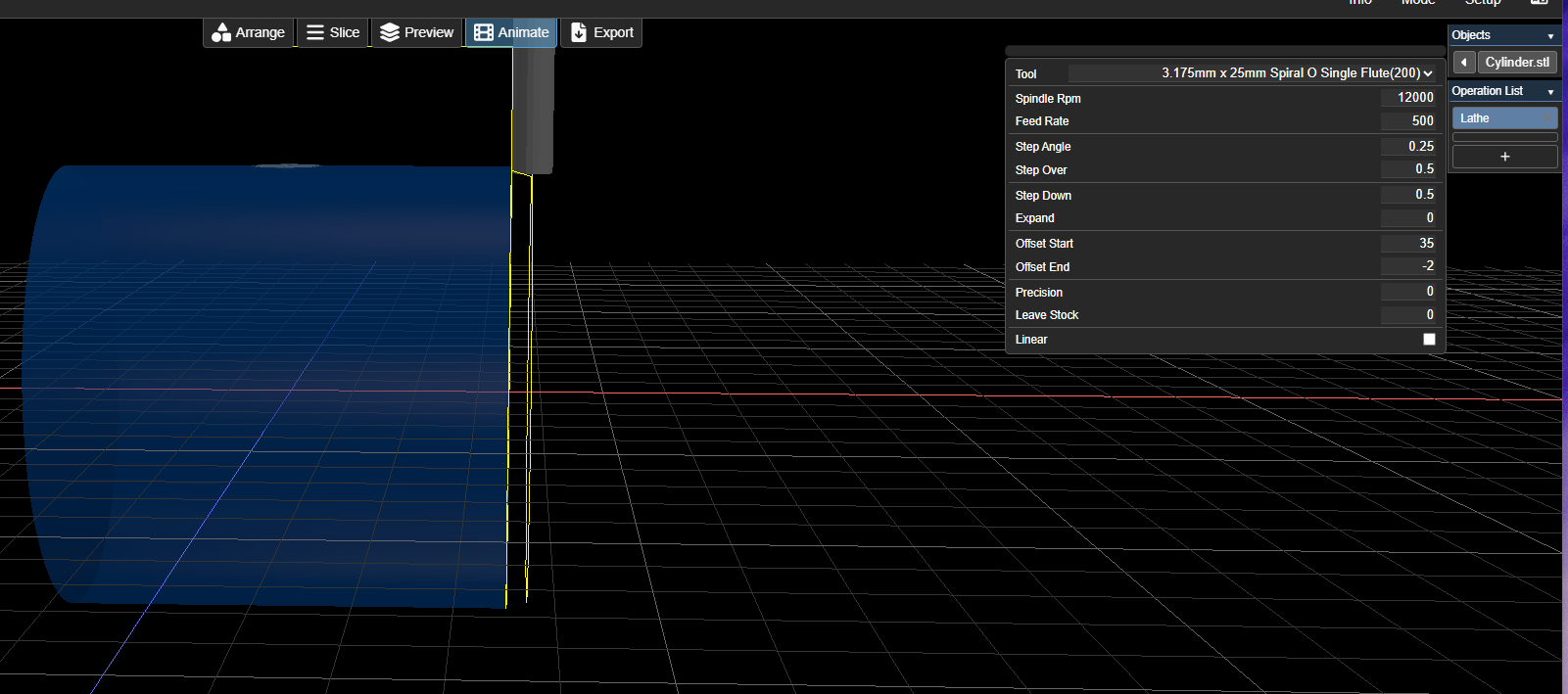
Edit, I had the stepover on 100% (1.0) I changed it to 0.5 and extende less than the bit size and it seems to be cutting on the right spot