workspace_LOC_FIXT_2D (10).kmz (192.9 KB)
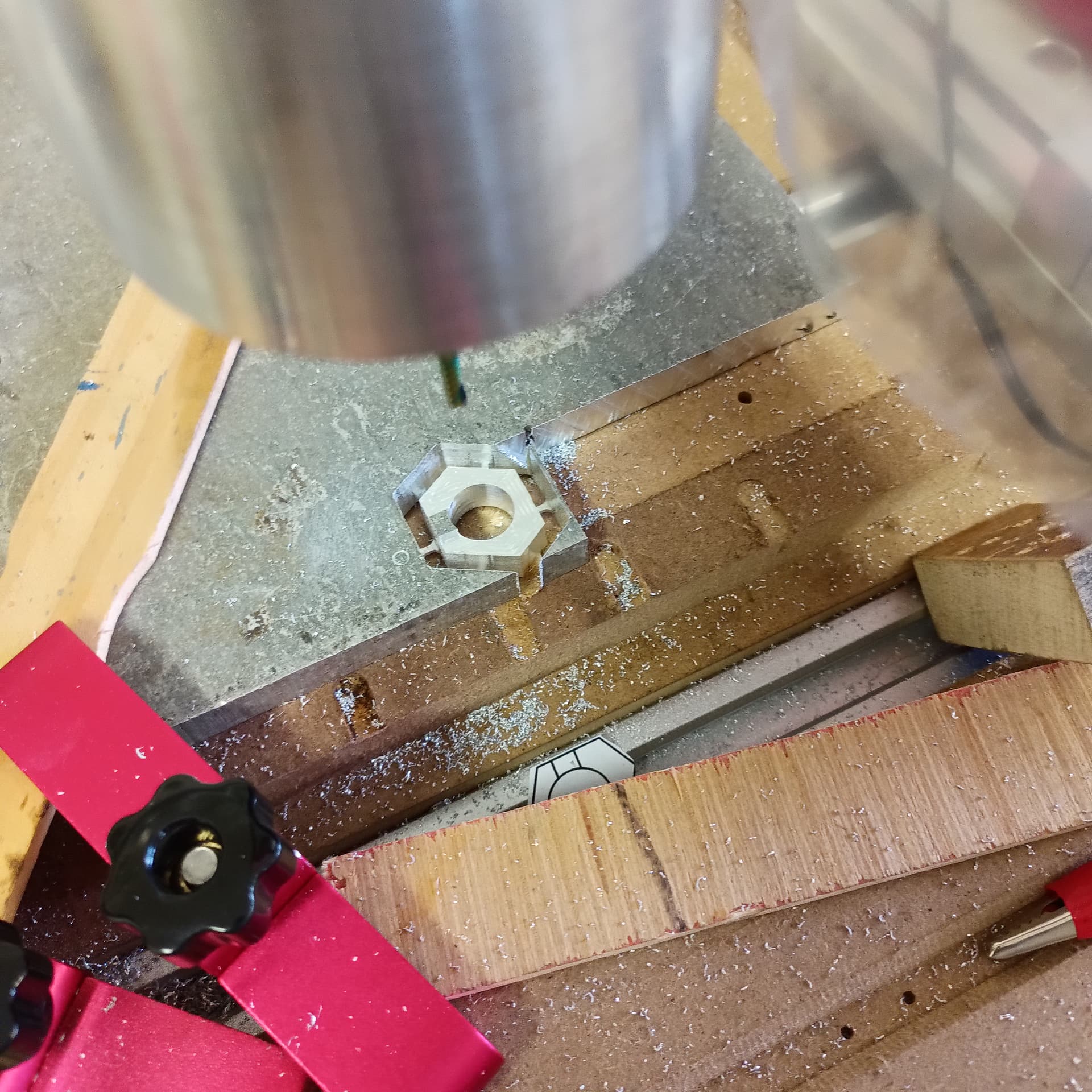
When cutting this I noticed there was no ease down for the Rough operation but there was for the Outline operation…..
workspace_LOC_FIXT_2D (10).kmz (192.9 KB)
When cutting this I noticed there was no ease down for the Rough operation but there was for the Outline operation…..
ease down is a mixed bag right now. it’s not implemented across all paths. path generation needs a complete refactor so I don’t lose info i need to calculate the ease down.
any recommendations for handle of the part shown…..01 step down worked ok , can not go more because of cutter geometry but perhaps there is a better way to do a similar part. (pocket, different overrides )
If you want to avoid plunges, then add a bottom plate below your part in CAD that is just below the thickness of your part. The plate should be large enough to extend to the area where you have no stock. Then make sure the tool plunges in the “air” and runs outside to inside. I hope that helps.
that would work for the bottom of the part but every step down should have an ease down to the next level….rather than plunge to the next step down…I might play with the plunge rate