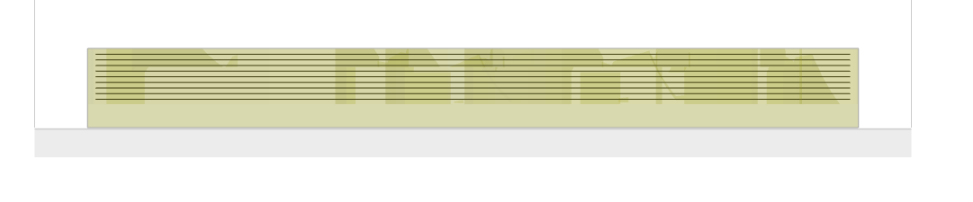
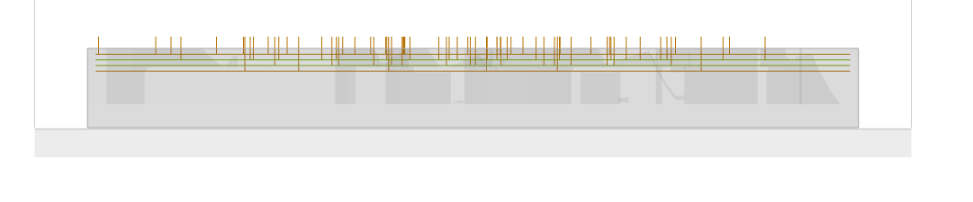
I am not sure if this is a setting wrong or a bug, but I can’t seem to get Roughing to finish going to the bottom of one pocket in my design unless I uncheck Depth First. The long narrow pocket that opens to edge of the part is the problem. Milling is slower and tolerances are worse without Depth First. Here is a link to the workspace. workspace_Design30.kmz - Google Drive
this does appear to be a bug with depth-first. I’m attaching a modified version of your workspace that uses pocket operations instead with depth-first disabled as a possible workaround for now.
Thank you very much! For some reason I was under the impression that the pocket operation was not for curved features. It is very informative to see how you set up the workspace and the other settings you changed as well.
When it stops (depth-first selected) it looks like it stops at the level of a bunch of co-planar flats and ignores mostly-sloped surfaces below that. If I set ‘Z offset’ to lift those flats above Z=0, then preview has no trouble with the pocket bottoms below that.
this appears to be a bug tickled by the use of leave stock.
I am going to rewrite most of the path planning and collision detection in the next release. it will be more reliable and support ease-down everywhere.