I am having issues with the clear voids option missing from newer versions (4.5.1).
On jobs with large voids in the middle it wants to spends a few hours removing the voids if I let it, if there are other parts inside this “void” the stock they are meant to be cut from is cleared.
Currently to get around this issue I have downloaded/installed an older version (4.3.2) from Github.
The web version (4.5.1) in trying select an older version it takes me to “not here and says “these are not the droids you’re looking for“ with no version options.
Expected behaviour
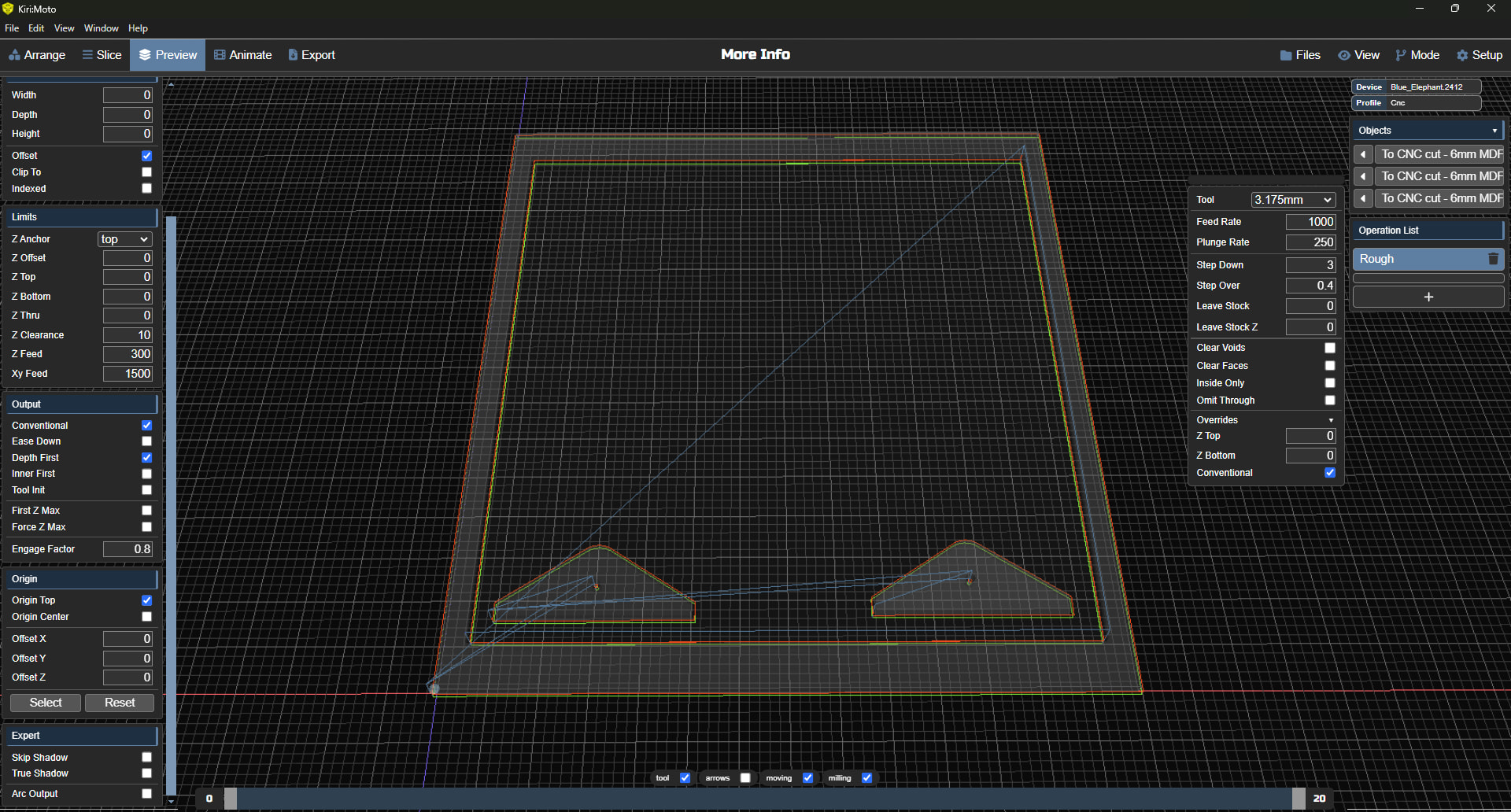
(4.3.2) The rough options showing the “clear voids” checkbox.
In the void I have 2 other parts.
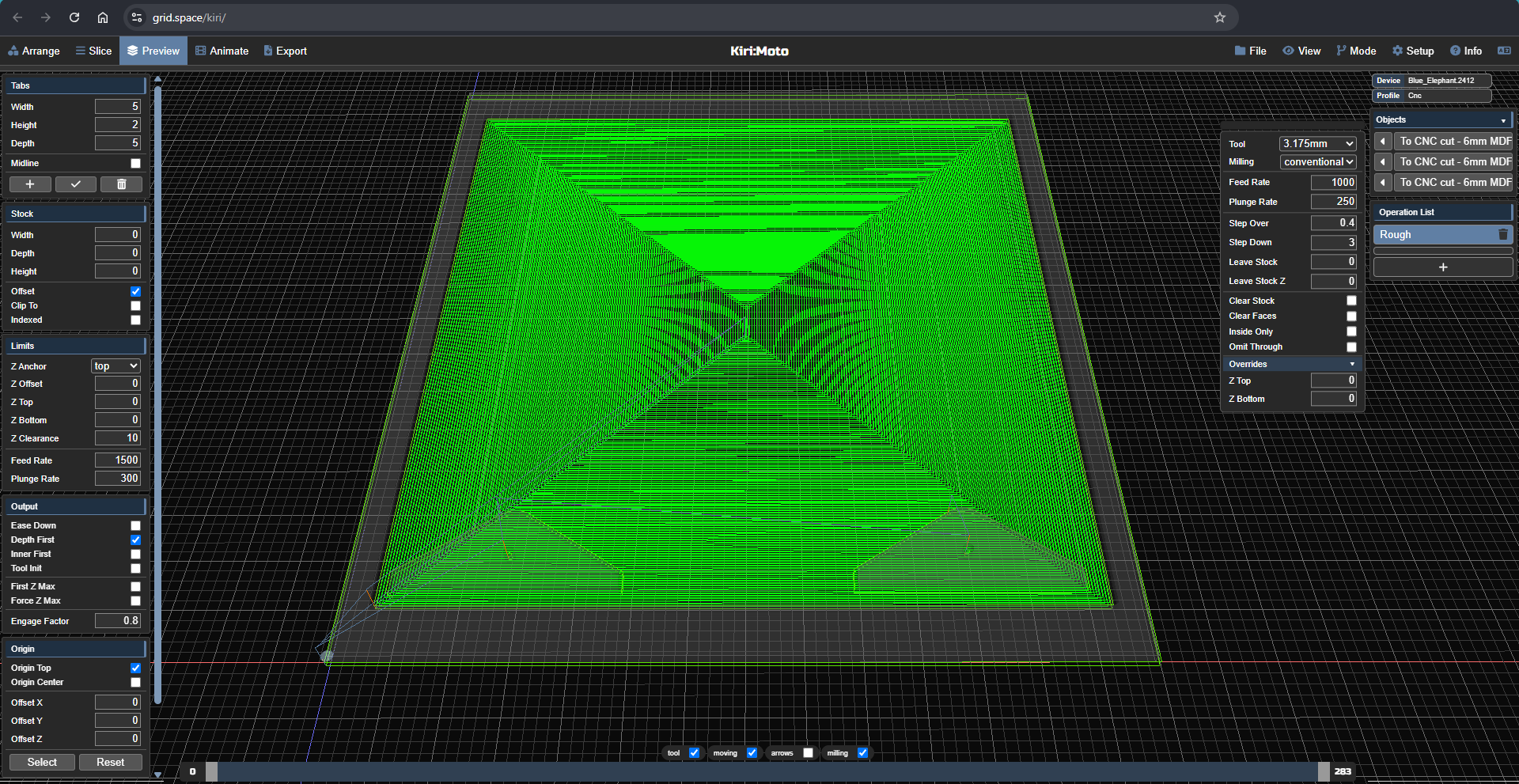
(4.5.1) The rough options no longer showing the “clear voids” checkbox.
Even with other parts in the void it will try and clear it (removing the stock where the other parts are)
Looking at my .km settings file exports files, I can see options like “camRoughVoid”: false, and “camRoughVoid”: false, are no longer in the newer version.
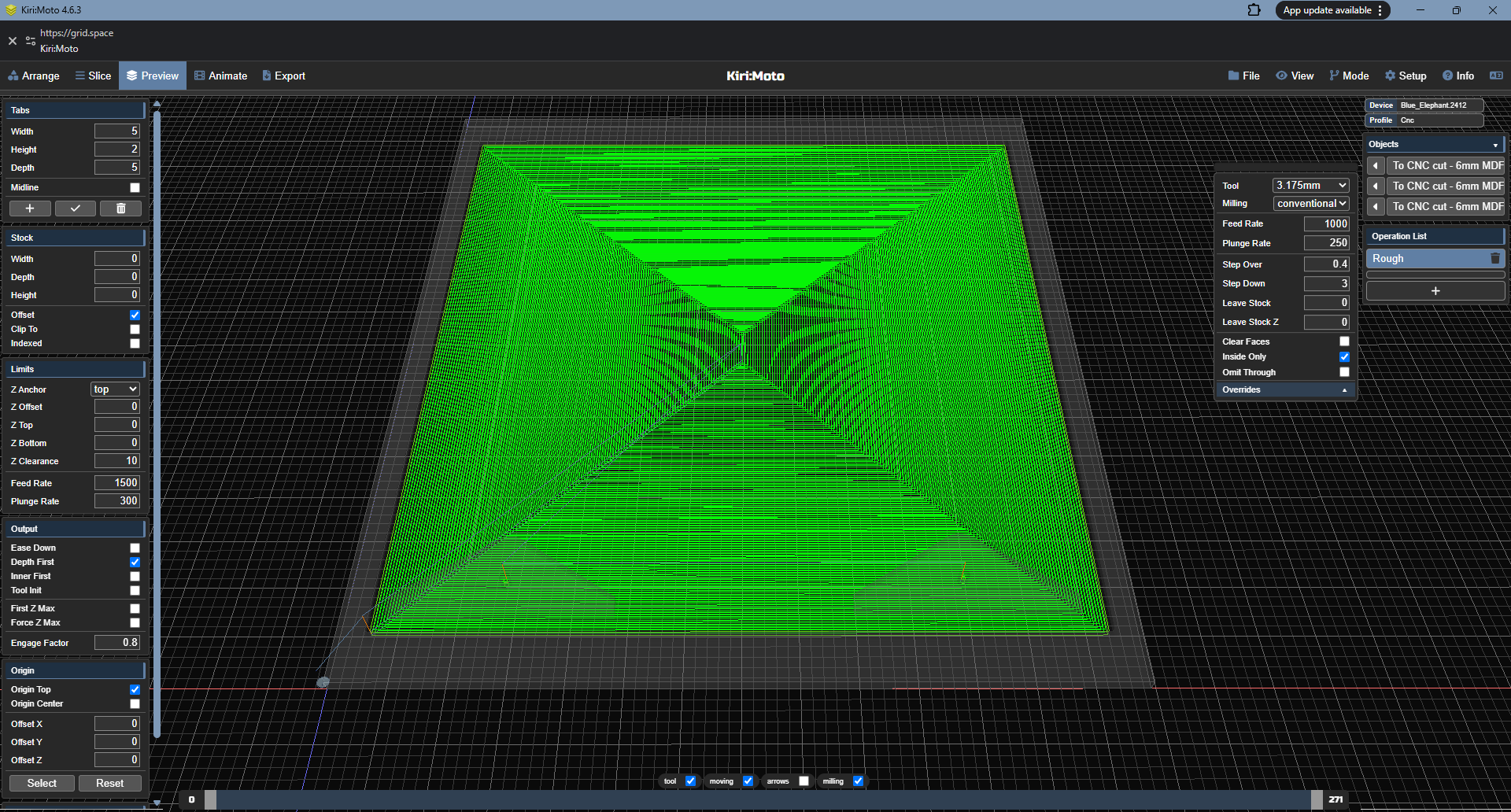
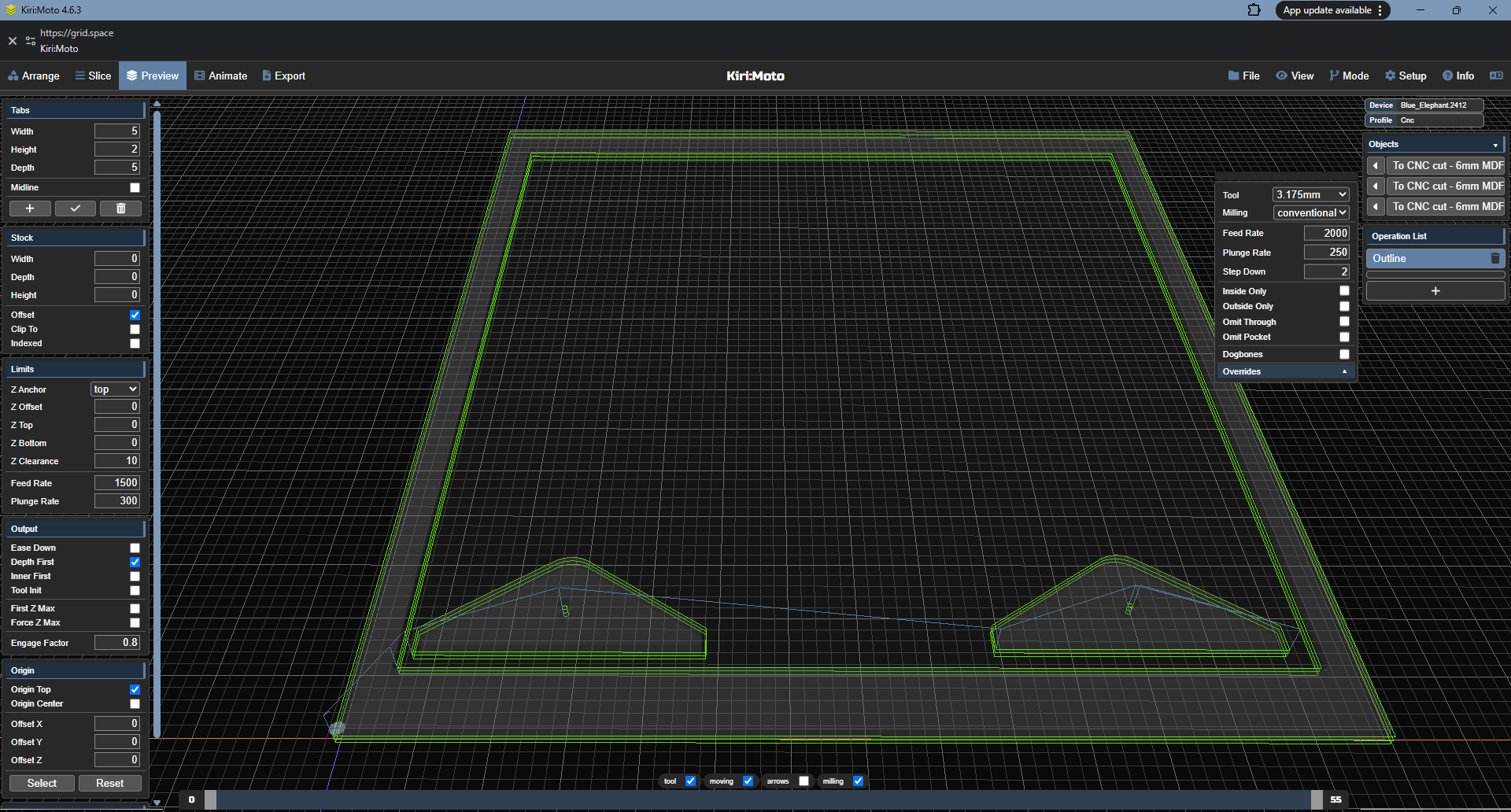
clear voids was mathematically problematic for many geometries. it you need to use roughing with thru holes, enable inside only then add an outline operation to complete the cutout.
if it’s a 2D cutout with no surfacing, yes. if you want me to look at the model, use file --> export and share the workspace .kmz here. .km files above are settings only with no model, so I can’t reproduce your condition.
The .km was shared to show that the void setting was missing (inside the Base64).
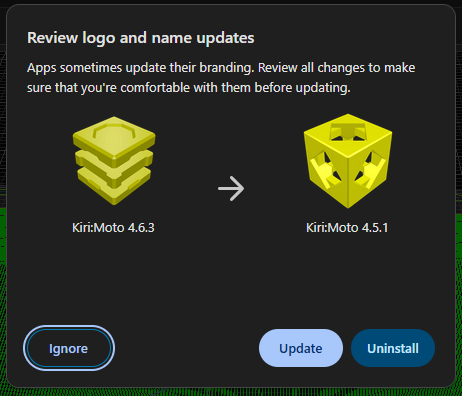
Also the version looks to be wanting to update from 4.6.3 back to 4.5.1 now
Note: That the workspace version I sent had a chamfer on the inner edge of the larger part, this has the issue but the original screenshots where for a version of the part without the chamfer.
I just tested app.grid.space/kiri/ and dev.grid.space/kiri/ and it looks like I have not used them in the past (have not set them up (no CNC/Printers configured, or darkmode setting changed)).