Hi,
I’ve spent the past few days enjoying learning kiri moto but ran into issues.
I’m trying to CNC a project larger than my machines bed - so splitting into different tiles (each is a separate stl that fits into the tile, and stock is the tile and is the full length of the bed y). I’ve found issues and bugs when attempting to make this work. Note that none of these are intrinsically related to tiling, it’s just that doing this exposes them.
Edit: For better context, I added a reply below explaining my part and how I’m setting it up in kiri moto for tiling along y.
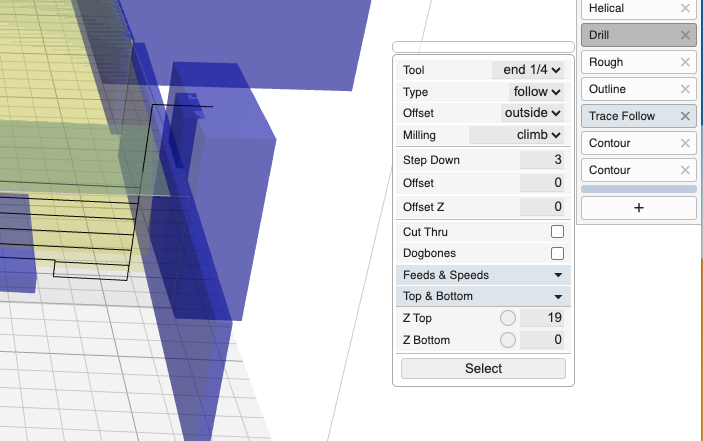
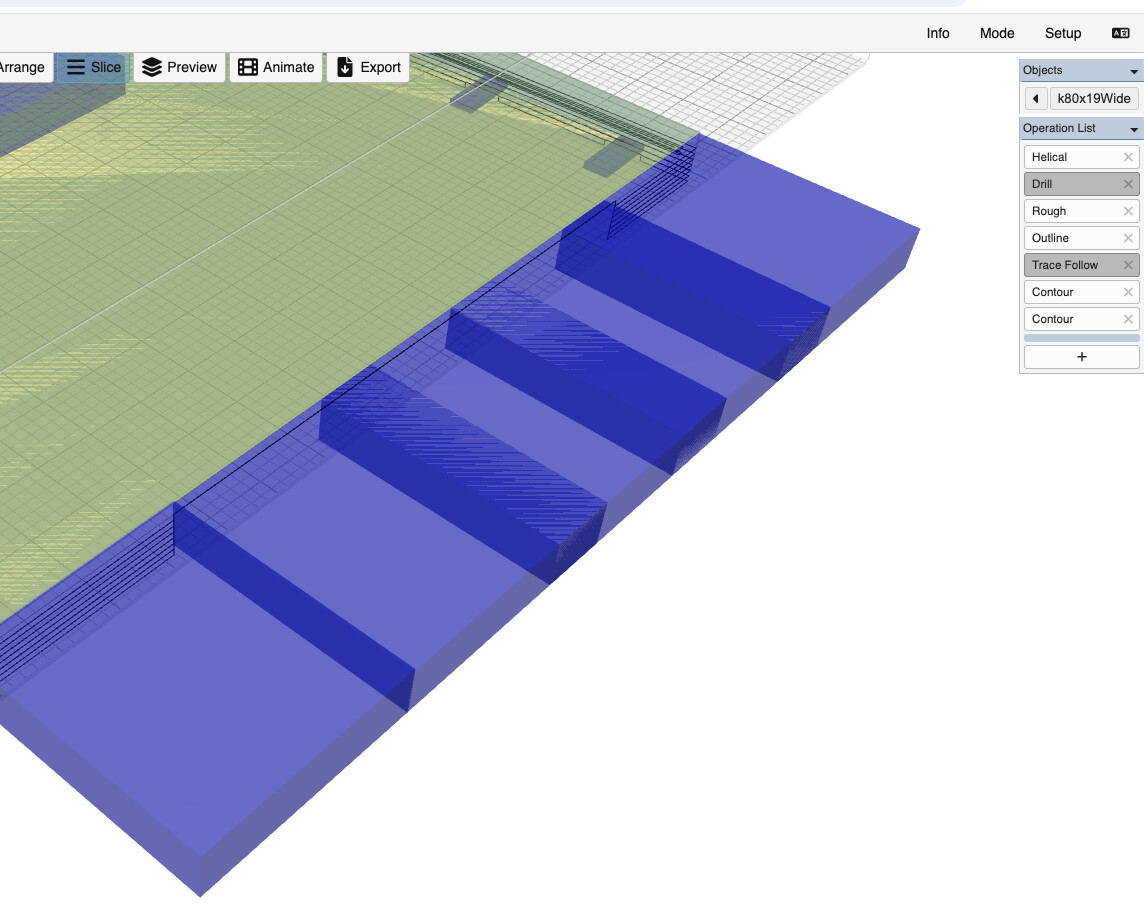
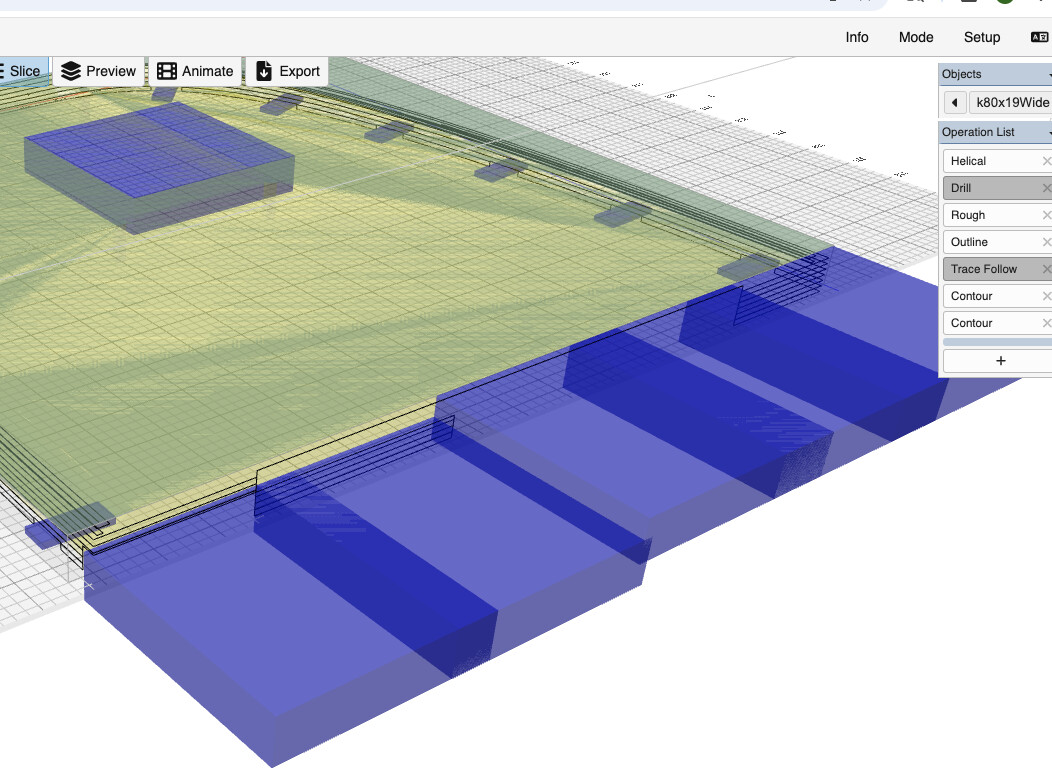
The main thing I’m struggling with is stopping the cut along the part boundary between tiles. I can get around that with contour since it has a filter, and that works great, but no other operations have this. For rough i can get around it by selecting inside only, but then there is no way to cut out the part (on all sides except the boundary to the next tile) and ‘finish’ roughing so i can contour properly without plunging the contouring bit into stock. I’ve tried using full size tabs along the tile boundary between tiles (so along y max) but these are hard to place and even when placed correctly, sometimes a tool path is still generated through them in buggy ways i cant seem to prevent. E.g, sometimes at full depth, sometimes only the top pass etc. I’ve also tried using trace but…
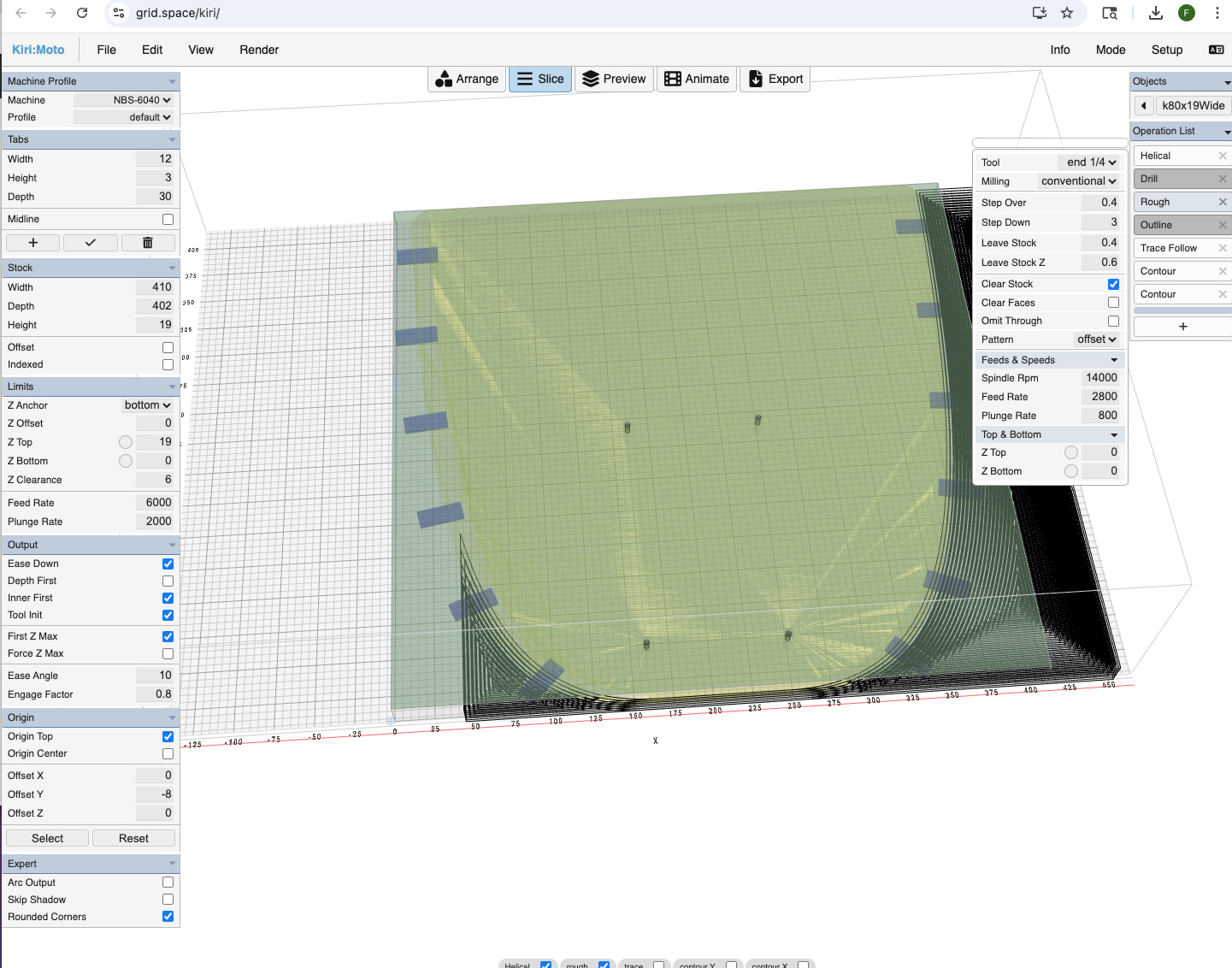
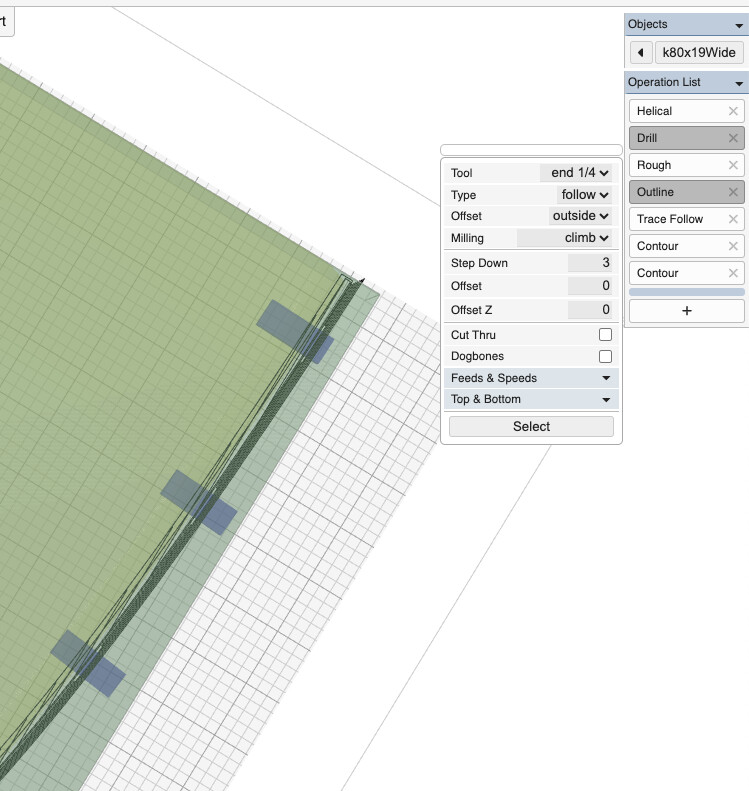
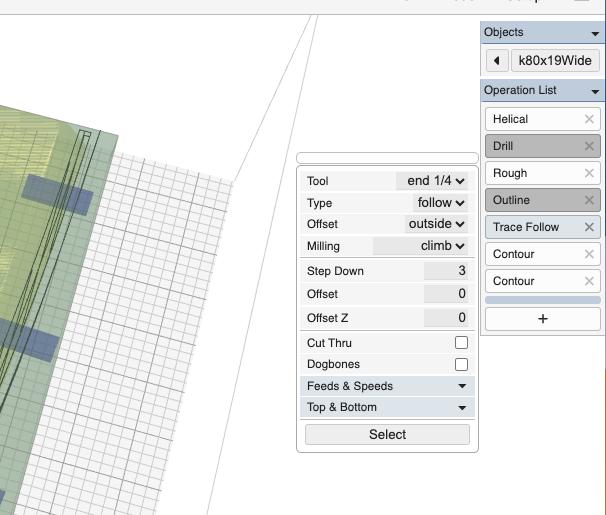
Issue / Bug Kiri:moto will generate tool paths outside the stock (and thus, in my case, out of the machine limits). For example, trace will do this. When offset, it doesn’t just offset orthogonally to the line its tracing, it also extends the line tangentially (I would argue this is a bug). But even if it were purely orthogonal, it could still create issues if the line touches the stock edge at non-90 degrees. I’d been trying to use trace to cut out the part (without cutting along the tile boundary to the next tile) but with no way to stop it going too far, i cant use it. Easiest fix would be including a filter like contour has.
Feature request In fact, I’ve found uses for filter in almost every operation. Adding this would be the most useful feature by far for me so far - for each operation and ideally a global filter as well.
Feature request A global option to trim toolpaths to the stock (and or to within machine limits) would also be super useful for ease of use in cases where one is operating close to the max bed size. Basically this is a predefined filter for a common use case. This would actually make tiling easier because then I woud’t have to split my part into smaller pieces that fit.
Issue tab size is limited to 100. larger tabs would be useful to block out areas that should not be cut.
Issue placing tabs close to stock boundary or across stock boundaries is difficult and behavior is inconsistent. Feature request (hack) it would be great to just have a way to manually enter arbitrary coordinates for ‘tabs’ - really just ‘no cut areas’ (axis parallel bounding box would be super useful - like a global filter). Note that this would create ‘exclusion areas’ whereas the filter operation as implemented in contour does the opposite (only cut inside the box). Alternatively, having filter do both inside and outside exclusions would perhaps be cleaner.
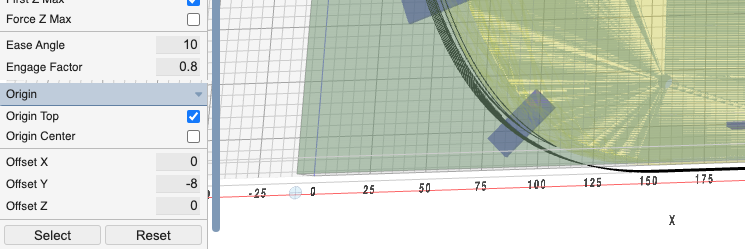
Bug Rough with clear stock enabled generates a tool path x offset 50mm from the stock - so it will go off the right of the stock (super bad) and fail to clear the left of the stock. Works fine when clear stock is not enabled. Super weird.
Bug Outline and trace cut through tabs sometimes
Low importance:
Bug Parts sometimes persist between imports or reloading. Tabs sometimes get cleared between reloading a part and sometimes persist.
Bug Mouse clicks perform two things. E.g. click slice while in tab mode places a tab as well as starting the slice operation.
Thanks so much for taking a look!