I have CAM to generate optimized/Nested cutting layout & G Code.
I need dxf out put as shown below so that I can align them together through pin holes after cutting.
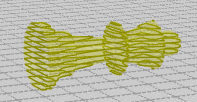
I have CAM to generate optimized/Nested cutting layout & G Code.
I need dxf out put as shown below so that I can align them together through pin holes after cutting.
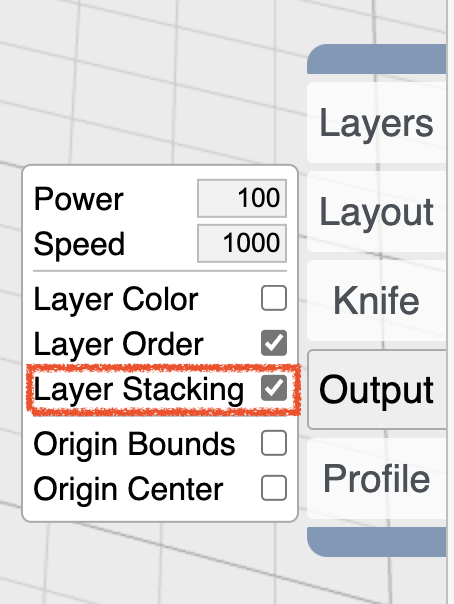
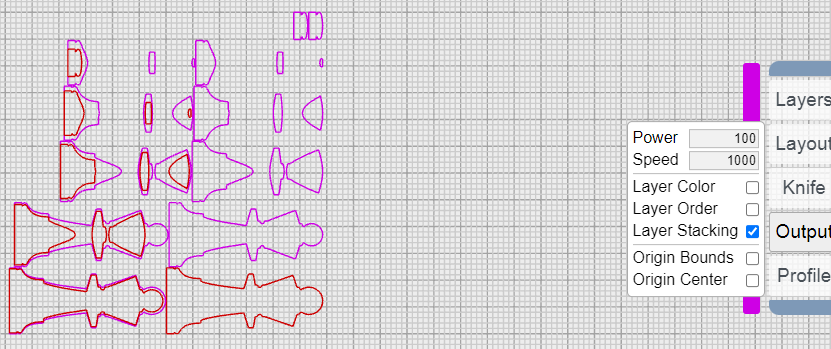
In laser mode, enable “layer stacking” which will generate a separate color outline of the layer above which should enable alignment.
purple is the cut, red is the outline of the layer above. if you also select layer order then it will order the output right to left, top to bottom. so layer 1 is top right. last layer is bottom left.
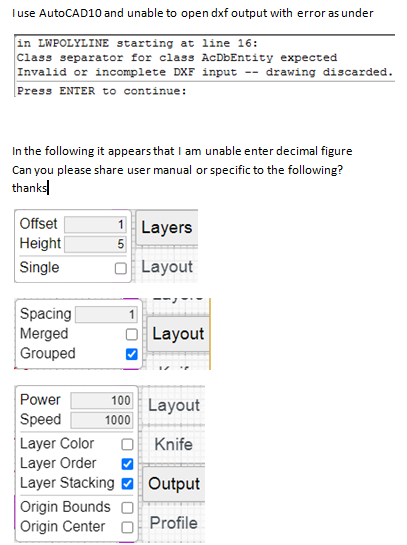
Thank you for all your quick help. I am still exploring the software. In the mean time can you please help with the following
awaiting your response
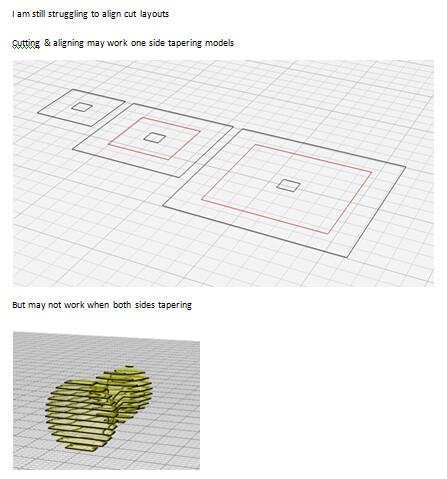
I am unable to debug DXF errors at this time. And it’s true that the overhead lines will not work for layers that are completed covered by a layer above.
Thanks for your response.
Software will be really useful to me if I can download/save 3d dxf after slicing or save dxf instead of workspace .kmz
I am specifically looking for slicing software which can output 3d dxf. I can further give pin holes for alignment after cutting.
Please let me know if you know any other than Fusion 360.
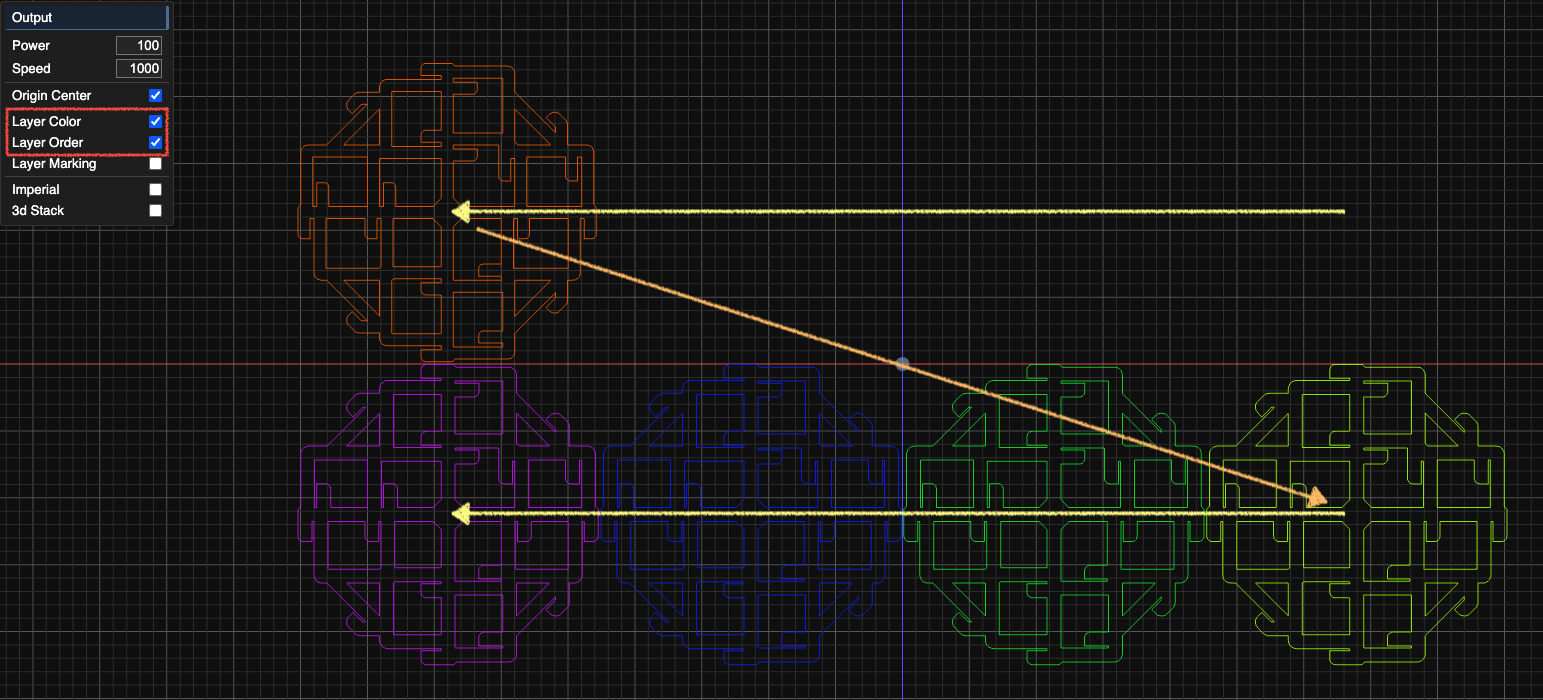
In layout, even tho laser path is visible here for the order of sliced layers, but if i try to export the file, it is getting hard to follow the path. is there any way that the layers are stacked in continuous slices. i am trying to cut the design on Plotter cutter not the laser cutter. OR is there any chance of getting a ZIP file of all the slices in different files to download. Please help me out in this. I’ve been working on this manually numbering each layers, taking sooooooo much time. Thank you