And do I have after that, still have to use a probe?
Yes if that zero point has to be exact….depending on what you are doing…if you are cutting a part out of that piece of stock then the zero could be off as long as the part was smaller than the stock. In which case you could zero xy by eye and probe for z or even use a piece of paper for z when it hits the paper then re-zero z….I have much scrap because of zero difficulties….
1 Like
I think I’m beginning to understand how to approach this zero-point thing. So now I must find a CNC device to test it.
Thank you all for the helpful suggestions!
here is my G-code for x an y zero….you have to move 1/2 the probe diameter to get the real zero that is assuming you are probing metal and you have a electrical circuit probe suitably modified to handle the job.
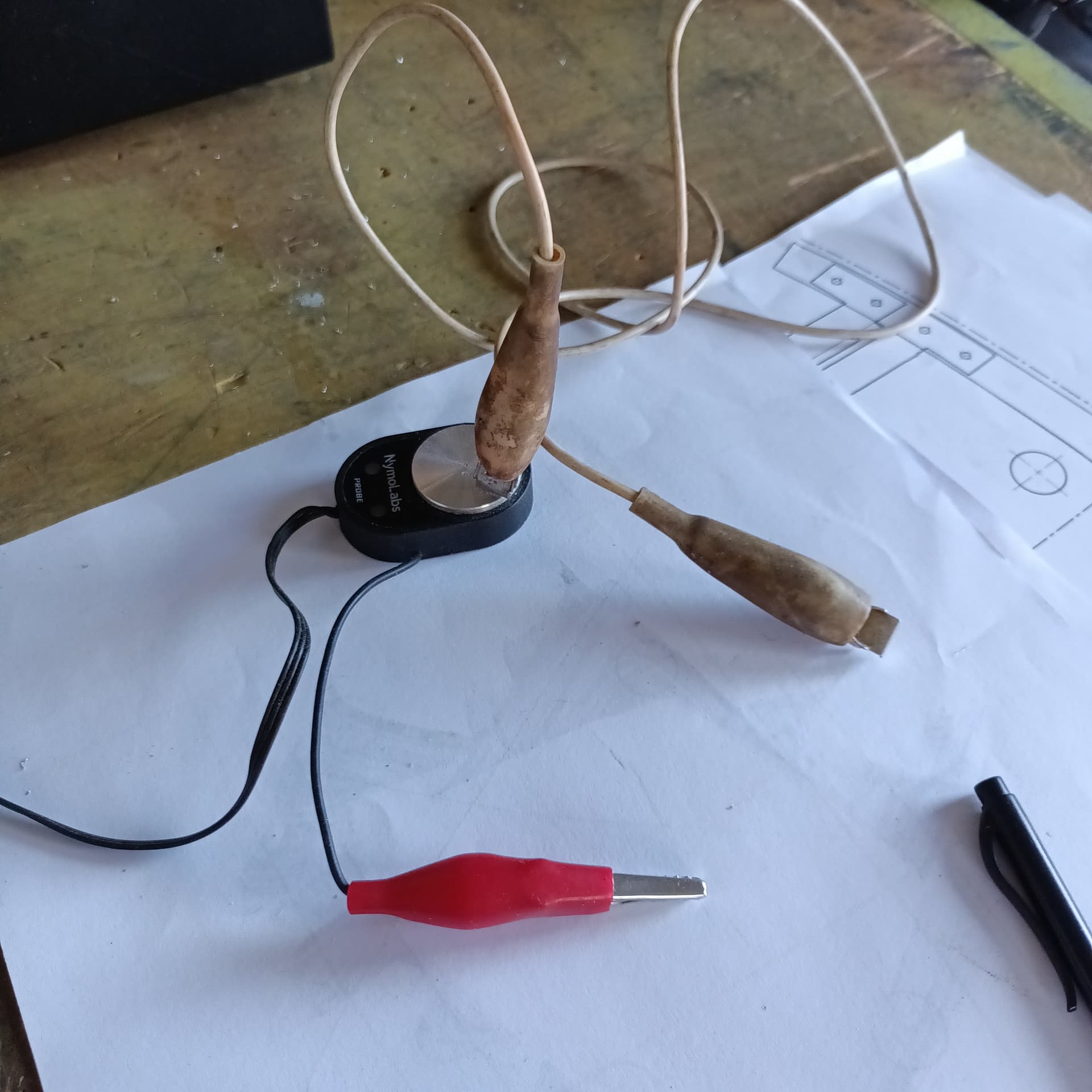
Y PROBE ZERO OFFSET.nc (41 Bytes)
X PROBE ZERO OFFSET .nc (41 Bytes)
1 Like
The zero point in the design is not of interest in the milling process.
The zero point as Origin in the Kiri:Moto program is crucial because this point comes back in the G-Code
The Connection between the zero point in the G-Code and the CNC machine is made manually or by means of a probe.
Question:
What is the x and y direction of the CNC machine
When I stand before the machine is
X from top to bottom and Y from left to right or the other way around?
It will be determined by your machine and what it’s front, back, left, and right is, but my machine is standard coordination with home being lower left hand corner 0,0,0 and positive X going to the right and positive Y going away to the back, and going down is negative Z. Were I to re-zero say in the middle of the table and all the way down to the table then +X is to the right,-X to the left, +Y away from me -Y towards me, +Z is up. In Kiri that is the coordination system as long as you are viewing “Top” or “Front
1 Like
Thank you meddesign. Very clearly explained. It was a kind of last thing for me to know, I now can buy a machine and go to work with it!
CNC question
I make the following mistake:
In Kiri:Moto I determine the zero point for the G-code as the top left.
Then I set up my CNC machine with the probe with the zero point at the bottom left.
What will be the result when I start milling?
I’m not sure what you mean by “top left” and “bottom left” (which direction we’re talking about) but if the origin is not the same in K:M as in reality the machine will simply miss, either cutting in the wrong place, or cutting air, or attempting to go outside the working area.
You should make sure K:M is set to use the same origin you intend to use on the actual material.
your cuts will be too deep by the depth of the material. if it’s a thin piece of plywood and you have a generous z clearance and a beefy machine, you might be ok. otherwise the tool will crash into the material and probably break.
1 Like
The actual material is 350 x 200 mm
350 mm in the x-direction on the CNC machine and 200 mm in the y-direction.
left top = 0, 250 and left bottom = 0, 0