Not sure if this is a bug or not implemented yet: I set Z-Offset to 5 and Outline with ease down performs as expected while Helical plunges. I expected Helical to also move in a helix above the stock (tool cannot/must not plunge)
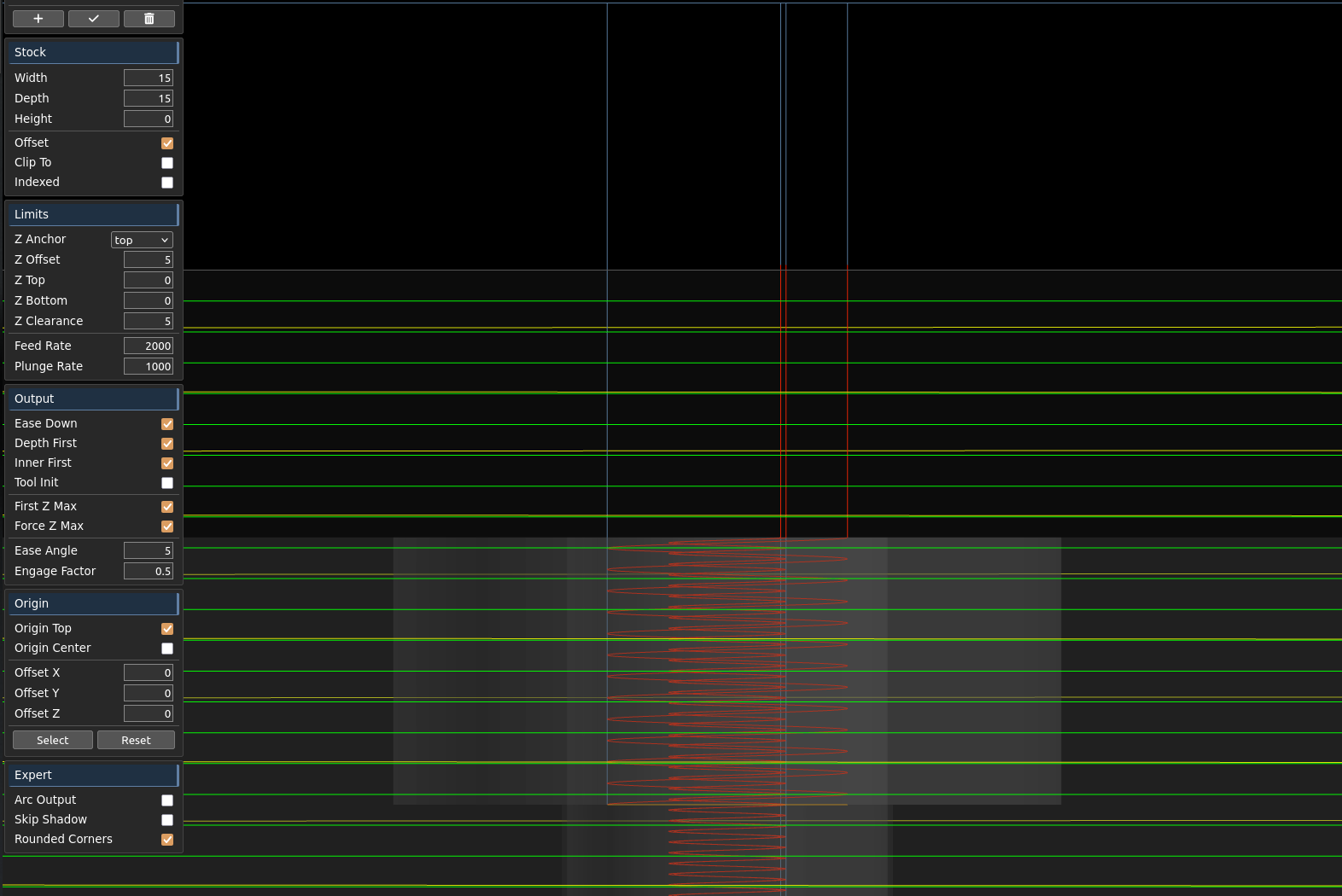
the helical code, as currently implemented, assumes you will use other operations to clear the stock above the entrypoint. I can look at adding another checkbox option to “start at top of stock” or something like that. but then I’m sure it would be preferable to have precise control over where to start in Z.
A few things:
-
Outline isn’t respecting
Clip Tostock orDepth Firstoutput.
outline.kmz (86.3 KB)
-
It looks like 4.5 is live in production now. That’s great. But the version chooser seems to be ineffective for choosing any other version. I’ve tried shift-refresh after choosing a version. So I can’t flip back to 4.4.1 for things that aren’t quite right yet in 4.5.
-
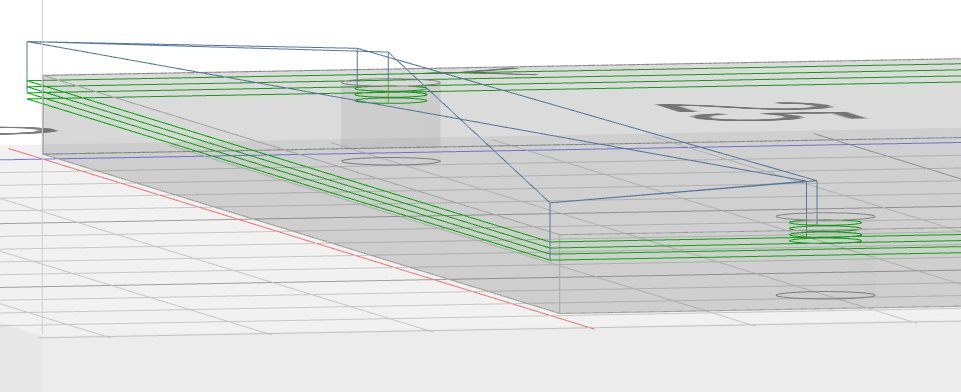
In the past, sometimes K:M didn’t draw the workspace (grid, axis labels, part) until I refreshed the page. Maybe more than one refresh, but not many times. Now, once the workspace goes blank I haven’t been able to get it back except by importing a previously exported workspace. Or clearing local data to revert to initial state (and then importing a previously exported workspace to get my machine config & tools back).
Appreciated.
(20-n chars)
4.5 is only on the dev server. that does not support version switching.
if the screen is blank on reload, it’s an orthographic zoom issue. the z key or the F key should zoom back out (f is shift + f).
outline does not support clip to and may not again. depth first depends on whether you’re using outline only or not. or if you’re not, a bug.
Out of order:
Not using Outside Only. Assuming that’s what you meant.
(edit: ^line^side)
I’m not understanding. Do you mean something like “outline did not support…” in earlier versions?
Here’s a vote of preference the 4.[0-4] behavior.
Admittedly, my workflow that benefits is an artifact of how I’ve been cajoling K:M to do what I want and that may be atypical.
Got it. Somehow I got onto app.grid.space instead of grid.space and thought that was production because it’s not dev.grid.space. Better now.
Thanks! That‘ll smooth over a minor bump.
…
Extraordinary work as ever, sir.
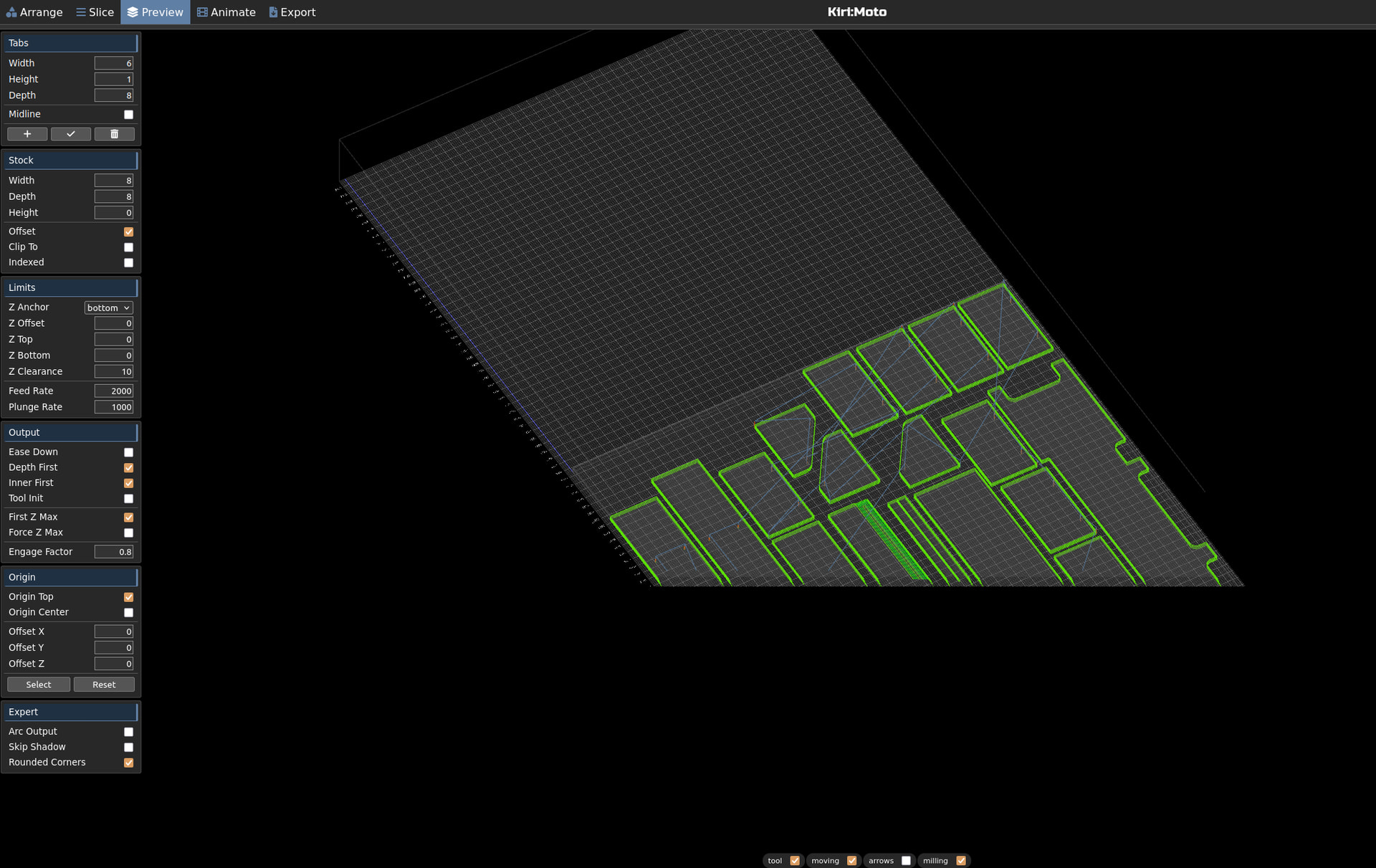
Found time to test a few of my setups in 4.5 and the first thing I realized is that there is some odd viewport clipping. I was wondering and crosschecked: orthographic was disabled but view seemed to be orthographic.
Problem was: for my screenshot above I enabled orthographic and forgot to disable again. Then I loaded a new workspace not having orthographic checkmark set so it showed “disabled”. But obviously orthographic view was kept over importing the new kmz. Turning it on and back off again fixed the issue. Is just a minor issue but such little things tend to produce confusion and support questions. BTW: was unable to get a closer look at the bottom left corner in orthographic.
workspace_Wand.kmz (1.1 MB)
Replace the element with a new (or same) STL:
object.stl (250.1 KB)
The Object “jumps out of the stock” and the only way to bring it back to the work surface is to use the corresponding UI function (face to work surface):
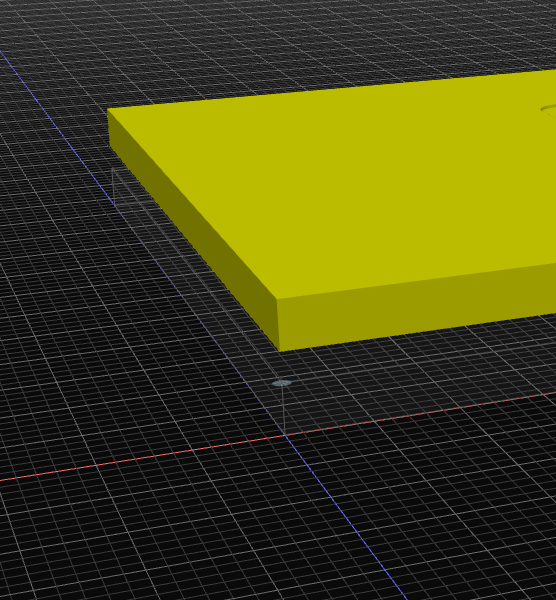
Same kmz as above tested with Arc output enabled: Actuall helix operation does not produce any arcs whereas two extra circles appear:
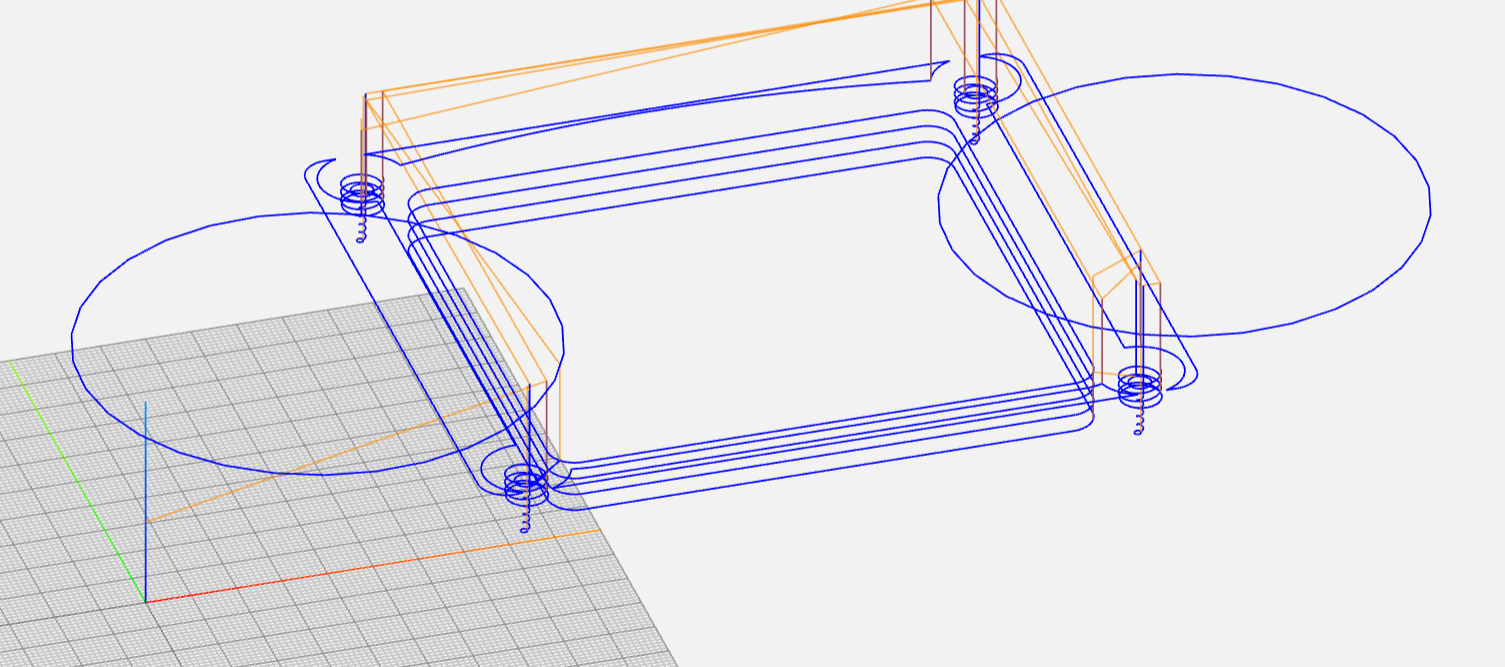
a bunch of ortho fixes pushed to the dev server. will look into arc conversion. also confirmed object replace/reload wierdness
Sorry… it is me again…  (forum did not let me send another message yesterday)
Same kmz as above: Outline (inside only) adds cross moves for two of the circular holes at the first step down level and does not cut to the bottom of the holes either. Omit Pocket does not change anything. Switching to Trace Operation did the trick, but…
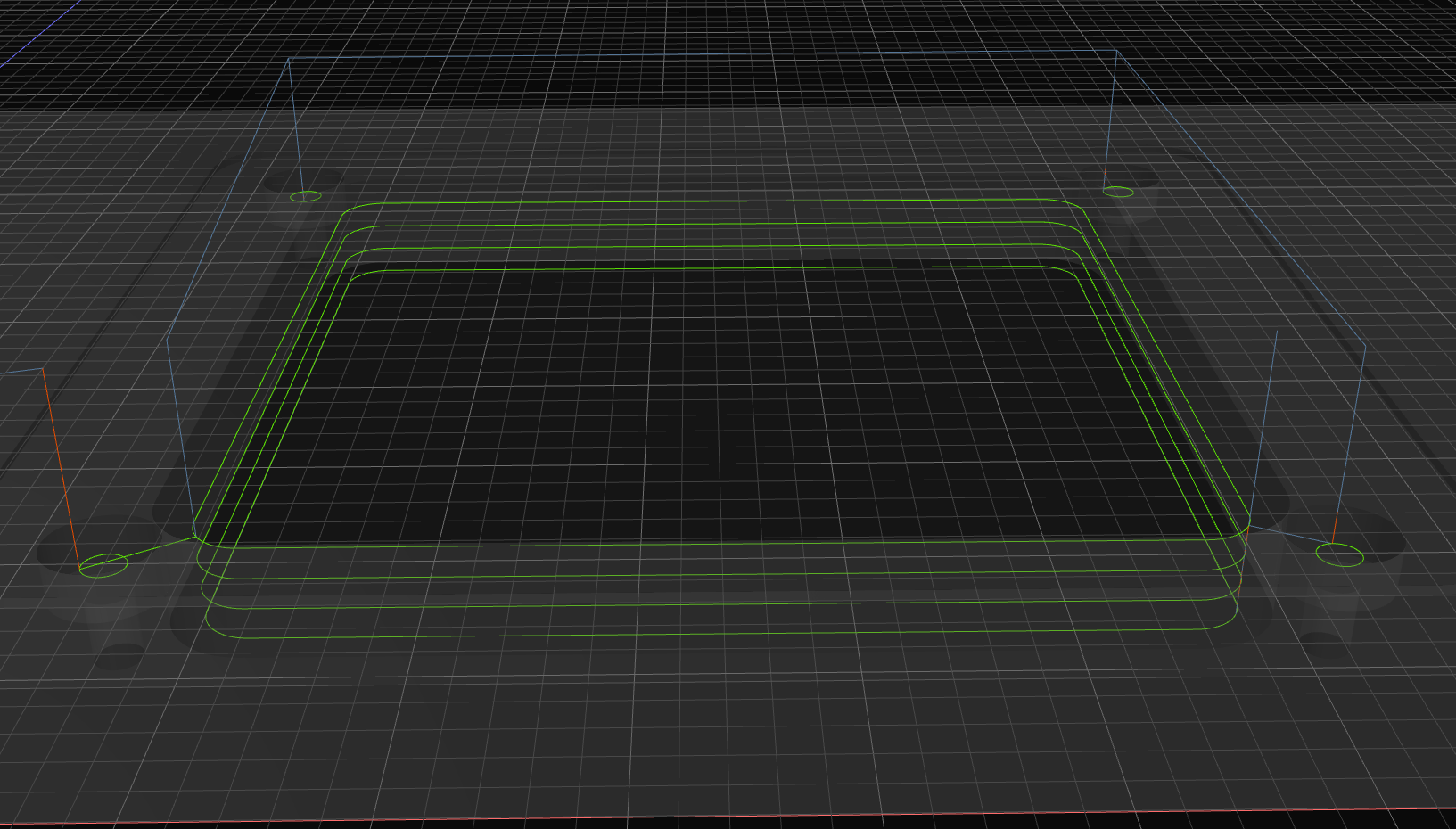
about “Trace Follow”: the “offset” value has no effect neiter positive nor negative values
the cross moves should have detected travel intersection and gone over. however, the holes are the same diameter or smaller than the tool so you have to use drill for that.
offset inside working with trace for me
workspace_wand_trace_drill.kmz (256.2 KB)
Does “AUTO LAYOUT” work for parts that have to be translated flat or rotated….all my parts are compound angle and I am not seeing how but will try harder if is supposed to work. Here are 2 parts translated flat.
I also do not see how to set the stock size…I would like to set down a piece of sheet metal size of stock and then arrange or auto layout on that sheet parts I want to drill and cutout….if there is a link to what I am missing please post. Right now I have a piece of sheet metal 4.75x 20 that I want to position a bunch of parts on….I can make the existing work but thought would ask if I am missing something.
workspace_RH_S_CR_T_7.kmz (231.8 KB)
I’m not sure I follow. Use the a key to auto-layout. you have stock set to offset 20" in one dimension and 0 in the others. you can either disable offset stock and make it exact to your actual stock, or leave it offset and maybe set those offsets to 0. then the origin is some corner of your layout (or center)
1 Like
Bingo….”a” key works
Made a dummy part the stock size…only problem is somewhat hard to see even when it is a different thickness, After slice can see outlines well.
workspace_RH_S_CR_T_7 (1).kmz (236.0 KB)
final builds later this evening. push to production tomorrow. thanks for all the tremendous help with testing. there will be minor bugs, there always are. I will be more aggressive pushing out point releases as they are caught and patched.
3 Likes
Really quick test on the dev server with the test object and the default 1/4 endmill gives me this weird cutting off the part issue.
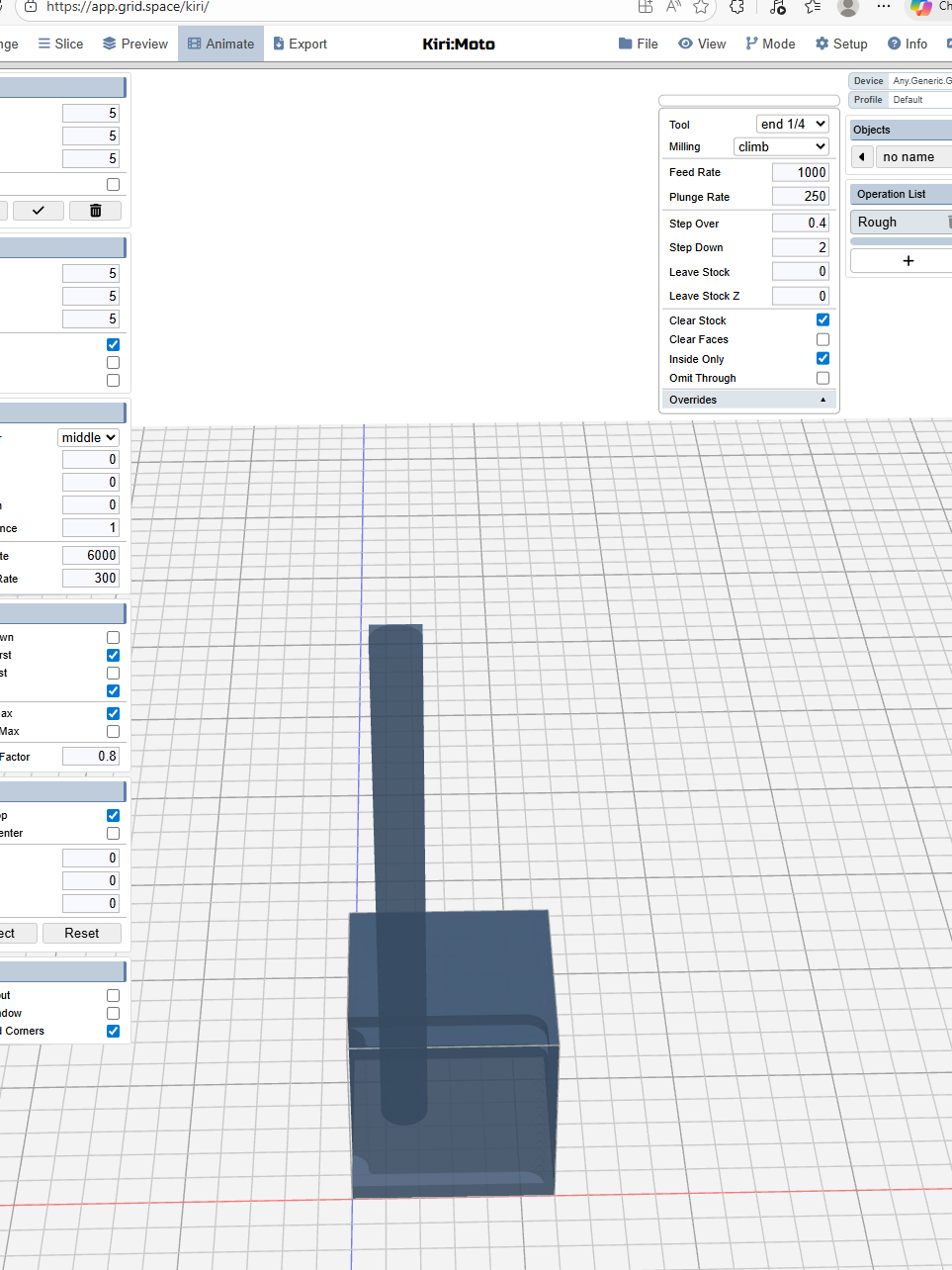
reload didn’t fix? workspace?