@stewart already on it.
1 Like
This all seems to be expected behavior here.
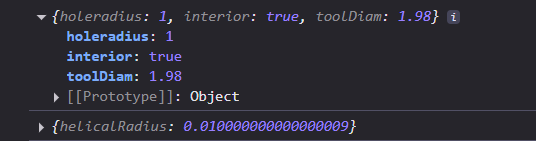
You’re selecting a hole with a radius of 1 and using a tool with a radius of 0.99
It them follows that your helical radius should be 10 microns (very small lol🔬).
I intended helical tools to have their width set based on the diam of their shaft, not the diam including their teeth. which way are you setting it?
Again, sorry for the confusion. I can add some docs to [https://docs.grid.space](the docs) when I get time. in the meantime, I added the offset option:

So that you an set your helical toolpath to whatever, regardless of how you are plugging in tool widths.
Hope this is helpful. please ask if you have questions about anything else.
I want what you want, a good and efficient tool for making my projects, and I want it to be Kiri:Moto.
so I love to be your Gunea Pig Skweek!
Apperently I do things others don’t find the need like the Lathe and thread milling, and I’m going to try to make my Carvera Air a drag-cutter and Laser-engraver too 
I’m learning how to use the CNC and I love the learning process.
1 Like
No, that’s not right, the hole is 3.3mm in diameter.
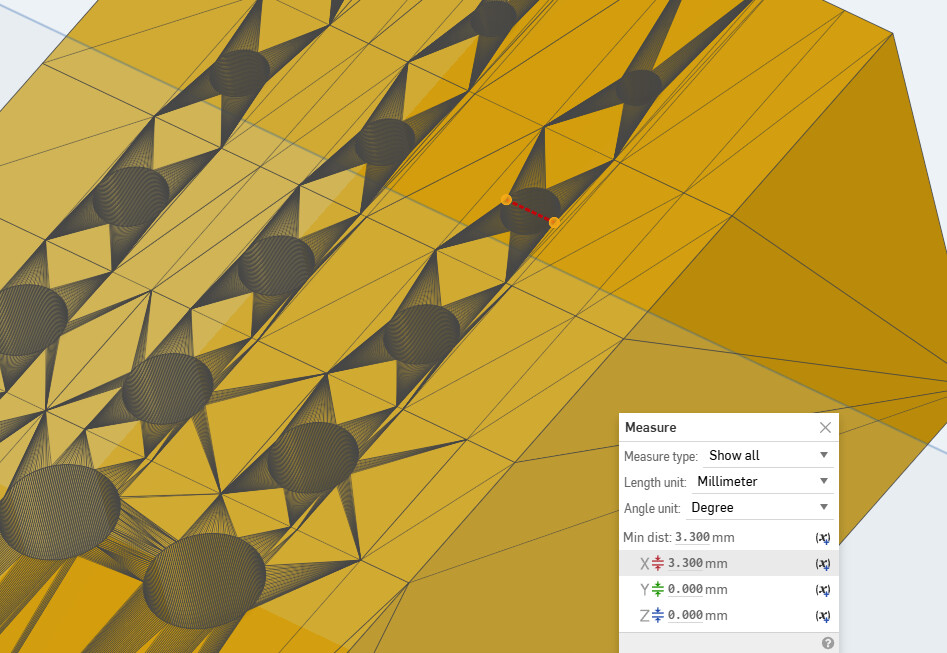
Turns out I’m just incredibly foolish.
Fixed in 90a9f21ab3135c4a3eff397b3d3a62d4987378aa
The fix will be out in the next 4.3.x release
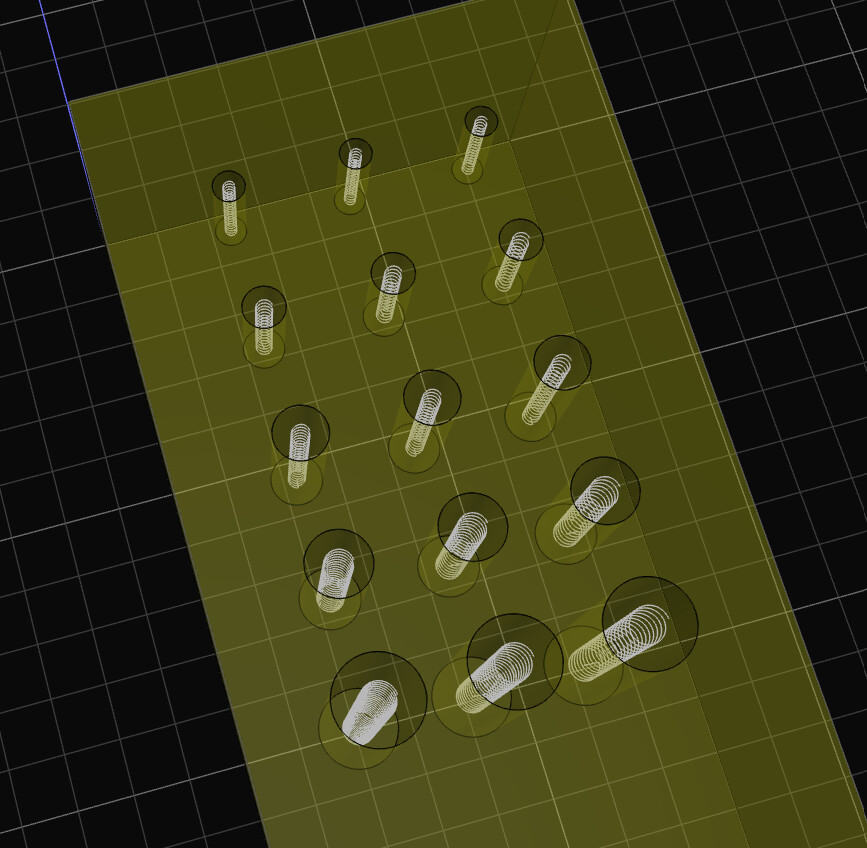
I’ve been thinking, the entry offset is a good idea to enter the stock more slowly, but milling the thread in 1 go I can certainly get away with that on sickablock, probably on aluminium, but I think parts of bits will be flying when I do this on brass or something harder.
Maybe it’s possible to add a “step down” but then to the radius?
Something like an option to mill in 3 passes and you enter the tooth width, where you set the radius -2/3 of tooth then radius -1/3 of tooth and then radius.
When I am milling aluminum with single flute endmill I had a .005-.010 in. (.127 mm- .254 mm) depth of cut….would think an option to set the number of passes or depth of cut is needed
For now, it’s possible to do this with the manual offset and multiple helical ops. I do think that this could be added eventually though. This is also quite different from a helical cut, so it might warrant separating the code to a different op entirely.
1 Like
I did a IRL milling with sickablock:
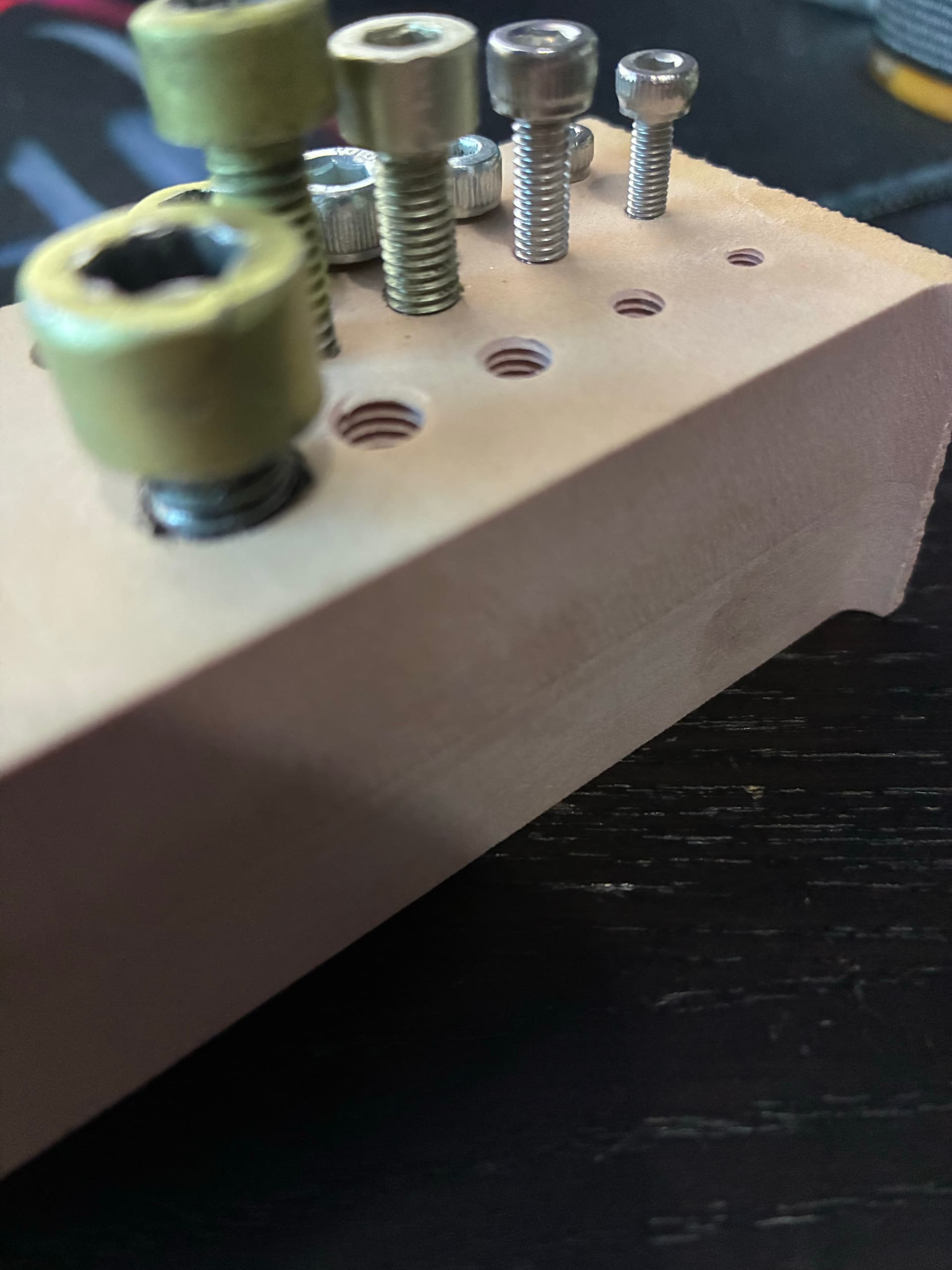
Everything went as expected, there is 1 issue though, by my mistake I drilled the M8 too deep also I created the tool with 25 mm in stead of the real 20 mm (that’s where I went wrong, I used that info to make the hole).
Resulting the bit dropping in too deep and hitting the sides of the hole with the shaft. luckily it’s sickablock and nothing bad happens.
I’ve changed the settings in the bit and sliced it again but it still drops down to 25, the hole depth, maybe you should prevent us from making this mistake to check if the bit is capable of that depth.
And maybe make a depth limit option or something, so I can set it manually to 20 even if the hole is 25 (I think you want the hole about 1 mm deeper than the thread anyway).
Otherwise though, pretty awesome!
4 Likes
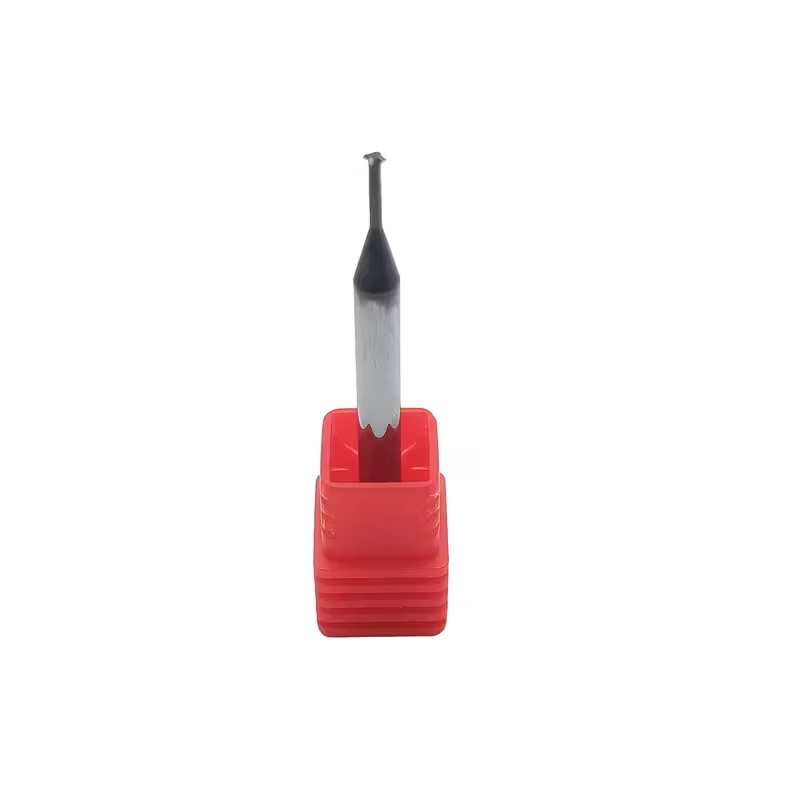
Could you please link to the tool that you are using for threadmilling?
I don’t have a specific link for you, but you can buy them everywhere they well CNC bits, they have 1 tooth but you get them for different sizes, like I have 1 for M3, M4, M5, M6 and M8
the thicker ones go deeper, but I think you can mill an M6 with M3 bit, only the depth is a problem.
They look like this (search for Thread milling CNC bit at your favorite shop):
2 Likes